
AXGate VPN: What It Is, How It Works, and How to Get Started
Learn what AXGate VPN does, where to find its client, and how to connect safely through your organization.
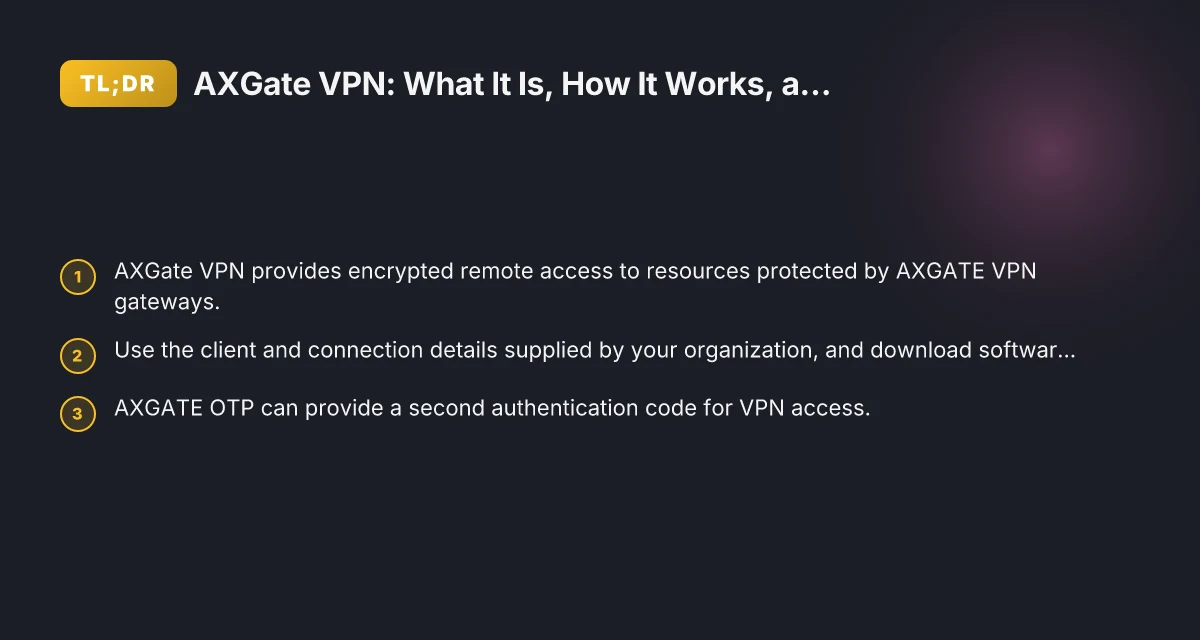
AXGate VPN is a remote-access solution that creates an encrypted connection between a user’s device and an AXGATE VPN gateway. It is intended to help authorized users reach protected organizational systems and information when they are away from the office. To connect, you generally need the appropriate AXGate VPN Client, gateway details, and login credentials provided by your organization.

Editor's pick: NordVPN — fast, secure VPN — Strong encryption, a no-logs policy and apps for every device. 30-day money-back guarantee. Get NordVPN →
AXGate VPN access options
| Option | What it is | Access method | What to check | Best suited for |
|---|---|---|---|---|
| AXGate VPN Client | VPN client software | Install the client | Use an authorized download source | Users connecting from a computer |
| AXGATE service portal | Related AXGATE service | Sign in through the service | Confirm your account has access | Users who need service information |
| OTP service | One-time password service | Use the OTP method provided | Check that OTP access is enabled | Users required to verify sign-in |
| Organization instructions | Setup guidance from your organization | Follow the supplied steps | Confirm the correct client and settings | First-time setup |
| Help desk support | Organization-provided assistance | Contact your support team | Provide the error message and device details | Users unable to connect |
Compiled November 2026; check the provider's site for current details.
| VPN | Obfuscation | From / month | Plan | Free plan | Refund | Alipay | UnionPay | Crypto | Website opens in China | Trustpilot | |
|---|---|---|---|---|---|---|---|---|---|---|---|
 ZoogVPN | Turn on manually Shadow | $2.49/mo | 27 months: $59.99 | Yes | 7 days | ✓ | ✓ | ✓ | ✓ | Official site blocked; our special link opens (4.4 s) | 4.2/5 (195 reviews) |
 NordVPN | Turn on manually Obfuscated Servers / NordWhisper | $3.49/mo | 27 months: $94.23 | No | 30 days | ? | ✗ | ✓ | ✓ | ✗ Blocked | 4.2/5 (51,628 reviews) |
 ExpressVPN | ✓ On by default all servers | $3.00/mo | 28 months: $84 | No | 30 days | ✗ | ✗ | ✓ | ✗ | ✗ Blocked | 4.4/5 (29,706 reviews) |
 Surfshark | ✓ On by default Camouflage, with OpenVPN | See site | See site | No | 30 days | ✗ | ✗ | ✗ | ✓ | ✗ Blocked | 4.3/5 (31,823 reviews) |
 Proton VPN | Turn on manually Stealth, free plan too | $2.99/mo | 12 months: $35.88 | Yes | 30 days | ✗ | ✗ | ✗ | ✓ | ✗ Blocked | 2.1/5 (1,040 reviews) |
 Astrill VPN | Turn on manually StealthVPN / OpenWeb | $12.50/mo | 24 months: $300 | No | See site | ✗ | ✗ | ✗ | ✓ | ✗ Blocked | 1.3/5 (110 reviews) |
 Private Internet Access | Turn on manually Shadowsocks, OpenVPN only | $2.03/mo | 40 months: $81.2 | No | 30 days | ✗ | ✗ | ✗ | ✗ | ✗ Blocked | 4.2/5 (11,033 reviews) |
 CyberGhost | Turn on manually selected servers | $2.19/mo | 28 months: $61.32 | No | 45 days | ✗ | ✗ | ✗ | ✓ | ✗ Blocked | 4.0/5 (24,178 reviews) |
 PureVPN | Turn on manually switch to OpenVPN | $1.69/mo | 60 months: $101.55 | No | 31 days | ? | ? | ✗ | ✓ | ✗ Blocked | 4.4/5 (17,994 reviews) |
 AdGuard VPN | ✓ On by default TrustTunnel | $2.99/mo | 24 months: $71.76 | Yes | 30 days | ✓ | ✗ | ✓ | ✓ | Official site blocked; our special link opens (3.7 s) | 4.3/5 (290 reviews) |
 Mullvad | Turn on manually QUIC / Shadowsocks / LWO | $5.61/mo | €5/mo | No | 14 days | ✗ | ✗ | ✗ | ✓ | ✗ Blocked | 3.2/5 (192 reviews) |
 Windscribe | Turn on manually Stealth / WStunnel | $5.75/mo | 12 months: $69 | Yes | See site | ✗ | ✗ | ✗ | ✓ | ✗ Blocked | 4.7/5 (13,355 reviews) |
 StrongVPN | Turn on manually Scramble, OpenVPN TCP | See site | See site | No | 30 days | ✓ | ✗ | ✗ | ✗ | ✗ Blocked | 4.4/5 (2,695 reviews) |
 LightXtreme 闪连 | Not listed | $7.08/mo | 12 months: $84.99 | Yes | 30 days | ✓ | ✓ | ✓ | ✓ | ✓ Yes (3.5 s) | No page |
Prices checked 2026-11-10 on each vendor's pricing page (cheapest long plan, USD). Check the vendor's checkout for the final price.
Obfuscation checked 2026-11-14 on each vendor's site and help center: "on by default" = nothing to set; "turn on manually" = switch protocol or mode in settings; "not listed" = the vendor describes no obfuscation.
Payment methods checked 2026-11-10 on each vendor's payment pages: all 14 take cards and PayPal; ✗ = not listed, ? = the vendor's own pages disagree.
China access: whether the official website opens from mainland China networks (tests the website only, not the VPN connection). Last checked 2026-11-18 01:02 Beijing time.
Trustpilot score and review count checked 2026-11-10.
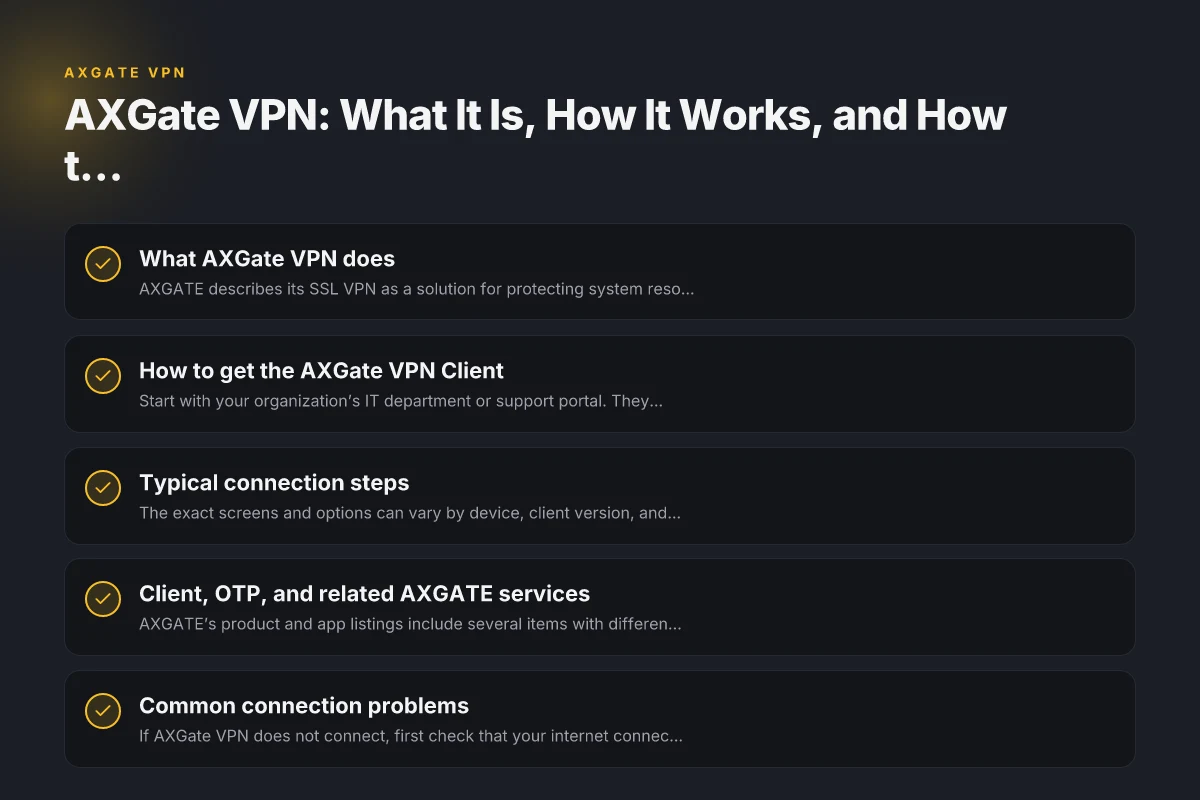
What AXGate VPN does
AXGATE describes its SSL VPN as a solution for protecting system resources and information assets through user authentication. In practical terms, the VPN acts as a secure route into resources that an organization has made available to remote users.
A VPN connection can help protect traffic between the device and the gateway, but it does not automatically grant access to every company system. Access depends on your organization’s configuration, your account permissions, and any additional security checks.
AXGATE products also cover broader network-security functions. For example, AXGate next-generation firewall offerings include VPN alongside application-aware security and other inspection capabilities. These features relate to the wider security platform, while the VPN client is the tool a user may install to connect.
How to get the AXGate VPN Client
Start with your organization’s IT department or support portal. They can confirm which client version and platform are approved, provide the correct gateway address, and share any required setup instructions. Fortin VPN: What It Is and How to Use FortiClient VPN
AXGATE VPN Client listings are available for some platforms, including an Apple App Store listing for Mac. Search results also show third-party software-directory listings. Because VPN software handles sensitive traffic and credentials, do not treat an unfamiliar download site as an official source. Follow your organization’s instructions or use a verified app store or download link supplied by AXGATE or your IT administrator.
Before installing, confirm:
- The client is intended for your operating system.
- The publisher and application name match the instructions you received.
- Your device meets your organization’s security requirements.
- You know how to contact support if installation or sign-in fails.
Typical connection steps and checks
| Step | Action | What to verify | If it does not work |
|---|---|---|---|
| 1 | Get the AXGate VPN Client | Download source is authorized | Ask your organization for the correct source |
| 2 | Install the client | Installation completes | Check device permissions or contact support |
| 3 | Open the client | Client launches successfully | Restart the client and check for an error |
| 4 | Enter connection details | Details match your organization’s instructions | Recheck the supplied settings |
| 5 | Sign in | Account credentials are accepted | Confirm the account and password |
| 6 | Complete OTP verification | OTP method is available and accepted | Check OTP access and try the current code |
| 7 | Connect to VPN | Client reports a connection | Review the error or contact support |
| 8 | Confirm access | Required network resources are reachable | Check that the connection is active |
Compiled November 2026; check the provider's site for current details. Urban VPN Proxy Edge: What It Is and How to Use It Safely
Typical connection steps
The exact screens and options can vary by device, client version, and organization settings. In general, the process looks like this:
- Install the approved AXGate VPN Client.
- Open the client and enter the gateway address or connection profile supplied by IT.
- Sign in with your authorized account.
- Complete any additional verification step, such as entering a one-time code.
- Confirm that the client reports a successful connection before opening protected resources.
- Disconnect when you have finished using the VPN, following your organization’s guidance.
Do not guess the gateway address or reuse credentials from another service. If you are unsure whether a connection prompt is legitimate, stop and verify it with your IT team.
Client, OTP, and related AXGATE services
AXGATE’s product and app listings include several items with different roles. The VPN client establishes the connection. An OTP app can support an additional authentication step. And firewall or cloud services provide broader network-security capabilities.
| Item | Main role | What a user may need it for |
|---|---|---|
| AXGate VPN Client | Connects a device to an AXGATE VPN gateway | Establishing remote VPN access |
| AXGATE OTP | Generates a second authentication code for VPN access | Completing a multi-step sign-in, when required |
| AXGate firewall or cloud security products | Provide network-security capabilities that can include VPN | Protecting or managing an organization’s network |
Availability and setup requirements depend on the organization and platform. The existence of an app or product listing does not mean it is required for every AXGate VPN connection. Check your organization’s instructions before installing additional software. EqualVPN Review: What It Offers and Who It May Suit
Common connection problems and next steps
| Problem | Likely area to check | First step | Escalate when |
|---|---|---|---|
| Client will not install | Download source or device permissions | Use the authorized download source | Installation still fails |
| Client will not open | Installation or device state | Restart the client | The client continues to fail |
| Sign-in is rejected | Account credentials | Recheck the credentials | Correct details are still rejected |
| OTP is unavailable | OTP setup or access | Confirm OTP is enabled for your account | You cannot access the OTP method |
| Connection details are unclear | Organization setup instructions | Request the correct settings | Instructions remain incomplete |
| VPN connection fails | Client settings or network | Recheck the supplied settings | The client still reports an error |
| Connected but resources are unavailable | VPN access or resource permissions | Confirm the VPN connection is active | Required resources remain unreachable |
Compiled November 2026; check the provider's site for current details.
Common connection problems
If AXGate VPN does not connect, first check that your internet connection is working and that you entered the gateway information exactly as provided. Confirm that your password is current and that you have completed any OTP or other verification request.
Other useful checks include: Urban VPN Proxy Extension: Features, Benefits, and Risks
- Restarting the client and trying again.
- Checking whether your device’s date and time are set correctly.
- Installing updates only through an approved source.
- Looking for an organization notice about maintenance or access changes.
- Recording the exact error message before contacting support.
Avoid repeatedly guessing passwords or changing security settings. An account may be locked after failed attempts, and an administrator may need to review gateway or permission settings.
Recommendation
AXGate VPN is best approached as an organization-managed secure-access service, not a standalone app that can be configured without guidance. Ask your IT team for the approved client, gateway details, sign-in method, and troubleshooting steps. Download the software from a trusted source, use AXGATE OTP only if your organization requires it, and disconnect when remote access is no longer needed.