Best Free Edge VPN Extension for UK Users: What to Choose in 2026
Compare free VPN extensions for Microsoft Edge, including limits, privacy checks, and how to choose safely in the UK.


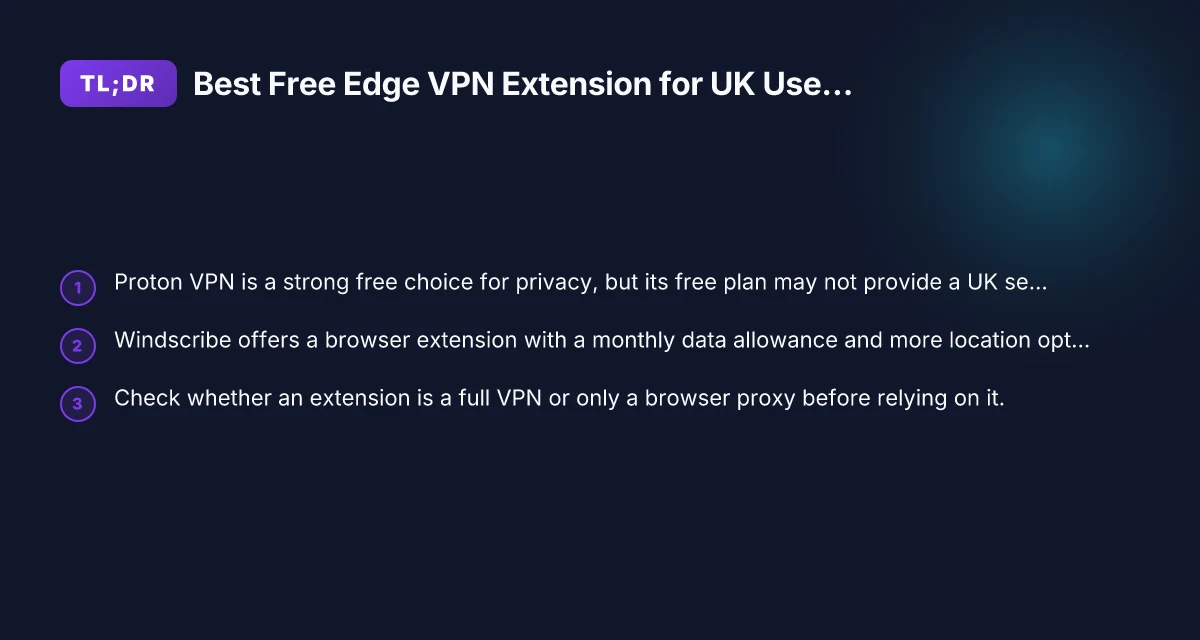
If you’re looking for the best free Edge VPN extension for the UK, Windscribe is a practical choice when you want a browser add-on with a free data allowance and access to multiple locations. For privacy-focused protection across your whole device, consider Proton VPN’s free app instead, but check its current server locations, as a UK connection may not be included on the free plan. Free-plan features can change, so confirm the details before installing.
A key distinction matters: many “VPN extensions” protect only browser traffic and may operate as proxies, while a VPN app can cover traffic from other apps too. Choose based on what you need to protect, not just the word “VPN” in the store listing.
| VPN | Obfuscation | From / month | Plan | Free plan | Refund | Alipay | UnionPay | Crypto | Website opens in China | Trustpilot | |
|---|---|---|---|---|---|---|---|---|---|---|---|
 Windscribe | Turn on manually Stealth / WStunnel | $5.75/mo | 12 months: $69 | Yes | See site | ✗ | ✗ | ✗ | ✓ | ✗ Blocked | 4.7/5 (13,355 reviews) |
 Proton VPN | Turn on manually Stealth, free plan too | $2.99/mo | 12 months: $35.88 | Yes | 30 days | ✗ | ✗ | ✗ | ✓ | ✗ Blocked | 2.1/5 (1,040 reviews) |
 ZoogVPN | Turn on manually Shadow | $2.49/mo | 27 months: $59.99 | Yes | 7 days | ✓ | ✓ | ✓ | ✓ | Official site blocked; our special link opens (4.4 s) | 4.2/5 (195 reviews) |
 NordVPN | Turn on manually Obfuscated Servers / NordWhisper | $3.49/mo | 27 months: $94.23 | No | 30 days | ? | ✗ | ✓ | ✓ | ✗ Blocked | 4.2/5 (51,628 reviews) |
 ExpressVPN | ✓ On by default all servers | $3.00/mo | 28 months: $84 | No | 30 days | ✗ | ✗ | ✓ | ✗ | ✗ Blocked | 4.4/5 (29,706 reviews) |
 Surfshark | ✓ On by default Camouflage, with OpenVPN | See site | See site | No | 30 days | ✗ | ✗ | ✗ | ✓ | ✗ Blocked | 4.3/5 (31,823 reviews) |
 Astrill VPN | Turn on manually StealthVPN / OpenWeb | $12.50/mo | 24 months: $300 | No | See site | ✗ | ✗ | ✗ | ✓ | ✗ Blocked | 1.3/5 (110 reviews) |
 Private Internet Access | Turn on manually Shadowsocks, OpenVPN only | $2.03/mo | 40 months: $81.2 | No | 30 days | ✗ | ✗ | ✗ | ✗ | ✗ Blocked | 4.2/5 (11,033 reviews) |
 CyberGhost | Turn on manually selected servers | $2.19/mo | 28 months: $61.32 | No | 45 days | ✗ | ✗ | ✗ | ✓ | ✗ Blocked | 4.0/5 (24,178 reviews) |
 PureVPN | Turn on manually switch to OpenVPN | $1.69/mo | 60 months: $101.55 | No | 31 days | ? | ? | ✗ | ✓ | ✗ Blocked | 4.4/5 (17,994 reviews) |
 AdGuard VPN | ✓ On by default TrustTunnel | $2.99/mo | 24 months: $71.76 | Yes | 30 days | ✓ | ✗ | ✓ | ✓ | Official site blocked; our special link opens (3.7 s) | 4.3/5 (290 reviews) |
 Mullvad | Turn on manually QUIC / Shadowsocks / LWO | $5.61/mo | €5/mo | No | 14 days | ✗ | ✗ | ✗ | ✓ | ✗ Blocked | 3.2/5 (192 reviews) |
 StrongVPN | Turn on manually Scramble, OpenVPN TCP | See site | See site | No | 30 days | ✓ | ✗ | ✗ | ✗ | ✗ Blocked | 4.4/5 (2,695 reviews) |
 LightXtreme 闪连 | Not listed | $7.08/mo | 12 months: $84.99 | Yes | 30 days | ✓ | ✓ | ✓ | ✓ | ✓ Yes (3.5 s) | No page |
Prices checked 2026-11-10 on each vendor's pricing page (cheapest long plan, USD). Check the vendor's checkout for the final price.
Obfuscation checked 2026-11-14 on each vendor's site and help center: "on by default" = nothing to set; "turn on manually" = switch protocol or mode in settings; "not listed" = the vendor describes no obfuscation.
Payment methods checked 2026-11-10 on each vendor's payment pages: all 14 take cards and PayPal; ✗ = not listed, ? = the vendor's own pages disagree.
China access: whether the official website opens from mainland China networks (tests the website only, not the VPN connection). Last checked 2026-11-18 01:02 Beijing time.
Trustpilot score and review count checked 2026-11-10.

Editor's pick: NordVPN — fast, secure VPN — Strong encryption, a no-logs policy and apps for every device. 30-day money-back guarantee. Get NordVPN →
Compare free VPN options for Microsoft Edge
| Option | Best for | Edge support | Free-plan limits | UK considerations |
|---|---|---|---|---|
| Browser VPN extension | Browser-only protection | Edge add-on | May limit data or locations | Check UK availability |
| Full VPN app | Device-wide protection | Works alongside Edge | May limit data or features | Check UK server access |
| Free tier of a VPN service | Trying a provider | May include an Edge extension | Terms vary by provider | Review privacy terms |
| Paid VPN trial | Short-term testing | Depends on provider | Trial period or conditions apply | Check renewal terms |
| Built-in browser privacy tools | Basic privacy settings | Included in Edge | Not a VPN | Does not change apparent location |
| Proxy extension | Basic browser routing | May support Edge | Privacy and security vary | Verify what traffic is covered |
Compiled November 2026; check the provider's site for current details.
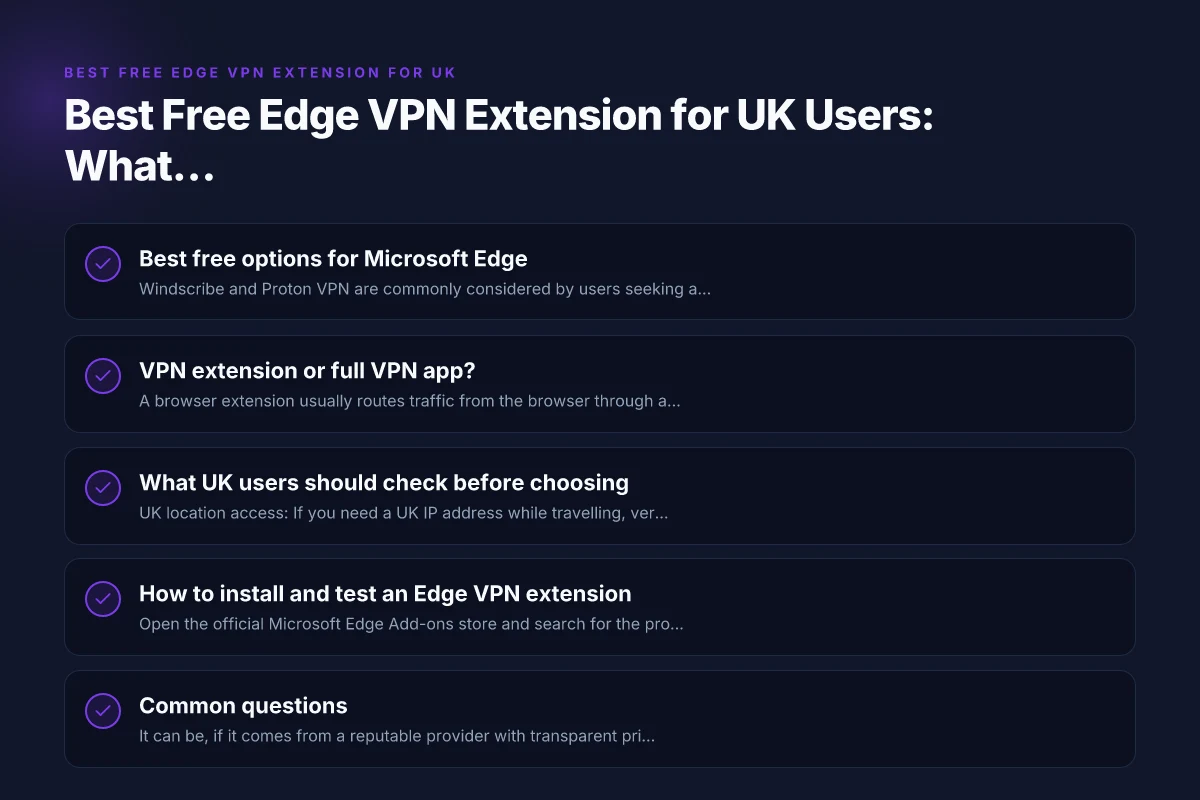
Best free options for Microsoft Edge
Windscribe and Proton VPN are commonly considered by users seeking a no-cost starting point. Their free offerings work differently, so the best choice depends on whether you value browser convenience, a UK exit location, or device-wide coverage.
| Option | What it’s best for | Important limitation |
|---|---|---|
| Windscribe Edge extension | Browser-based protection and location selection | Free usage is subject to a data allowance and plan restrictions |
| Proton VPN free app | Device-wide VPN protection and a privacy-focused service | Free locations and features may not include a UK server |
| Microsoft Edge Secure Network | Simple, built-in protection for some browsing activity | Availability, data limits, and location controls may not suit VPN needs |
Windscribe’s Edge add-on is a useful place to start if you specifically want an extension. Review its current free data allowance, available locations, and account requirements. These can change over time.
Proton VPN is worth considering if you want a full VPN app rather than an extension. Its free plan may offer unlimited data, but that does not mean unlimited access to every country or feature. Check the plan’s current server list if you need a UK IP address.
Edge Secure Network is a separate built-in feature, not a substitute for every commercial VPN. Its availability and capabilities can vary by region and account, so check Microsoft’s current information before relying on it. Best VPN for Edge Free: Safe Options for Microsoft Edge
VPN extension or full VPN app?
A browser extension usually routes traffic from the browser through a service provider. Depending on how it works, it may be a proxy rather than a full VPN tunnel. That can be sufficient for some browser-only tasks, but it may leave other device traffic outside the connection.
A full VPN app generally creates an encrypted tunnel for traffic across the device, subject to the app’s settings and operating system. This is often the better fit when you want protection in multiple browsers or apps.
Before installing an extension, look for clear answers to these questions:
- Does it protect only Edge, or all device traffic?
- Is the connection a VPN tunnel or a browser proxy?
- Does the free plan include a UK server?
- What is the data allowance?
- Does the service explain its logging and privacy practices?
- Is there a kill switch, and does it apply to the extension or only the app?
A VPN does not make you anonymous. Websites can still identify you through account sign-ins, cookies, browser fingerprinting, or other tracking methods. Best Free VPN Microsoft Edge: Top Choices and How to Choose
VPN extension or full VPN app?
| Comparison point | Edge VPN extension | Full VPN app |
|---|---|---|
| Traffic covered | Usually browser traffic | Can cover device traffic |
| Setup | Installed in Edge | Installed on the device |
| Other apps protected | Usually no | Usually yes |
| Browser-specific controls | Often available | May be less browser-focused |
| Device-wide settings | Limited | Usually available |
| Free-plan limits | Provider-dependent | Provider-dependent |
| UK location choices | Check provider’s offer | Check provider’s offer |
Compiled November 2026; check the provider's site for current details.
What UK users should check before choosing
UK location access: If you need a UK IP address while travelling, verify that the free plan actually offers a UK server. A provider’s paid plan may include locations that are unavailable to free users.
Data limits: Free extensions often cap monthly usage or restrict certain features. Streaming video and large downloads can use data quickly, so a free plan may be better suited to occasional browsing than constant use. VPN Extensions for Edge: How to Choose and Use One
Speed and congestion: Free servers can become busy. Expect performance to vary by time, location, and network. Test the extension with ordinary browsing before depending on it for a video call or other demanding task.
Privacy and permissions: Install extensions only from the official Microsoft Edge Add-ons store or the provider’s official website. Read the requested permissions and privacy policy. Be cautious if the publisher is unclear, the policy is vague, or the extension asks for access that seems unrelated to its function.
Streaming and service rules: A VPN may not reliably unblock streaming platforms, and services can change their detection methods. Follow the platform’s terms and local laws. Don’t assume a free extension guarantees access to a particular catalogue.
How to install and test an Edge VPN extension
- Open the official Microsoft Edge Add-ons store and search for the provider’s extension.
- Check the publisher name, reviews, update history, permissions, and privacy information.
- Confirm the current free-plan limits and whether a UK location is available.
- Install the extension, sign in if required, and connect to a server.
- Check your apparent IP location using a reputable IP-checking service.
- Test a few websites and confirm that the extension reconnects as expected after Edge restarts.
Avoid running several VPN or proxy extensions at once. They can conflict, slow browsing, or make it difficult to tell which service is handling your traffic. Extensions VPN for Edge: How to Choose and Use One
If you need protection beyond Edge, install and configure the provider’s full VPN app instead of assuming the extension covers your whole device. For sensitive activity, also keep Edge and your operating system updated and use secure, unique passwords.
Common questions
Is a free Edge VPN extension safe?
It can be, if it comes from a reputable provider with transparent privacy information and a clear business model. “Free” does not automatically mean unsafe, but it also does not guarantee strong privacy. Avoid unknown extensions that make sweeping promises or provide little information about how they handle data.
Can a free extension give me a UK IP address?
Some may, but availability depends on the provider and free-plan rules. Check the server list in the extension or on the provider’s official site before installing. Server access can change.
Will it protect everything I do on my computer?
Not necessarily. An Edge extension generally focuses on browser traffic. For system-wide coverage, use a full VPN application and check that it is connected. Free Edge VPN Extension: What It Does and How to Choose One
What to check before choosing and testing an Edge VPN
| Check | What to look for | How to test |
|---|---|---|
| Edge compatibility | Listed for Microsoft Edge | Install from a trusted source |
| Free-plan terms | Data, locations, and feature limits | Review the provider’s plan details |
| Privacy policy | Clear data collection and retention terms | Read the policy before connecting |
| UK access | UK servers or locations if needed | Connect and check the displayed location |
| Connection behavior | Clear connect and disconnect controls | Test both states in Edge |
| Coverage | Whether only browser traffic is routed | Compare extension claims with app coverage |
| Permissions | Access appropriate to the extension’s function | Review requested permissions |
| Renewal or upgrade terms | Any trial or paid-plan conditions | Check before starting a trial |
Compiled November 2026; check the provider's site for current details.
Recommendation
For a free Edge extension, start by checking Windscribe’s current free allowance, UK server availability, and privacy terms. If you want broader device protection, Proton VPN’s free app is a strong alternative, but verify that its free locations meet your needs. In either case, choose a provider with transparent policies and treat free plans as limited, not as a guarantee of anonymity or uninterrupted UK access.