
Best VPN Extensions for Edge: Top Picks for Privacy, Speed, and Streaming
Compare the best VPN extensions for Edge and learn which option fits streaming, privacy, travel, and everyday browsing.


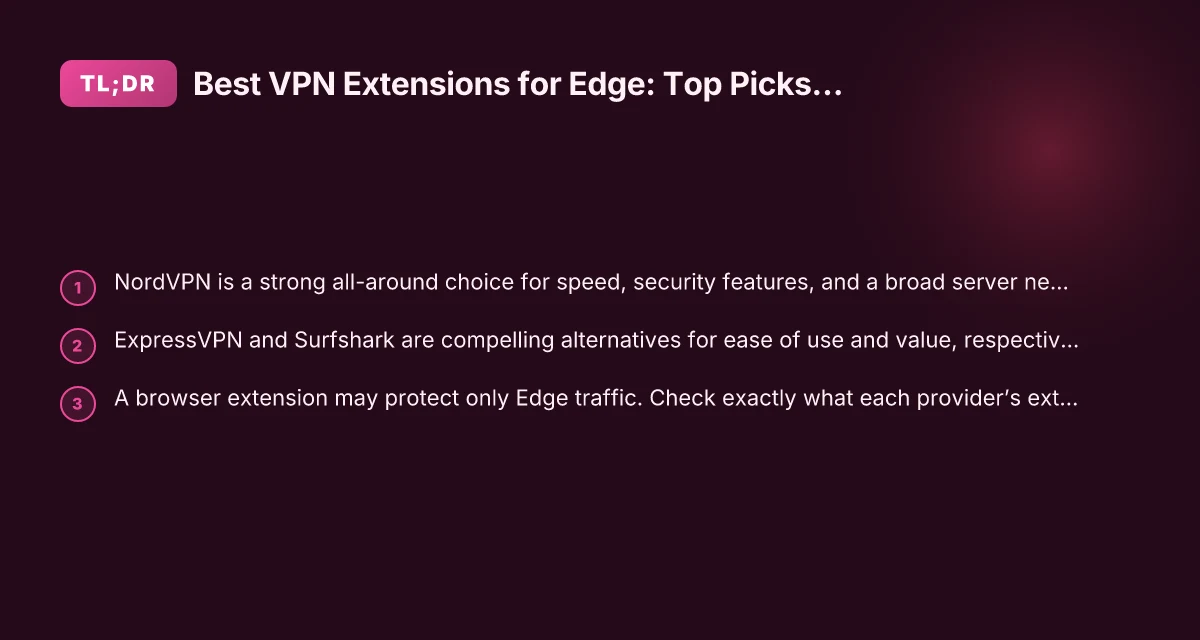
The best VPN extensions for Edge are NordVPN for an all-around balance, ExpressVPN for a polished, simple experience, and Surfshark for value and flexible connections. Proton VPN is also worth considering if privacy is your priority. The right choice depends on whether you want to secure browser traffic, access your usual services while traveling, or protect every app on your device.
Before choosing, note that a VPN extension is not always the same as a full VPN app. Some extensions control a VPN connection that encrypts traffic across your device, while others act as browser-only proxies. Check the provider’s documentation to confirm what is covered.
| VPN | Obfuscation | From / month | Plan | Free plan | Refund | Alipay | UnionPay | Crypto | Website opens in China | Trustpilot | |
|---|---|---|---|---|---|---|---|---|---|---|---|
 NordVPN | Turn on manually Obfuscated Servers / NordWhisper | $3.49/mo | 27 months: $94.23 | No | 30 days | ? | ✗ | ✓ | ✓ | ✗ Blocked | 4.2/5 (51,628 reviews) |
 ExpressVPN | ✓ On by default all servers | $3.00/mo | 28 months: $84 | No | 30 days | ✗ | ✗ | ✓ | ✗ | ✗ Blocked | 4.4/5 (29,706 reviews) |
 Surfshark | ✓ On by default Camouflage, with OpenVPN | See site | See site | No | 30 days | ✗ | ✗ | ✗ | ✓ | ✗ Blocked | 4.3/5 (31,823 reviews) |
 Proton VPN | Turn on manually Stealth, free plan too | $2.99/mo | 12 months: $35.88 | Yes | 30 days | ✗ | ✗ | ✗ | ✓ | ✗ Blocked | 2.1/5 (1,040 reviews) |
 Private Internet Access | Turn on manually Shadowsocks, OpenVPN only | $2.03/mo | 40 months: $81.2 | No | 30 days | ✗ | ✗ | ✗ | ✗ | ✗ Blocked | 4.2/5 (11,033 reviews) |
 ZoogVPN | Turn on manually Shadow | $2.49/mo | 27 months: $59.99 | Yes | 7 days | ✓ | ✓ | ✓ | ✓ | Official site blocked; our special link opens (4.4 s) | 4.2/5 (195 reviews) |
 Astrill VPN | Turn on manually StealthVPN / OpenWeb | $12.50/mo | 24 months: $300 | No | See site | ✗ | ✗ | ✗ | ✓ | ✗ Blocked | 1.3/5 (110 reviews) |
 CyberGhost | Turn on manually selected servers | $2.19/mo | 28 months: $61.32 | No | 45 days | ✗ | ✗ | ✗ | ✓ | ✗ Blocked | 4.0/5 (24,178 reviews) |
 PureVPN | Turn on manually switch to OpenVPN | $1.69/mo | 60 months: $101.55 | No | 31 days | ? | ? | ✗ | ✓ | ✗ Blocked | 4.4/5 (17,994 reviews) |
 AdGuard VPN | ✓ On by default TrustTunnel | $2.99/mo | 24 months: $71.76 | Yes | 30 days | ✓ | ✗ | ✓ | ✓ | Official site blocked; our special link opens (3.7 s) | 4.3/5 (290 reviews) |
 Mullvad | Turn on manually QUIC / Shadowsocks / LWO | $5.61/mo | €5/mo | No | 14 days | ✗ | ✗ | ✗ | ✓ | ✗ Blocked | 3.2/5 (192 reviews) |
 Windscribe | Turn on manually Stealth / WStunnel | $5.75/mo | 12 months: $69 | Yes | See site | ✗ | ✗ | ✗ | ✓ | ✗ Blocked | 4.7/5 (13,355 reviews) |
 StrongVPN | Turn on manually Scramble, OpenVPN TCP | See site | See site | No | 30 days | ✓ | ✗ | ✗ | ✗ | ✗ Blocked | 4.4/5 (2,695 reviews) |
 LightXtreme 闪连 | Not listed | $7.08/mo | 12 months: $84.99 | Yes | 30 days | ✓ | ✓ | ✓ | ✓ | ✓ Yes (3.5 s) | No page |
Prices checked 2026-11-10 on each vendor's pricing page (cheapest long plan, USD). Check the vendor's checkout for the final price.
Obfuscation checked 2026-11-14 on each vendor's site and help center: "on by default" = nothing to set; "turn on manually" = switch protocol or mode in settings; "not listed" = the vendor describes no obfuscation.
Payment methods checked 2026-11-10 on each vendor's payment pages: all 14 take cards and PayPal; ✗ = not listed, ? = the vendor's own pages disagree.
China access: whether the official website opens from mainland China networks (tests the website only, not the VPN connection). Last checked 2026-11-18 01:02 Beijing time.
Trustpilot score and review count checked 2026-11-10.

Editor's pick: NordVPN — fast, secure VPN — Strong encryption, a no-logs policy and apps for every device. 30-day money-back guarantee. Get NordVPN →
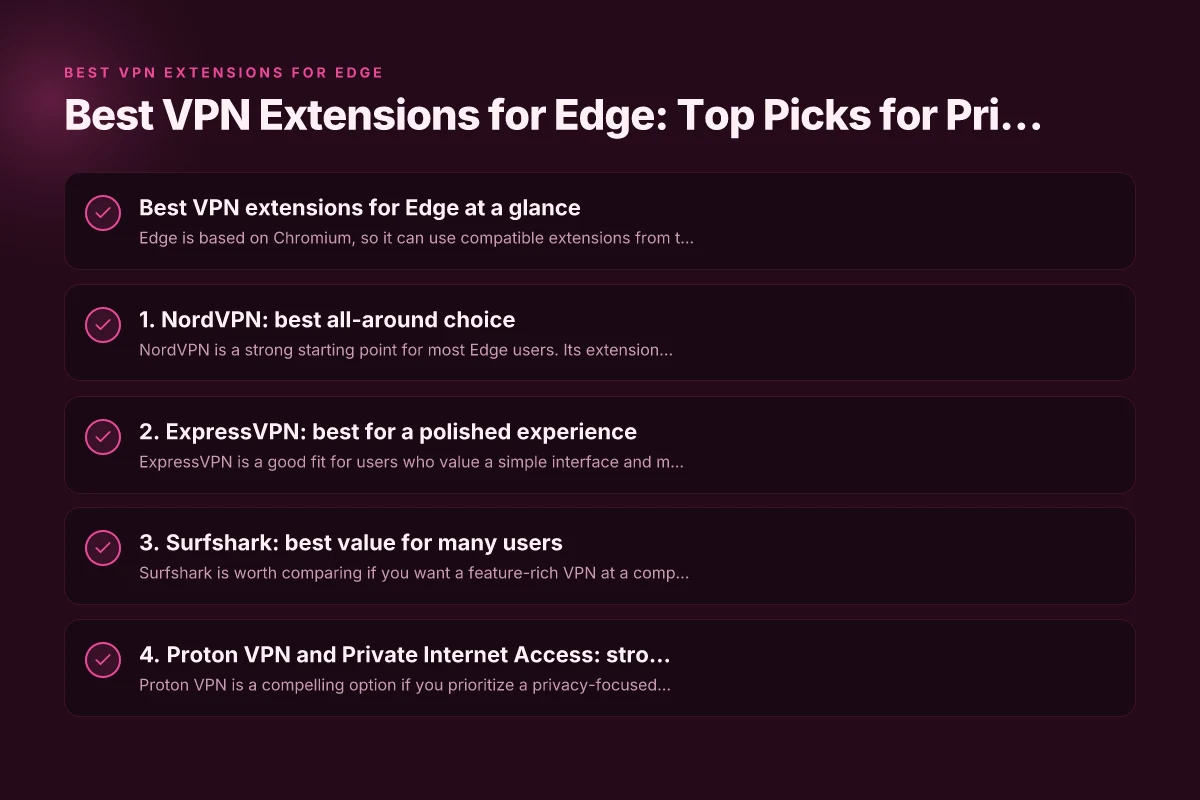
Best VPN extensions for Edge at a glance
| VPN | Edge extension | Best for | Privacy approach | Streaming | Main trade-off |
|---|---|---|---|---|---|
| NordVPN | Yes | All-around use | Encrypted VPN connection | Supported | Some features require the app |
| ExpressVPN | Yes | Polished experience | Encrypted VPN connection | Supported | Higher-priced option |
| Surfshark | Yes | Value | Encrypted VPN connection | Supported | Feature availability can vary |
| Proton VPN | Yes | Privacy-focused use | Privacy-focused service | Supported | Check extension features |
| Private Internet Access | Yes | Customization | Encrypted VPN connection | Supported | Settings may take more time |
Compiled November 2026; check the provider's site for current details.
Best VPN extensions for Edge at a glance
Edge is based on Chromium, so it can use compatible extensions from the Microsoft Edge Add-ons store and, when permitted, the Chrome Web Store. Availability and features can vary by region, subscription, and extension version.
| Provider | Best for | Key strengths | Considerations |
|---|---|---|---|
| NordVPN | All-around use | Easy controls, broad server network, useful security options | Some features require the desktop app or an eligible plan |
| ExpressVPN | Simplicity | Clean interface and straightforward location selection | Typically costs more than budget alternatives |
| Surfshark | Value | Competitive plans and many practical privacy features | Check which features are available in the Edge extension |
| Proton VPN | Privacy-focused browsing | Strong privacy reputation and clear security-oriented positioning | Server and feature access depends on the plan |
| Private Internet Access | Advanced controls | Extensive settings and a large server network | The interface can feel less streamlined for beginners |
This is a shortlist, not a guarantee that every feature works identically in Edge. Review current plan details and test the extension with your usual websites before relying on it.
1. NordVPN: best all-around choice
NordVPN is a strong starting point for most Edge users. Its extension is designed to make connecting and changing locations simple, while the wider service offers a large network of servers and additional security features. That combination suits people who want a straightforward browser tool without giving up access to a full VPN app.
The key detail is coverage. Depending on how you set it up, the extension may route browser traffic differently from the desktop app. If your goal is to protect email, games, or other apps outside Edge, install and use the desktop application rather than assuming the extension covers the whole device. VPN Microsoft Edge: How to Turn It On and Choose the Right Option
Choose NordVPN if you want an easy-to-use option for everyday browsing, travel, and occasional streaming. Compare current subscription terms, renewal pricing, and any feature limitations before signing up.
How to choose an Edge VPN extension
| Decision factor | What to look for | Why it matters | Question to ask |
|---|---|---|---|
| Browser support | A dedicated Edge extension | Easier browser setup | Is it available for Edge? |
| Protection scope | Extension or full-device VPN | Determines what traffic is covered | Does it protect only browser traffic? |
| Privacy | Clear privacy practices | Helps assess data handling | What information is collected? |
| Speed | Stable performance | Reduces slowdowns | Does browsing feel responsive? |
| Streaming | Access to desired services | Availability can vary | Does it work with your services? |
| Usability | Simple controls and setup | Makes daily use easier | Can you connect quickly? |
| Value | Features that fit your needs | Avoids paying for extras | Are key features included? |
Compiled November 2026; check the provider's site for current details.
2. ExpressVPN: best for a polished experience
ExpressVPN is a good fit for users who value a simple interface and minimal setup. Its Edge extension is intended to work alongside the provider’s desktop application, so it can offer browser controls while relying on the app for the underlying VPN connection. Confirm the current setup requirements before installing. FortiClient IPsec VPN: Setup, Configuration, and Troubleshooting
This browser-and-app approach can be useful if you want to manage the connection from Edge while protecting more than just browser traffic. It also means the extension may not work as a standalone product in the way a basic proxy extension might.
ExpressVPN is generally positioned as a premium service, so it may not be the best choice for shoppers focused mainly on price. It makes more sense if convenience, consistent apps, and straightforward location switching matter more than finding the lowest-cost plan.
3. Surfshark: best value for many users
Surfshark is worth comparing if you want a feature-rich VPN at a competitive price. Its service is designed for use across multiple devices, and the extension provides a browser-focused way to connect and manage locations. Check the current plan terms to understand supported devices and what the Edge add-on includes.
A lower price does not automatically make a VPN the right choice. Look at the renewal rate, refund terms, supported protocols in the main app, and whether the extension protects only browser traffic. If you need whole-device coverage, use the desktop app or verify that the extension’s connection method provides it. Hkmc rndvpn hyundai net: Access, Purpose, and Troubleshooting
Surfshark can suit households or individuals who want to use a VPN on several devices without paying for a premium-priced service. As with any provider, test the sites and services you rely on during the trial or refund period.
4. Proton VPN and Private Internet Access: strong alternatives
Proton VPN for privacy-minded users
Proton VPN is a compelling option if you prioritize a privacy-focused provider and want a clear distinction between free and paid features. Check whether the Edge extension supports the locations and capabilities you need. Free tiers commonly have more limits than paid plans.
A reputable provider should explain its privacy practices clearly. Review its logging policy, independent audits where available, and the terms that apply to your account. No VPN can make you completely anonymous, and it cannot prevent tracking through cookies, account logins, or browser fingerprinting by itself.
Private Internet Access for customization
Private Internet Access may appeal to people who prefer more control over settings. Its wider VPN service offers a range of configuration options, though a more detailed interface can take longer to learn. BIG-IP Edge Client VPN: What It Is and How to Connect
For Edge, focus on whether the extension provides the controls you actually need. Avoid enabling unfamiliar features simply because they are available. Read the provider’s explanations and test for compatibility with important sites.
How to choose an Edge VPN extension
Start by deciding what you want to protect:
- Only Edge browsing: A browser-level extension may be enough if you understand its limits.
- All internet traffic on your device: Use a full VPN application, or verify that the extension controls a system-wide connection.
- A specific location for travel or streaming: Check the provider’s current server availability and the service’s rules. Access to a particular platform is not guaranteed.
- Privacy on public Wi-Fi: Use a trusted VPN, keep Edge updated, and avoid entering sensitive details on sites that do not use HTTPS.
Also assess the provider’s privacy policy, security history, pricing after introductory offers, and customer support. Prefer services with transparent ownership and independently reviewed security or privacy claims. A VPN changes how your internet traffic is routed, but the VPN provider may still be able to see some connection information, so choosing a trustworthy company matters.
Install extensions only from an official store or the provider’s verified website. Check the publisher name and requested permissions, and remove extensions you no longer use. Be cautious of unknown “free VPN” add-ons: some may collect data, inject ads, or offer unclear protection. IPVanish Login: How to Sign In and Fix Common Problems
Edge VPN installation and testing checklist
| Step | Action | What to check | Good sign |
|---|---|---|---|
| 1 | Choose a VPN provider | Edge extension availability | Official extension is offered |
| 2 | Install from the official source | Publisher and permissions | Provider name matches |
| 3 | Sign in and connect | Connection status | Extension shows connected |
| 4 | Check your apparent location | Location has changed | It reflects the selected server |
| 5 | Test everyday browsing | Page loading and stability | Sites load normally |
| 6 | Test streaming | Desired service access | Playback works as expected |
| 7 | Review protection scope | Browser versus device coverage | You understand what is protected |
| 8 | Disconnect and reconnect | Connection behavior | Status updates reliably |
Compiled November 2026; check the provider's site for current details.
How to install and test a VPN in Edge
Open the Microsoft Edge Add-ons store and search for the provider’s official extension. If it is not listed, check the provider’s verified instructions; Edge can support compatible Chrome Web Store extensions, but only install from a source you trust. Sign in, connect to a location, and review the extension’s settings.
Then check how it behaves: Free VPN: What to Know Before You Choose One
- Confirm whether the extension requires the provider’s desktop app.
- Visit a reputable IP-checking site to see whether your apparent location changes.
- Test sites you use regularly, including video calls, banking, and streaming.
- Disconnect the VPN and confirm that access returns to normal.
- Review any kill switch or leak-protection settings in the desktop app if you need broader coverage.
A location check is a useful basic test, not a complete security audit. If you handle sensitive work, follow your organization’s security guidance as well.
Final recommendation
For most people, NordVPN is the best VPN extension for Edge to try first because it balances ease of use, security options, and a broad network. Choose ExpressVPN if you prefer a polished, simple setup, or Surfshark if price and multi-device use are your main priorities. Consider Proton VPN for a privacy-focused alternative and Private Internet Access if you want more configuration options. In every case, verify whether the extension protects Edge alone or your entire device before relying on it.