Fortinet VPN Download Japan: Official FortiClient Options and Setup
Find the official FortiClient download for Japan, choose the right VPN version, and connect safely to your organization’s network.
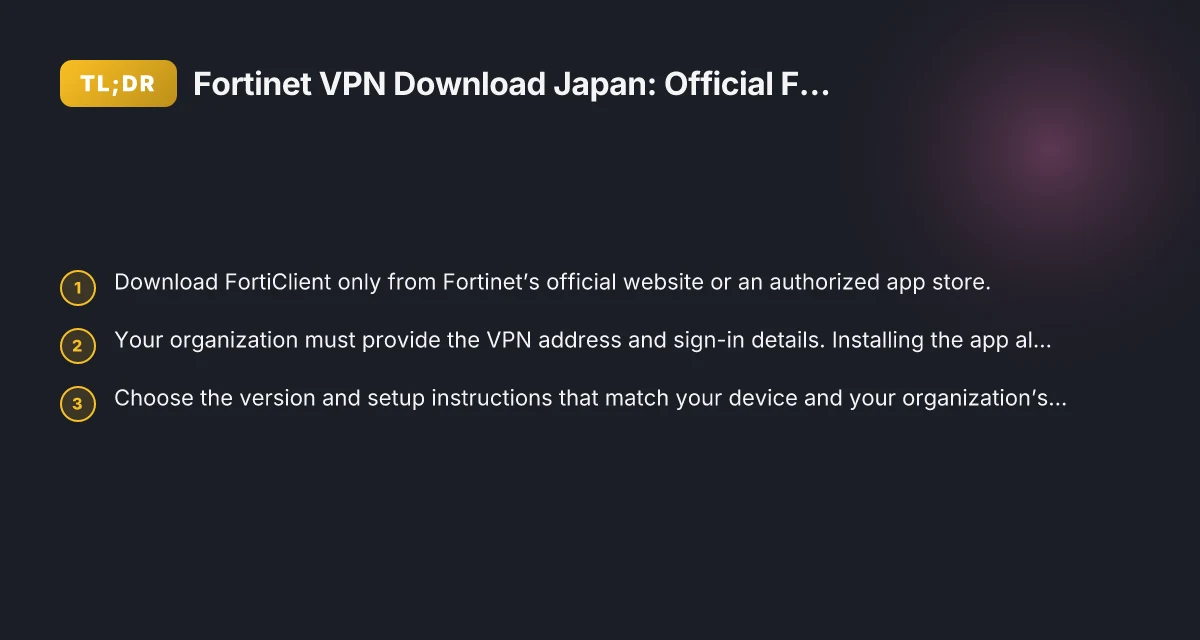
If you’re looking for a Fortinet VPN download in Japan, get FortiClient from Fortinet’s official website or your device’s authorized app store. The VPN app is available to users in Japan, but connecting usually requires details from an employer, school, or network administrator, such as a VPN gateway address and login credentials. Use the installation method your organization recommends, since available features and setup steps can differ by device and account.

Editor's pick: NordVPN — fast, secure VPN — Strong encryption, a no-logs policy and apps for every device. 30-day money-back guarantee. Get NordVPN →
Compare official FortiClient options
| Option | Best for | VPN included | Where to get it | Before choosing |
|---|---|---|---|---|
| FortiClient VPN-only | Personal VPN access | Yes | Fortinet official site | Check your device and OS |
| FortiClient with security features | Organizations needing endpoint protection | Depends on edition | Fortinet or organization portal | Features may require a license |
| Organization-provided FortiClient | Workplace or school VPN | Often configured for the organization | Employer or school IT | Use their installation instructions |
| Windows version | Windows devices | Depends on option | Official Fortinet download page | Confirm Windows compatibility |
| macOS version | Mac devices | Depends on option | Official Fortinet download page | Confirm macOS compatibility |
| Mobile version | Phones and tablets | Depends on option | Apple App Store or Google Play | Check the app publisher |
| Unofficial download | Not recommended | Uncertain | Third-party sites | Avoid altered or outdated installers |
Compiled November 2026; check the provider's site for current details.
| VPN | Obfuscation | From / month | Plan | Free plan | Refund | Alipay | UnionPay | Crypto | Website opens in China | Trustpilot | |
|---|---|---|---|---|---|---|---|---|---|---|---|
 ZoogVPN | Turn on manually Shadow | $2.49/mo | 27 months: $59.99 | Yes | 7 days | ✓ | ✓ | ✓ | ✓ | Official site blocked; our special link opens (4.4 s) | 4.2/5 (195 reviews) |
 NordVPN | Turn on manually Obfuscated Servers / NordWhisper | $3.49/mo | 27 months: $94.23 | No | 30 days | ? | ✗ | ✓ | ✓ | ✗ Blocked | 4.2/5 (51,628 reviews) |
 ExpressVPN | ✓ On by default all servers | $3.00/mo | 28 months: $84 | No | 30 days | ✗ | ✗ | ✓ | ✗ | ✗ Blocked | 4.4/5 (29,706 reviews) |
 Surfshark | ✓ On by default Camouflage, with OpenVPN | See site | See site | No | 30 days | ✗ | ✗ | ✗ | ✓ | ✗ Blocked | 4.3/5 (31,823 reviews) |
 Proton VPN | Turn on manually Stealth, free plan too | $2.99/mo | 12 months: $35.88 | Yes | 30 days | ✗ | ✗ | ✗ | ✓ | ✗ Blocked | 2.1/5 (1,040 reviews) |
 Astrill VPN | Turn on manually StealthVPN / OpenWeb | $12.50/mo | 24 months: $300 | No | See site | ✗ | ✗ | ✗ | ✓ | ✗ Blocked | 1.3/5 (110 reviews) |
 Private Internet Access | Turn on manually Shadowsocks, OpenVPN only | $2.03/mo | 40 months: $81.2 | No | 30 days | ✗ | ✗ | ✗ | ✗ | ✗ Blocked | 4.2/5 (11,033 reviews) |
 CyberGhost | Turn on manually selected servers | $2.19/mo | 28 months: $61.32 | No | 45 days | ✗ | ✗ | ✗ | ✓ | ✗ Blocked | 4.0/5 (24,178 reviews) |
 PureVPN | Turn on manually switch to OpenVPN | $1.69/mo | 60 months: $101.55 | No | 31 days | ? | ? | ✗ | ✓ | ✗ Blocked | 4.4/5 (17,994 reviews) |
 AdGuard VPN | ✓ On by default TrustTunnel | $2.99/mo | 24 months: $71.76 | Yes | 30 days | ✓ | ✗ | ✓ | ✓ | Official site blocked; our special link opens (3.7 s) | 4.3/5 (290 reviews) |
 Mullvad | Turn on manually QUIC / Shadowsocks / LWO | $5.61/mo | €5/mo | No | 14 days | ✗ | ✗ | ✗ | ✓ | ✗ Blocked | 3.2/5 (192 reviews) |
 Windscribe | Turn on manually Stealth / WStunnel | $5.75/mo | 12 months: $69 | Yes | See site | ✗ | ✗ | ✗ | ✓ | ✗ Blocked | 4.7/5 (13,355 reviews) |
 StrongVPN | Turn on manually Scramble, OpenVPN TCP | See site | See site | No | 30 days | ✓ | ✗ | ✗ | ✗ | ✗ Blocked | 4.4/5 (2,695 reviews) |
 LightXtreme 闪连 | Not listed | $7.08/mo | 12 months: $84.99 | Yes | 30 days | ✓ | ✓ | ✓ | ✓ | ✓ Yes (3.5 s) | No page |
Prices checked 2026-11-10 on each vendor's pricing page (cheapest long plan, USD). Check the vendor's checkout for the final price.
Obfuscation checked 2026-11-14 on each vendor's site and help center: "on by default" = nothing to set; "turn on manually" = switch protocol or mode in settings; "not listed" = the vendor describes no obfuscation.
Payment methods checked 2026-11-10 on each vendor's payment pages: all 14 take cards and PayPal; ✗ = not listed, ? = the vendor's own pages disagree.
China access: whether the official website opens from mainland China networks (tests the website only, not the VPN connection). Last checked 2026-11-18 01:02 Beijing time.
Trustpilot score and review count checked 2026-11-10.
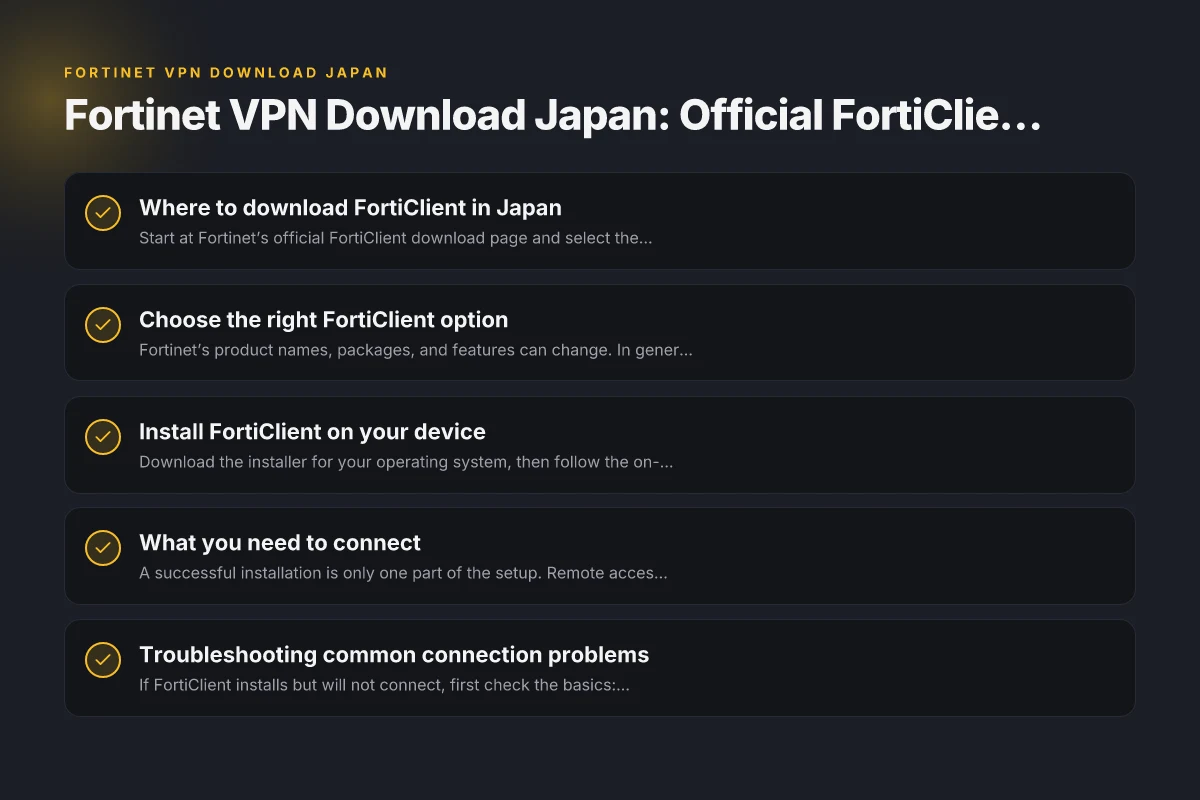
Where to download FortiClient in Japan
Start at Fortinet’s official FortiClient download page and select the product and operating system appropriate for your device. Depending on your platform and Fortinet’s current offerings, downloads may also be available through official app stores, including the Apple App Store and Google Play. Check that the publisher is Fortinet before installing.
Avoid third-party download sites and unofficial “free VPN” bundles. They may provide outdated or modified software, expose your device to security risks, or misrepresent what the FortiClient VPN can do. FortiClient is a client for connecting to supported Fortinet VPN services. It does not automatically provide a general-purpose commercial VPN subscription or server access.
Before downloading, confirm:
- Your device’s operating system and version
- Whether your organization requires a particular FortiClient edition or release
- Whether the app should be installed from a link supplied by your administrator
- Whether your device is managed by your employer or school
Choose the right FortiClient option
Fortinet’s product names, packages, and features can change. In general, individuals may use a VPN-focused FortiClient option to connect to an organization’s supported remote-access VPN. Businesses may deploy a managed edition with additional security and administration features. NordVPN Not Working in China? Causes and Fixes to Try
| Option | Typically suited to | What to check |
|---|---|---|
| VPN-focused FortiClient | A user who needs to connect to an organization’s VPN | Confirm that your organization supports the version and connection type |
| Managed FortiClient deployment | Employees or students using an organization-managed device | Follow the administrator’s deployment link and configuration instructions |
| Mobile app-store version | Users connecting from a supported iPhone, iPad, or Android device | Verify the publisher and check which VPN features your organization requires |
Do not assume that every edition includes the same security tools or that every VPN configuration works on every operating system. Your IT team can tell you which installer and connection method to use.
Choose an installation source for Japan
| Source | Suitable for | Authenticity check | Setup guidance | Main consideration |
|---|---|---|---|---|
| Fortinet official website | Fortinet software downloads | Confirm the Fortinet domain | Product download information | Select the correct product and OS |
| Apple App Store | Apple mobile devices | Check the developer name | Store listing and device prompts | Availability can vary |
| Google Play | Android devices | Check the developer name | Store listing and device prompts | Availability can vary |
| Employer or school portal | Managed VPN access | Confirm with IT | Organization-specific instructions | May require an account or profile |
| Link from IT support | Organization-managed devices | Verify the sender with IT | Supplied by support staff | Avoid links from unknown senders |
| Third-party download site | Not recommended | Harder to verify | May be outdated or modified | Prefer official sources |
Compiled November 2026; check the provider's site for current details.
Install FortiClient on your device
Download the installer for your operating system, then follow the on-screen instructions. On a computer, you may need administrator permission to install software or approve a system extension. On a phone or tablet, install the app through the official store and review the requested permissions. FortiGate IPsec: Setup, Configuration, and Troubleshooting
A typical setup involves:
- Installing the approved FortiClient version.
- Opening the app and choosing the VPN setup option, if one is available.
- Entering the connection details supplied by your organization.
- Saving the profile, then connecting and completing any required sign-in or multifactor authentication.
The exact screens and labels vary by version. If your organization provides a configuration file, managed installer, or setup portal, use that method rather than guessing at the settings. Don’t change security options or import configuration files from an unknown source.
What you need to connect
A successful installation is only one part of the setup. Remote access is controlled by the organization operating the VPN gateway. Ask its IT or network administrator for the details relevant to your account.
You may need: FortiGate L2TP: Setup, Security, and Alternatives
- The VPN server or gateway address
- Your organization username and password
- A multifactor authentication method, such as an authenticator app or security key
- A connection type or profile name
- A certificate or configuration file, if required
- Permission for your account and device to use remote access
Some organizations require a managed device or a specific version of FortiClient. Others restrict VPN access to certain users, locations, or network resources. If you are in Japan but connecting to a workplace or school network elsewhere, follow that organization’s instructions. Your location does not replace its access requirements.
Check connection requirements and common fixes
| Check or issue | What to verify | Suggested action | When to contact IT |
|---|---|---|---|
| VPN server | Correct address or gateway | Use the details supplied by your organization | Address is unknown or rejected |
| Login credentials | Username and password are current | Re-enter them carefully | Account is locked or access is denied |
| Multi-factor authentication | Required approval or code | Complete the prompt and retry | No prompt arrives |
| Network access | Internet connection works | Test another trusted network | Connection works elsewhere but not on the current network |
| FortiClient version | Version suits your device and setup | Use the official source for updates | Organization requires a specific version |
| VPN profile | Correct settings are installed | Follow the organization’s setup guide | Profile details are missing |
| Firewall or security software | VPN traffic is not blocked | Check permitted settings with your administrator | Changes require managed-device access |
| Repeated connection failure | Error message and time of failure | Record the message and retry once | Share details with your VPN administrator |
Compiled November 2026; check the provider's site for current details.
Troubleshooting common connection problems
If FortiClient installs but will not connect, first check the basics: confirm that your internet connection works, re-enter the gateway address exactly as provided, and make sure your username and multifactor authentication are current. Check whether your organization has announced a VPN outage or maintenance window. FortiGate VPN Client: Setup, Configuration, and Troubleshooting
Common causes include:
- Incorrect gateway or profile: Request the current settings from your administrator.
- Unsupported or outdated app: Install the version approved for your device and VPN service.
- Account or authentication issue: Confirm that your account is enabled and complete any required multifactor step.
- Device restrictions: Ask whether your device must be enrolled or meet security requirements.
- Network interference: Try a trusted network, then contact IT if the connection still fails.
Avoid disabling antivirus, firewall, or other security protections as a troubleshooting shortcut. If the problem continues, share the error message, device model, operating system version, and FortiClient version with your administrator. Do not send passwords or authentication codes.
Recommendation
For a Fortinet VPN download in Japan, use Fortinet’s official download page or an authorized app store, and install the version your organization supports. Then request the gateway details and access instructions from its IT team. This is the safest and most reliable way to avoid unofficial software and ensure your account can connect to the correct VPN.