Free Location Changer VPN: What It Can, and Can’t, Do
Learn how a free location changer VPN works, what to check before using one, and how to choose a safer option.


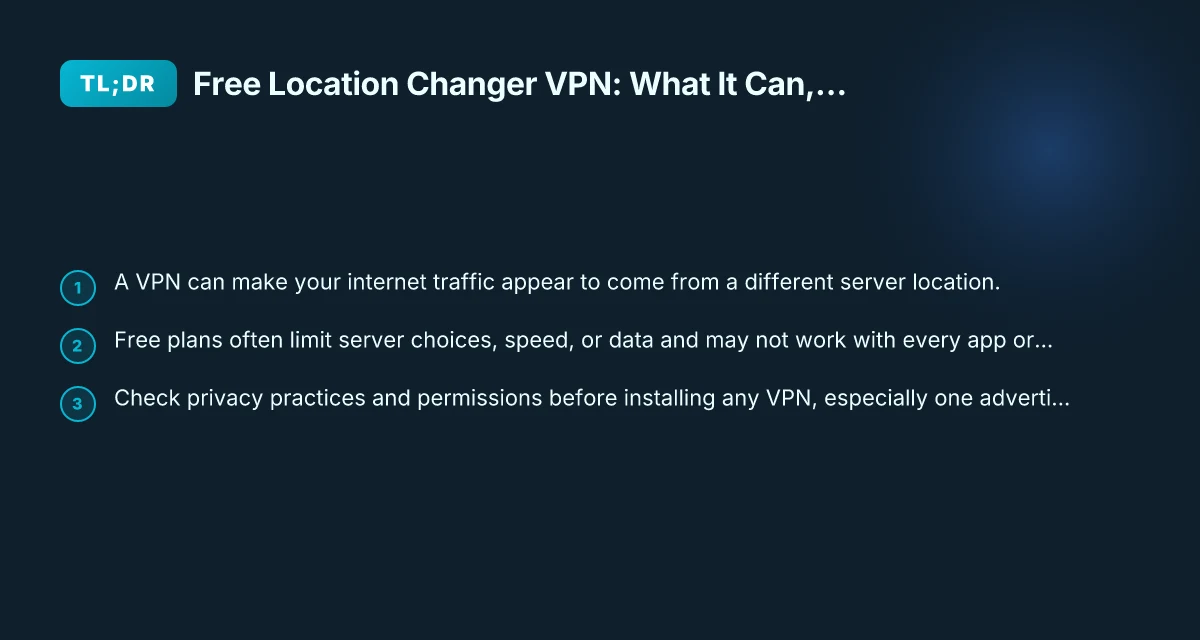
A free location changer VPN can route your internet traffic through a VPN server in another region, making some websites see that server’s IP address instead of your own. It may help with privacy on public Wi-Fi or access to services available in a different location, but it does not change your device’s GPS position. Free VPNs also vary widely in security, privacy, and performance, so review the provider before connecting.

Editor's pick: NordVPN — fast, secure VPN — Strong encryption, a no-logs policy and apps for every device. 30-day money-back guarantee. Get NordVPN →
Compare free VPN location-changing options
| Option | Changes apparent IP location | Best for | Main limitation | Check before use |
|---|---|---|---|---|
| Free VPN app | Yes, to a server location | Basic location switching | Free servers may be limited | Data and speed limits |
| Free VPN browser extension | Usually, for browser traffic | Changing browser location | May not cover other apps | Traffic coverage |
| Built-in browser proxy | Sometimes | Simple browser access | Not a full-device VPN | Provider and privacy terms |
| Public web proxy | Sometimes | One-off access | Often limited protection | HTTPS support |
| Paid VPN trial | Yes, to available locations | Testing full features | Trial may require payment details | Renewal terms |
| Device location settings | Changes reported GPS location | Apps using device location | Does not change IP address | App permissions |
| GPS-spoofing app | Can change GPS signals | Location-based apps | May be detected or restricted | Device compatibility |
Compiled November 2026; check the provider's site for current details.
| VPN | Obfuscation | From / month | Plan | Free plan | Refund | Alipay | UnionPay | Crypto | Website opens in China | Trustpilot | |
|---|---|---|---|---|---|---|---|---|---|---|---|
 ZoogVPN | Turn on manually Shadow | $2.49/mo | 27 months: $59.99 | Yes | 7 days | ✓ | ✓ | ✓ | ✓ | Official site blocked; our special link opens (4.4 s) | 4.2/5 (195 reviews) |
 NordVPN | Turn on manually Obfuscated Servers / NordWhisper | $3.49/mo | 27 months: $94.23 | No | 30 days | ? | ✗ | ✓ | ✓ | ✗ Blocked | 4.2/5 (51,628 reviews) |
 ExpressVPN | ✓ On by default all servers | $3.00/mo | 28 months: $84 | No | 30 days | ✗ | ✗ | ✓ | ✗ | ✗ Blocked | 4.4/5 (29,706 reviews) |
 Surfshark | ✓ On by default Camouflage, with OpenVPN | See site | See site | No | 30 days | ✗ | ✗ | ✗ | ✓ | ✗ Blocked | 4.3/5 (31,823 reviews) |
 Proton VPN | Turn on manually Stealth, free plan too | $2.99/mo | 12 months: $35.88 | Yes | 30 days | ✗ | ✗ | ✗ | ✓ | ✗ Blocked | 2.1/5 (1,040 reviews) |
 Astrill VPN | Turn on manually StealthVPN / OpenWeb | $12.50/mo | 24 months: $300 | No | See site | ✗ | ✗ | ✗ | ✓ | ✗ Blocked | 1.3/5 (110 reviews) |
 Private Internet Access | Turn on manually Shadowsocks, OpenVPN only | $2.03/mo | 40 months: $81.2 | No | 30 days | ✗ | ✗ | ✗ | ✗ | ✗ Blocked | 4.2/5 (11,033 reviews) |
 CyberGhost | Turn on manually selected servers | $2.19/mo | 28 months: $61.32 | No | 45 days | ✗ | ✗ | ✗ | ✓ | ✗ Blocked | 4.0/5 (24,178 reviews) |
 PureVPN | Turn on manually switch to OpenVPN | $1.69/mo | 60 months: $101.55 | No | 31 days | ? | ? | ✗ | ✓ | ✗ Blocked | 4.4/5 (17,994 reviews) |
 AdGuard VPN | ✓ On by default TrustTunnel | $2.99/mo | 24 months: $71.76 | Yes | 30 days | ✓ | ✗ | ✓ | ✓ | Official site blocked; our special link opens (3.7 s) | 4.3/5 (290 reviews) |
 Mullvad | Turn on manually QUIC / Shadowsocks / LWO | $5.61/mo | €5/mo | No | 14 days | ✗ | ✗ | ✗ | ✓ | ✗ Blocked | 3.2/5 (192 reviews) |
 Windscribe | Turn on manually Stealth / WStunnel | $5.75/mo | 12 months: $69 | Yes | See site | ✗ | ✗ | ✗ | ✓ | ✗ Blocked | 4.7/5 (13,355 reviews) |
 StrongVPN | Turn on manually Scramble, OpenVPN TCP | See site | See site | No | 30 days | ✓ | ✗ | ✗ | ✗ | ✗ Blocked | 4.4/5 (2,695 reviews) |
 LightXtreme 闪连 | Not listed | $7.08/mo | 12 months: $84.99 | Yes | 30 days | ✓ | ✓ | ✓ | ✓ | ✓ Yes (3.5 s) | No page |
Prices checked 2026-11-10 on each vendor's pricing page (cheapest long plan, USD). Check the vendor's checkout for the final price.
Obfuscation checked 2026-11-14 on each vendor's site and help center: "on by default" = nothing to set; "turn on manually" = switch protocol or mode in settings; "not listed" = the vendor describes no obfuscation.
Payment methods checked 2026-11-10 on each vendor's payment pages: all 14 take cards and PayPal; ✗ = not listed, ? = the vendor's own pages disagree.
China access: whether the official website opens from mainland China networks (tests the website only, not the VPN connection). Last checked 2026-11-18 01:02 Beijing time.
Trustpilot score and review count checked 2026-11-10.
What a location changer VPN does
A VPN, or virtual private network, creates an encrypted connection between your device and a VPN server. Websites and online services generally see the server’s public IP address, which may be associated with a different city or country.
This is why people search for a “free location changer VPN”: they want to select a server location without paying. Depending on the provider, a free plan might offer a few locations, automatically assign a server, or limit location changes to paid subscribers.
A VPN changes your apparent IP-based location, not your physical location. Apps using GPS, Wi-Fi signals, mobile networks, or device permissions may still determine where you are. A VPN alone generally will not make a phone’s map, camera, or location-sharing feature report a different GPS position.
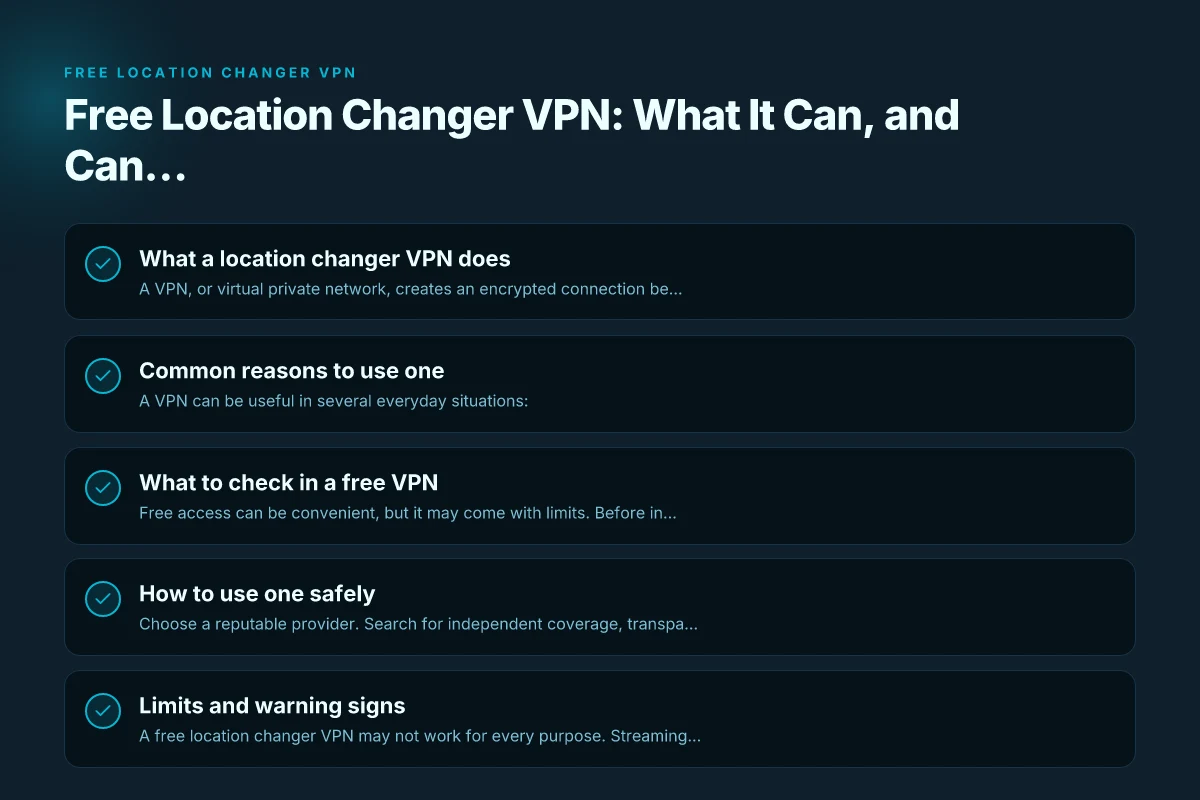
Common reasons to use one
A VPN can be useful in several everyday situations: Best Free VPN That Lets You Pick Locations: Top Options and Limits
- Protecting traffic on public Wi-Fi: Encryption can help prevent other people on the same network from casually viewing your connection.
- Reducing exposure of your IP address: Websites see the VPN server’s IP address rather than your usual public IP.
- Connecting through another region: Some services use IP location to decide which content or features to show.
- Testing a website: Developers and marketers may check how a site appears to visitors from different regions.
A VPN is not a guarantee of anonymity. Accounts you sign in to, browser cookies, device identifiers, and other tracking methods can still identify or profile you. A VPN also does not replace secure passwords, software updates, or careful handling of suspicious links.
Check a free VPN before choosing it
| Check | What to look for | Why it matters | Warning sign |
|---|---|---|---|
| Data limit | Clear allowance or unlimited use | Helps avoid interruptions | Limit is not disclosed |
| Server locations | Listed, available locations | Determines where you can connect | Locations are vague |
| Logging policy | Plain-language data practices | Shows what activity may be stored | No meaningful policy |
| Permissions | Only necessary access | Limits exposure of device data | Unrelated permissions |
| Security | Current encryption and protocol details | Helps protect connections | Security claims lack detail |
| Ads and tracking | Clear explanation of monetization | Reveals how the service is funded | Intrusive tracking |
| Ownership | Identifiable provider and support | Makes accountability easier | No provider information |
| Independent reviews | Credible audits or testing | Offers outside scrutiny | Unsupported privacy claims |
Compiled November 2026; check the provider's site for current details.
What to check in a free VPN
Free access can be convenient, but it may come with limits. Before installing an app, look beyond its rating or “unlimited” label. FortiClient VPN 7.4.3 Download: Official Sources and Safe Installation
Privacy and security
Read the privacy policy to see what information the provider collects, how long it retains it, and whether it shares data with advertisers or other parties. Look for a clear explanation of logging practices, the company’s identity, and the app’s permission requests.
Useful security features may include:
- Modern VPN protocols and strong encryption
- A kill switch that blocks internet access if the VPN connection drops
- DNS leak protection
- Clear privacy documentation and a way to contact support
No single feature proves a provider is trustworthy. A VPN provider can see some information about traffic passing through its servers, so its policies and security practices matter.
Free-plan limits
Many free plans restrict data, speed, simultaneous connections, or available server locations. Some display ads or require an account. Others may make a free location appear available but reserve it for paying customers. VPN for Microsoft Edge Extension: How to Choose and Use One
| What to compare | Why it matters |
|---|---|
| Server locations | A small list may not include the region you need. |
| Data allowance | A cap can interrupt browsing, video calls, or streaming. |
| Speed and congestion | Busy free servers may load pages slowly or cause buffering. |
| Privacy policy | It explains what data the provider collects and retains. |
| Device support | Confirm the app works on your operating system and devices. |
| Location access | A VPN usually needs network access, not GPS access, to change your IP location. |
How to use one safely
- Choose a reputable provider. Search for independent coverage, transparent ownership, and a detailed privacy policy. Avoid apps with unclear developers or exaggerated claims.
- Install it from an official app store or the provider’s official website. Be cautious of lookalike apps and unofficial download pages.
- Review permissions. A VPN needs permission to create a VPN connection, but a request for unrelated access, such as contacts or precise location, deserves scrutiny.
- Select a server location and connect. The app should show when the VPN is active. If you only need general privacy, a nearby server may offer better speed.
- Check the connection. You can use a reputable IP-checking site to see whether your public IP appears to match the VPN server. Remember that this does not test every possible leak or prove complete anonymity.
- Disconnect when it is no longer useful. Keeping a VPN on can affect speed, battery life, or access to services that block VPN traffic.
Use the VPN in line with the rules and terms of the websites and services you access. A changed IP address does not guarantee that a service will accept the connection.
Limits and warning signs
A free location changer VPN may not work for every purpose. Streaming platforms, banking services, and websites sometimes block known VPN server addresses or ask for additional verification. A VPN can also reduce speed because your traffic takes an extra route.
Be cautious if an app promises total anonymity, claims it can change GPS location without clearly explaining how, or offers unlimited service without explaining its business model. Avoid VPNs that have vague privacy terms, excessive permissions, persistent pop-ups, or no identifiable support channel.
For GPS-based apps, use legitimate device settings and follow the app’s rules. A VPN changes network routing. It should not be mistaken for a tool that safely or reliably alters GPS data. Microsoft Edge VPN Free: What It Is and How to Use It
Decide whether a free location changer fits your needs
| Need or situation | Free VPN fit | Safer approach | Key limitation |
|---|---|---|---|
| Changing apparent IP location | Often suitable for basic use | Choose a transparent provider | Locations may be restricted |
| Protecting public Wi-Fi traffic | Can help if properly secured | Use a reputable VPN and HTTPS | A VPN does not prevent every threat |
| Streaming a specific library | Uncertain | Check service terms and VPN limits | Access may be blocked |
| Accessing location-restricted content | May work, but not guaranteed | Follow local laws and service rules | Restrictions can change |
| Changing GPS location | Usually not suitable | Use legitimate device settings | VPN changes IP, not GPS |
| Handling sensitive accounts | Free options need careful vetting | Prefer a trusted, audited service | Free-service practices vary |
| Avoiding all online tracking | Not sufficient alone | Review app and browser privacy settings | VPNs do not make users anonymous |
| Long or high-bandwidth use | Often a poor fit | Compare paid plans and limits | Free plans may limit data or speed |
Compiled November 2026; check the provider's site for current details.
Recommendation
For occasional browsing or public Wi-Fi, a well-documented free VPN from a reputable provider can be a reasonable starting point, as long as its limits meet your needs. Choose one with clear privacy practices, minimal permissions, and enough server locations and data for your use. If you need consistent speeds, a particular country, or stronger support, compare paid plans rather than relying on an unknown free app.