Free VPN That Changes Location: What to Know Before You Connect
Find out how free VPNs change your virtual location, what limits to expect, and how to choose one safely.


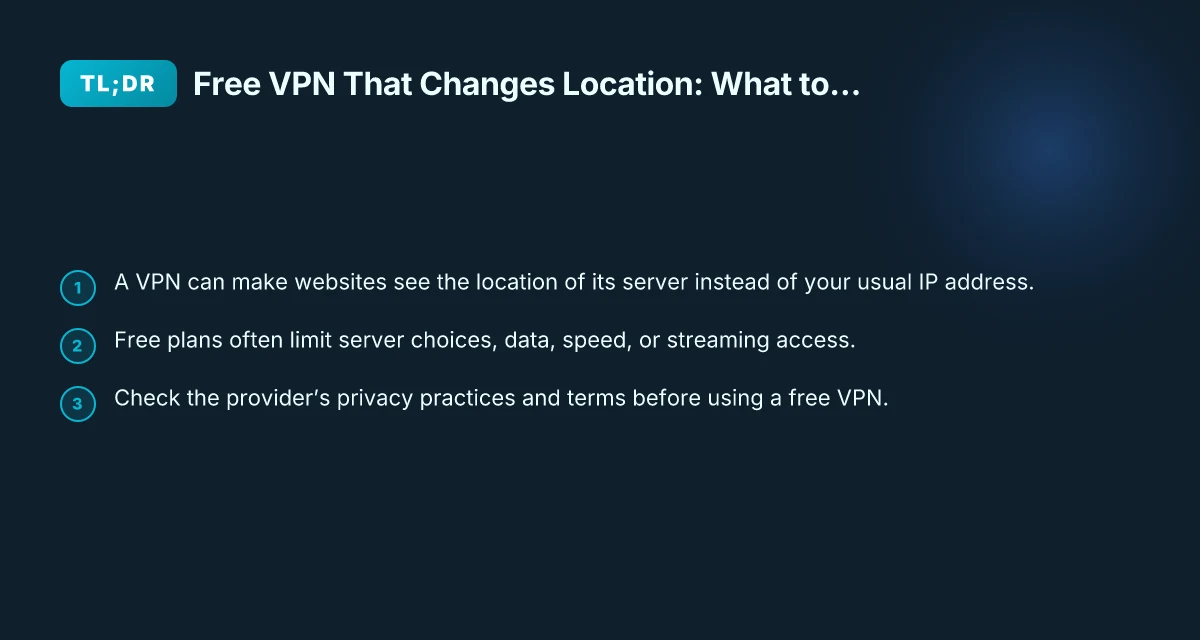
If you want a free VPN that changes location, choose a reputable service with a free plan and connect to one of its available server locations. The VPN routes your internet traffic through that server, so websites generally see the server’s IP address rather than your regular one. Free plans can be useful for basic browsing, but they may offer few locations and come with data, speed, or feature limits.
A VPN changes the apparent location associated with your IP address. It does not move your device or guarantee complete anonymity. Your account, GPS settings, cookies, and other signals may still reveal information about you.
| VPN | Obfuscation | From / month | Plan | Free plan | Refund | Alipay | UnionPay | Crypto | Website opens in China | Trustpilot | |
|---|---|---|---|---|---|---|---|---|---|---|---|
 ZoogVPN | Turn on manually Shadow | $2.49/mo | 27 months: $59.99 | Yes | 7 days | ✓ | ✓ | ✓ | ✓ | Official site blocked; our special link opens (4.4 s) | 4.2/5 (195 reviews) |
 NordVPN | Turn on manually Obfuscated Servers / NordWhisper | $3.49/mo | 27 months: $94.23 | No | 30 days | ? | ✗ | ✓ | ✓ | ✗ Blocked | 4.2/5 (51,628 reviews) |
 ExpressVPN | ✓ On by default all servers | $3.00/mo | 28 months: $84 | No | 30 days | ✗ | ✗ | ✓ | ✗ | ✗ Blocked | 4.4/5 (29,706 reviews) |
 Surfshark | ✓ On by default Camouflage, with OpenVPN | See site | See site | No | 30 days | ✗ | ✗ | ✗ | ✓ | ✗ Blocked | 4.3/5 (31,823 reviews) |
 Proton VPN | Turn on manually Stealth, free plan too | $2.99/mo | 12 months: $35.88 | Yes | 30 days | ✗ | ✗ | ✗ | ✓ | ✗ Blocked | 2.1/5 (1,040 reviews) |
 Astrill VPN | Turn on manually StealthVPN / OpenWeb | $12.50/mo | 24 months: $300 | No | See site | ✗ | ✗ | ✗ | ✓ | ✗ Blocked | 1.3/5 (110 reviews) |
 Private Internet Access | Turn on manually Shadowsocks, OpenVPN only | $2.03/mo | 40 months: $81.2 | No | 30 days | ✗ | ✗ | ✗ | ✗ | ✗ Blocked | 4.2/5 (11,033 reviews) |
 CyberGhost | Turn on manually selected servers | $2.19/mo | 28 months: $61.32 | No | 45 days | ✗ | ✗ | ✗ | ✓ | ✗ Blocked | 4.0/5 (24,178 reviews) |
 PureVPN | Turn on manually switch to OpenVPN | $1.69/mo | 60 months: $101.55 | No | 31 days | ? | ? | ✗ | ✓ | ✗ Blocked | 4.4/5 (17,994 reviews) |
 AdGuard VPN | ✓ On by default TrustTunnel | $2.99/mo | 24 months: $71.76 | Yes | 30 days | ✓ | ✗ | ✓ | ✓ | Official site blocked; our special link opens (3.7 s) | 4.3/5 (290 reviews) |
 Mullvad | Turn on manually QUIC / Shadowsocks / LWO | $5.61/mo | €5/mo | No | 14 days | ✗ | ✗ | ✗ | ✓ | ✗ Blocked | 3.2/5 (192 reviews) |
 Windscribe | Turn on manually Stealth / WStunnel | $5.75/mo | 12 months: $69 | Yes | See site | ✗ | ✗ | ✗ | ✓ | ✗ Blocked | 4.7/5 (13,355 reviews) |
 StrongVPN | Turn on manually Scramble, OpenVPN TCP | See site | See site | No | 30 days | ✓ | ✗ | ✗ | ✗ | ✗ Blocked | 4.4/5 (2,695 reviews) |
 LightXtreme 闪连 | Not listed | $7.08/mo | 12 months: $84.99 | Yes | 30 days | ✓ | ✓ | ✓ | ✓ | ✓ Yes (3.5 s) | No page |
Prices checked 2026-11-10 on each vendor's pricing page (cheapest long plan, USD). Check the vendor's checkout for the final price.
Obfuscation checked 2026-11-14 on each vendor's site and help center: "on by default" = nothing to set; "turn on manually" = switch protocol or mode in settings; "not listed" = the vendor describes no obfuscation.
Payment methods checked 2026-11-10 on each vendor's payment pages: all 14 take cards and PayPal; ✗ = not listed, ? = the vendor's own pages disagree.
China access: whether the official website opens from mainland China networks (tests the website only, not the VPN connection). Last checked 2026-11-18 01:02 Beijing time.
Trustpilot score and review count checked 2026-11-10.

Editor's pick: NordVPN — fast, secure VPN — Strong encryption, a no-logs policy and apps for every device. 30-day money-back guarantee. Get NordVPN →
What to compare before choosing a free VPN
| Factor | What to check | Why it matters | Caution |
|---|---|---|---|
| Server locations | Countries and cities offered | Determines available virtual locations | Free plans may offer fewer choices |
| Data allowance | Whether a cap applies | Affects how much you can browse or stream | Check reset timing and limits |
| Speed | Performance on the free plan | Slow connections can disrupt calls and browsing | Speeds can vary by server |
| Device support | Apps for your devices | Lets you protect the devices you use | Free plans may limit connections |
| Privacy policy | Logging and data handling | Shows what information may be collected | Read the policy, not just the claims |
| Security features | Encryption and leak protection | Helps protect traffic and location privacy | Features vary by provider |
| Business model | How the service is funded | Helps assess incentives and trade-offs | Be cautious of intrusive ads |
| Support | Help options for free users | Useful when setup or connection fails | Support may be limited |
Compiled November 2026; check the provider's site for current details.
How a VPN changes your location
When you connect to a VPN server, your traffic travels through an encrypted connection to that server before reaching websites and apps. Those services usually identify your approximate location from your public IP address. If the VPN server is in another city or country, your IP-based location may appear to be there instead.
To try it:
- Install a VPN app from the provider’s official website or a trusted app store.
- Create an account if the service requires one.
- Choose a location from the free servers shown in the app.
- Connect, then check your IP address using a reputable IP-checking service.
The location available to you depends on the provider’s free plan. A service might offer several countries, a single country with multiple servers, or a nearby server selected automatically. The app’s server list is the best source for what is currently included.
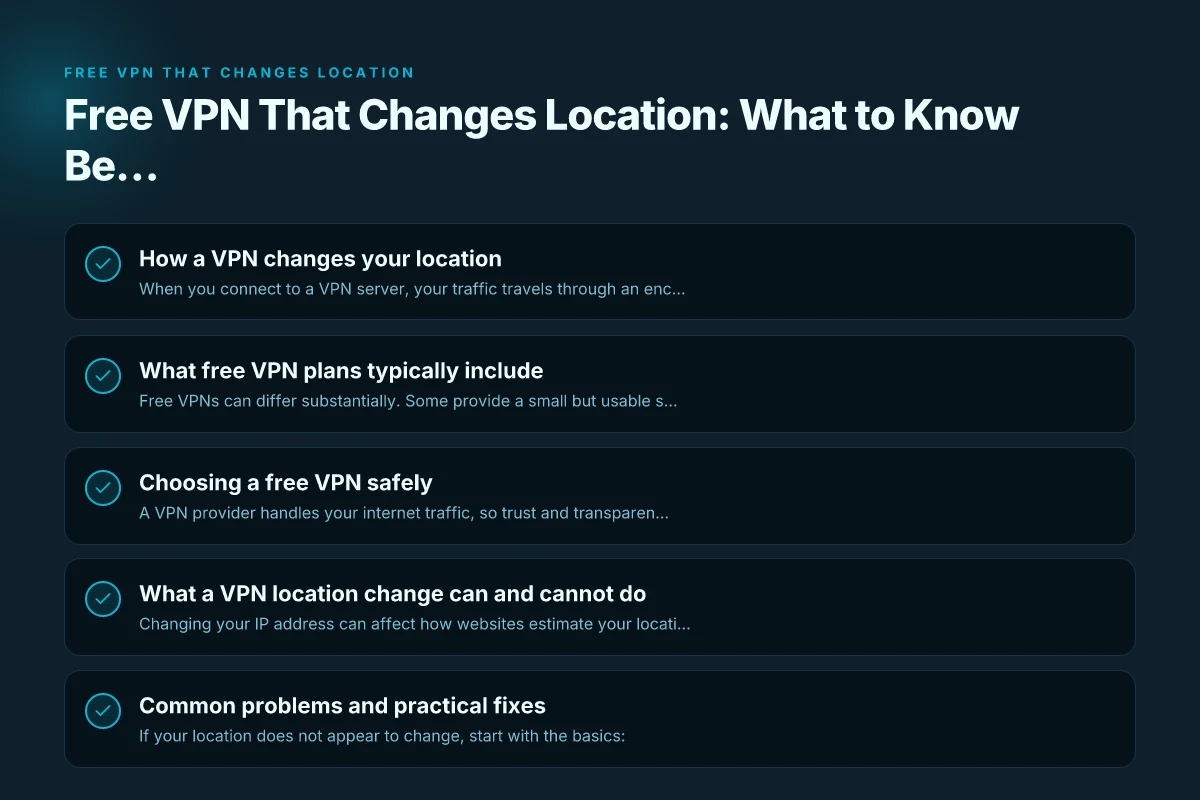
What free VPN plans typically include
Free VPNs can differ substantially. Some provide a small but usable selection of servers, while others restrict monthly data or reduce connection speeds during busy periods. Features such as streaming support, simultaneous connections, and access to specialty servers may be reserved for paid plans. Fortinet VPN: What It Does, How to Set It Up, and What to Know
| Feature | What to expect from a free plan |
|---|---|
| Server locations | Often fewer choices than on a paid plan |
| Data allowance | May be capped or unlimited, depending on the provider |
| Speed | Can vary with server load and plan restrictions |
| Streaming access | Not guaranteed; services may block VPN connections |
| Privacy features | Vary; review the provider’s policies and app settings |
| Support | May be more limited than paid customer support |
“Free” does not necessarily mean unlimited or suitable for every purpose. Before connecting, check the current plan details, including whether the location you want is included.
Choosing a free VPN safely
A VPN provider handles your internet traffic, so trust and transparency matter. Read the privacy policy and look for clear information about what data the service collects, why it collects it, and how long it keeps it. Be cautious of vague claims such as “complete anonymity” or “100% secure.”
Useful checks include:
- Provider identity: Can you find clear company information and a way to contact the provider?
- Privacy policy: Does it explain logging and data handling in plain language?
- Business model: Is it clear how the free service is funded?
- App source: Is the app available from an official site or recognized app store?
- Security features: Does the provider explain its encryption and connection protections?
- Independent scrutiny: Are there credible audits or other verifiable details about its practices?
Avoid VPN apps that demand unnecessary permissions, rely on intrusive advertising, or make promises that sound unrealistic. A VPN can help protect traffic on untrusted networks, but it cannot make unsafe websites safe or prevent every kind of tracking. VPN Free Extension Edge: How to Choose One for Microsoft Edge
What a VPN location change can and cannot do
| Goal or expectation | Can a VPN help? | What it changes | What it does not guarantee |
|---|---|---|---|
| Show a different IP location | Yes | The public IP seen by many services | That every location check changes |
| Protect traffic on public Wi-Fi | Yes | Encrypts traffic between device and VPN server | Protection from scams or malware |
| Access region-limited content | Sometimes | The IP location presented to a service | Access; services may block VPNs |
| Change GPS location | No, not by itself | The network IP location | The device's GPS coordinates |
| Hide activity from an ISP | Partly | The ISP generally sees a VPN connection | Anonymity or invisibility |
| Improve connection speed | Not reliably | Routes traffic through a VPN server | Faster speeds; VPNs can slow traffic |
| Change account region | No, not by itself | The apparent network location | Billing, account, or app-store region |
| Prevent tracking everywhere | No | The IP address visible to sites | Cookies, account-based, or browser tracking |
Compiled November 2026; check the provider's site for current details.
What a VPN location change can and cannot do
Changing your IP address can affect how websites estimate your location and which regional versions of some services they display. Results are not guaranteed: a site may use additional signals, and it may recognize or block VPN traffic.
A VPN does not necessarily change your location in apps that use GPS. It also does not automatically change your account’s country, payment region, device time zone, or saved browser data. If a website still shows your usual location, check whether location permissions are enabled, clear site data if appropriate, and confirm that the VPN connection is active. Clash iPhone: How to Play Clash Games on Your iPhone
Keep in mind that using a VPN to access a service from another region may not be allowed under that service’s terms. Review the relevant rules before relying on a location change for streaming, shopping, banking, or other account-based services.
Common problems and practical fixes
If your location does not appear to change, start with the basics:
- Confirm that the VPN app says Connected and displays the selected server.
- Disconnect and reconnect, or choose another free server.
- Check your apparent IP address with a separate IP-checking service.
- Review browser and app location permissions; GPS-based services may use device location instead of IP.
- Restart the app or browser if it is still using an earlier connection.
If the connection is slow, try a less busy server or a location closer to you. A distant server may increase latency, and free servers can become crowded. If the free plan’s data allowance is exhausted, you may need to wait for the allowance to reset or choose another option under the provider’s terms.
Common VPN problems and practical fixes Free VPN Choose Country: How to Pick a Server Safely
| Problem | Possible cause | Practical fix | Check afterward |
|---|---|---|---|
| VPN will not connect | Server or network issue | Try another server or network | Connection status |
| Location appears unchanged | App or site uses other signals | Reconnect and check the public IP | IP country and city |
| GPS-based app shows old location | GPS is separate from VPN routing | Review the app's location permissions | Device location settings |
| Connection feels slow | Busy server or extra routing | Choose a nearby server | Speed and stability |
| Website blocks access | Service detects VPN traffic | Try another server or contact the service | Whether access is permitted |
| DNS or IP leak warning | Misconfiguration or interruption | Enable leak protection or reconnect | A reputable leak test |
| VPN disconnects repeatedly | Unstable network or app settings | Update the app and test another network | Whether the tunnel stays active |
| Data runs out | Free-plan allowance reached | Check the plan's reset rules | Remaining allowance |
Compiled November 2026; check the provider's site for current details.
Recommendation
For basic browsing, a reputable free VPN can change the IP-based location websites see, provided the plan includes a server in the location you want. Compare the available locations, data limits, and privacy practices before installing anything. Choose a provider that explains how it handles your data, and remember that a VPN changes your apparent network location, not your physical location or every signal used to identify you.