How Do U Deactivate Norton VPN to Help Fix Connection Issues?
Learn how to turn off Norton VPN on Windows, Mac, iPhone, and Android, and how to switch it back on safely.
To deactivate Norton VPN, open the Norton app, find its VPN or Secure VPN feature, and switch it off. On some devices, you can disconnect through the device’s VPN settings instead. The labels and steps vary by operating system and Norton version, so use the instructions below that match your device. If you only need to fix one website or app, disconnect briefly and reconnect once you are done.

Editor's pick: NordVPN — fast, secure VPN — Strong encryption, a no-logs policy and apps for every device. 30-day money-back guarantee. Get NordVPN →
Compare how to turn off Norton VPN on each device
| Device | Where to find VPN controls | How to disconnect | How to reconnect |
|---|---|---|---|
| Windows | Norton app | Switch VPN off | Switch it back on |
| Mac | Norton app | Switch VPN off | Switch it back on |
| iPhone or iPad | Norton app | Switch VPN off | Switch it back on |
| Android | Norton app | Switch VPN off | Switch it back on |
| Windows | Windows network settings | Disconnect if shown | Reconnect if available |
| Mac | macOS network settings | Disconnect if shown | Reconnect if available |
Compiled November 2026; check the provider's site for current details.
| VPN | Obfuscation | From / month | Plan | Free plan | Refund | Alipay | UnionPay | Crypto | Website opens in China | Trustpilot | |
|---|---|---|---|---|---|---|---|---|---|---|---|
 ZoogVPN | Turn on manually Shadow | $2.49/mo | 27 months: $59.99 | Yes | 7 days | ✓ | ✓ | ✓ | ✓ | Official site blocked; our special link opens (4.4 s) | 4.2/5 (195 reviews) |
 NordVPN | Turn on manually Obfuscated Servers / NordWhisper | $3.49/mo | 27 months: $94.23 | No | 30 days | ? | ✗ | ✓ | ✓ | ✗ Blocked | 4.2/5 (51,628 reviews) |
 ExpressVPN | ✓ On by default all servers | $3.00/mo | 28 months: $84 | No | 30 days | ✗ | ✗ | ✓ | ✗ | ✗ Blocked | 4.4/5 (29,706 reviews) |
 Surfshark | ✓ On by default Camouflage, with OpenVPN | See site | See site | No | 30 days | ✗ | ✗ | ✗ | ✓ | ✗ Blocked | 4.3/5 (31,823 reviews) |
 Proton VPN | Turn on manually Stealth, free plan too | $2.99/mo | 12 months: $35.88 | Yes | 30 days | ✗ | ✗ | ✗ | ✓ | ✗ Blocked | 2.1/5 (1,040 reviews) |
 Astrill VPN | Turn on manually StealthVPN / OpenWeb | $12.50/mo | 24 months: $300 | No | See site | ✗ | ✗ | ✗ | ✓ | ✗ Blocked | 1.3/5 (110 reviews) |
 Private Internet Access | Turn on manually Shadowsocks, OpenVPN only | $2.03/mo | 40 months: $81.2 | No | 30 days | ✗ | ✗ | ✗ | ✗ | ✗ Blocked | 4.2/5 (11,033 reviews) |
 CyberGhost | Turn on manually selected servers | $2.19/mo | 28 months: $61.32 | No | 45 days | ✗ | ✗ | ✗ | ✓ | ✗ Blocked | 4.0/5 (24,178 reviews) |
 PureVPN | Turn on manually switch to OpenVPN | $1.69/mo | 60 months: $101.55 | No | 31 days | ? | ? | ✗ | ✓ | ✗ Blocked | 4.4/5 (17,994 reviews) |
 AdGuard VPN | ✓ On by default TrustTunnel | $2.99/mo | 24 months: $71.76 | Yes | 30 days | ✓ | ✗ | ✓ | ✓ | Official site blocked; our special link opens (3.7 s) | 4.3/5 (290 reviews) |
 Mullvad | Turn on manually QUIC / Shadowsocks / LWO | $5.61/mo | €5/mo | No | 14 days | ✗ | ✗ | ✗ | ✓ | ✗ Blocked | 3.2/5 (192 reviews) |
 Windscribe | Turn on manually Stealth / WStunnel | $5.75/mo | 12 months: $69 | Yes | See site | ✗ | ✗ | ✗ | ✓ | ✗ Blocked | 4.7/5 (13,355 reviews) |
 StrongVPN | Turn on manually Scramble, OpenVPN TCP | See site | See site | No | 30 days | ✓ | ✗ | ✗ | ✗ | ✗ Blocked | 4.4/5 (2,695 reviews) |
 LightXtreme 闪连 | Not listed | $7.08/mo | 12 months: $84.99 | Yes | 30 days | ✓ | ✓ | ✓ | ✓ | ✓ Yes (3.5 s) | No page |
Prices checked 2026-11-10 on each vendor's pricing page (cheapest long plan, USD). Check the vendor's checkout for the final price.
Obfuscation checked 2026-11-14 on each vendor's site and help center: "on by default" = nothing to set; "turn on manually" = switch protocol or mode in settings; "not listed" = the vendor describes no obfuscation.
Payment methods checked 2026-11-10 on each vendor's payment pages: all 14 take cards and PayPal; ✗ = not listed, ? = the vendor's own pages disagree.
China access: whether the official website opens from mainland China networks (tests the website only, not the VPN connection). Last checked 2026-11-18 01:02 Beijing time.
Trustpilot score and review count checked 2026-11-10.
Turn off Norton VPN on Windows
- Open the Norton app from the Start menu or taskbar.
- Find VPN, Secure VPN, or a similar option on the main screen.
- Select the VPN control and choose Turn Off, Disconnect, or the equivalent.
- Confirm that the status changes to disconnected.
If Norton’s VPN window is open separately, you may be able to turn it off directly there. In some versions, the VPN tile is under My Norton. If the control is missing, make sure Norton is up to date and that your subscription or installed product includes VPN.
You can also check Windows’ VPN settings:
- Open Settings.
- Select Network & internet, then VPN.
- Select the Norton VPN connection, if it appears.
- Choose Disconnect.
The Windows settings route may not be available for every Norton installation. The Norton app is generally the best place to manage its VPN.
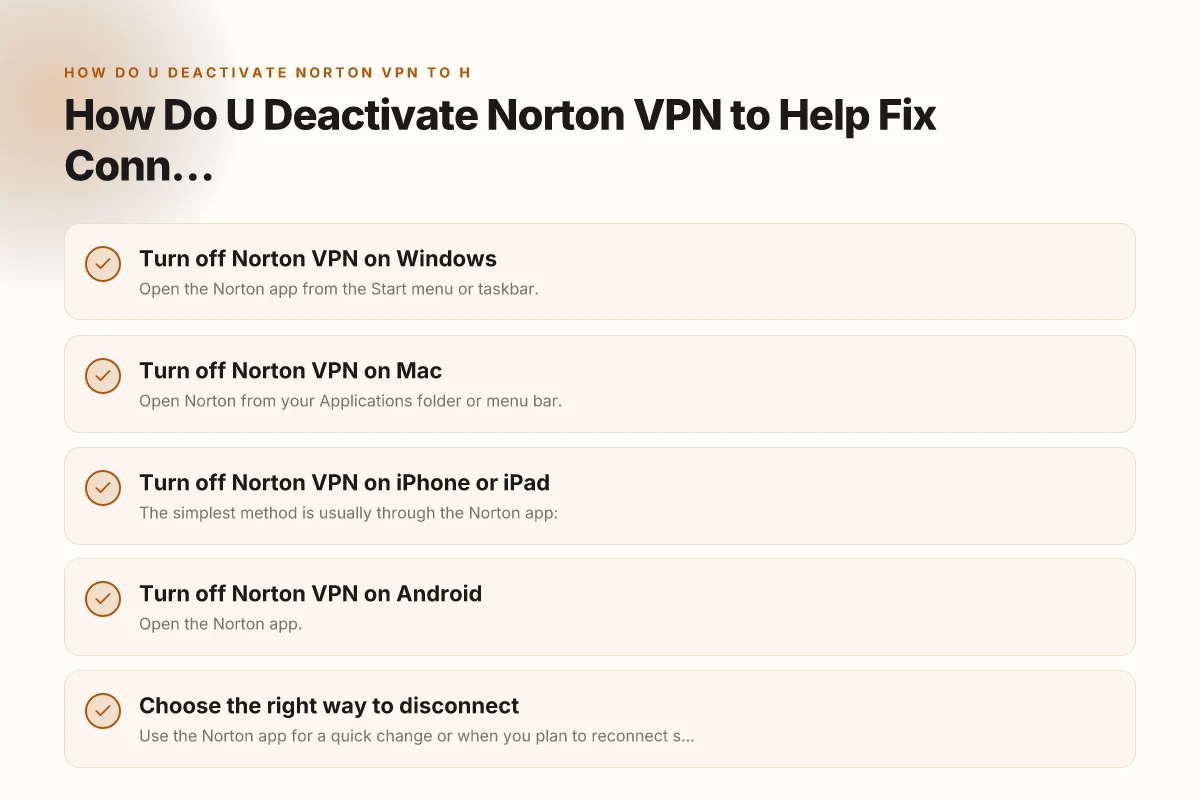
Turn off Norton VPN on Mac
- Open Norton from your Applications folder or menu bar.
- Select VPN or Secure VPN.
- Switch the connection off, or choose Disconnect.
- Check that Norton shows the VPN as disconnected.
If you cannot find the control, open System Settings and look under VPN or Network. Select the Norton connection if it is listed, then disconnect it. Menu names can differ between macOS versions. VPN Xbox Browser: How to Use a VPN with Xbox
A Mac may ask for permission to make changes to VPN configurations. Follow the on-screen prompts if you are intentionally changing the connection. Avoid removing a VPN profile unless you want to delete its settings. Disconnecting is usually enough to turn the VPN off temporarily.
Turn off Norton VPN on iPhone or iPad
The simplest method is usually through the Norton app:
- Open the Norton app.
- Tap VPN or Secure VPN.
- Tap the connection switch or select Disconnect.
- Confirm that the app indicates the VPN is off.
You can also check Apple’s settings:
- Open Settings.
- Tap General, then VPN & Device Management. On some versions, VPN appears directly in Settings.
- Find the Norton VPN connection and disconnect it.
If Norton VPN reconnects immediately, check the Norton app for an automatic connection setting, such as Auto-Connect or Connect on Wi-Fi. Turn that setting off if you want the VPN to remain disconnected. The exact option names depend on your Norton app version. Dodgy Dave Stick and VPN: What It Is and How to Use It Safely
Choose a way to disconnect based on your goal
| Goal | Option to try | Best for | What to check afterward |
|---|---|---|---|
| Quickly test a connection | Temporarily turn VPN off | Brief troubleshooting | Whether the connection improves |
| Use the regular connection | Turn VPN off in Norton | Returning to your normal network | Whether websites load |
| Stop VPN use on one device | Turn it off on that device | Device-specific testing | Other devices separately |
| Keep protection available | Turn VPN back on after testing | Short-term troubleshooting | Whether the original issue returns |
| VPN control is unavailable | Check device settings | Finding another disconnect control | Whether VPN shows as disconnected |
| VPN turns back on | Review Norton and device controls | Persistent disconnect problems | VPN status after a restart |
Compiled November 2026; check the provider's site for current details.
Turn off Norton VPN on Android
- Open the Norton app.
- Tap VPN or Secure VPN.
- Turn off the VPN or tap Disconnect.
- Check the status in the app.
You may also disconnect through Android’s settings. Open Settings, then look for Network & internet or Connections, followed by VPN. Select the Norton entry and tap Disconnect. Android menu names vary by manufacturer and operating system version.
If Android asks whether Norton can set up or manage a VPN connection, that permission is part of how the feature works. Don’t delete the VPN profile if you only intend to disconnect temporarily. If the VPN keeps turning back on, review Norton’s connection preferences for an automatic-connect option. NordVPN IKEv2 Certificate: What It Is and How to Fix Certificate Errors
Choose the right way to disconnect
Use the Norton app for a quick change or when you plan to reconnect soon. Use your device’s VPN settings if the Norton app is unavailable or not responding. Removing a VPN configuration is a different step and generally isn’t necessary just to switch the connection off.
| Method | Best for | What it does |
|---|---|---|
| Norton app | Most users | Disconnects the VPN while keeping Norton settings in place |
| Device VPN settings | App troubleshooting | Disconnects the VPN through Windows, macOS, iOS, or Android |
| Remove the VPN profile | Only when you want to delete its configuration | Removes the saved connection and may require setup again |
Turning off a VPN can help when a website, streaming service, game, or work network is having trouble with VPN traffic. It may also help diagnose a slow connection. However, your connection will no longer have the privacy protections provided by that VPN. Your internet provider and the networks you use may be able to see more about your connection activity.
When possible, turn the VPN back on after resolving the issue, especially when using public Wi-Fi. If the problem continues with the VPN off, the cause may be your internet connection, app, firewall, or network rather than Norton VPN.
Troubleshoot when Norton VPN will not turn off FortiClient VPN 7.2 Download for Windows 11: Safe Installation Guide
| What you notice | What to try | Check the result | Next step |
|---|---|---|---|
| VPN switch does not respond | Close and reopen Norton | Whether the switch changes | Try device settings |
| VPN still appears connected | Check the device’s VPN settings | Whether the VPN is disconnected | Reopen Norton |
| Connection remains unavailable | Test with VPN off | Whether the connection works | Turn VPN on again if needed |
| Issue occurs on one device | Use that device’s controls | Whether other devices connect | Troubleshoot the affected device |
| Issue continues after a retry | Restart the device | Whether VPN stays off | Check Norton again |
| Unsure whether to leave VPN off | Use it only for a connection test | Whether the issue clears | Turn it back on afterward |
Compiled November 2026; check the provider's site for current details.
If Norton VPN will not turn off
Try these checks in order:
- Open the Norton app and disconnect from its VPN screen rather than closing the app.
- Restart the app, then try disconnecting again.
- Restart your device if the VPN status appears stuck.
- Check Norton’s settings for automatic connection or automatic protection features.
- Install available updates for Norton and your operating system.
- Review your device’s VPN settings to see whether another VPN service is connected.
- Contact Norton Support if the VPN remains active or the app reports an error.
A VPN icon in the status bar may take a moment to disappear after disconnection. Verify the status in Norton or your device’s VPN settings before assuming the change did not work. If you remove the VPN profile while troubleshooting, you may need to set up the feature again to use it later.
Recommendation
For most people, the safest and simplest option is to disconnect Norton VPN from the Norton app, test the site or app that was having trouble, and reconnect afterward. Use your device’s VPN settings as a backup, and remove the VPN profile only if you intentionally want to delete the saved configuration. NordVPN No Funciona en China 2025: Causes, Fixes, and Alternatives