IPsec Port: Which Ports and Protocols Does IPsec Use?
Learn which ports IPsec uses, how UDP encapsulation works, and what to allow through a firewall.
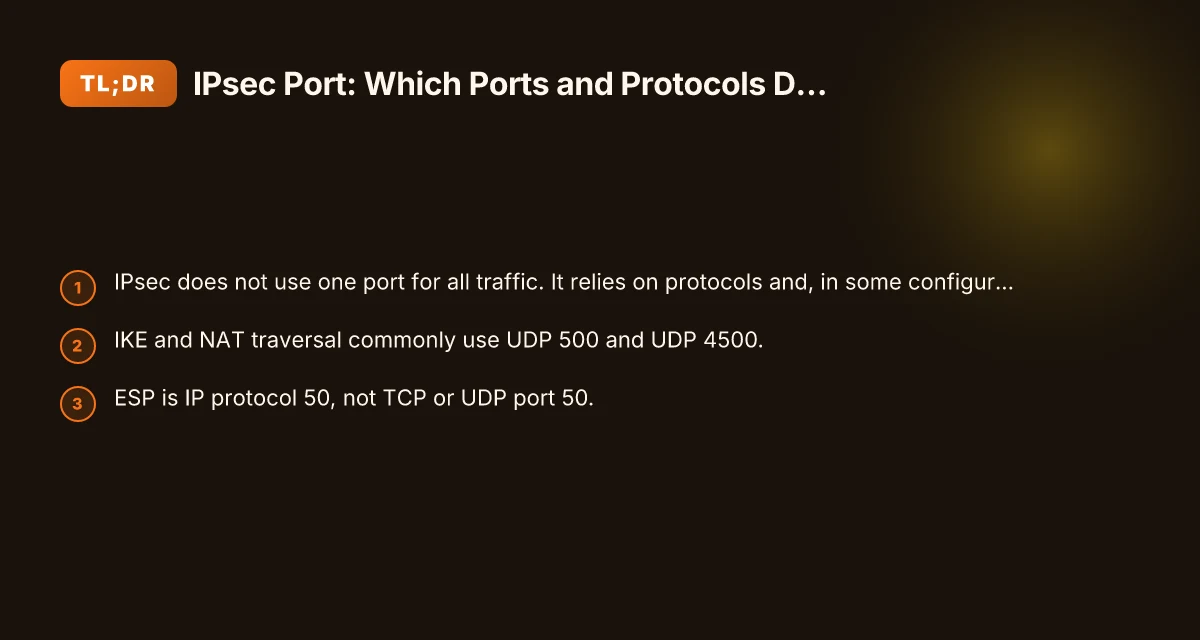
IPsec does not have a single “IPsec port.” For a typical VPN connection, Internet Key Exchange (IKE) uses UDP port 500 to negotiate security settings, while NAT Traversal (NAT-T) uses UDP port 4500 when traffic must cross a device that performs network address translation. The encrypted data may use Encapsulating Security Payload (ESP), which is IP protocol 50, not a TCP or UDP port. What you need to allow depends on the IPsec mode, VPN implementation, and network path.

Editor's pick: NordVPN — fast, secure VPN — Strong encryption, a no-logs policy and apps for every device. 30-day money-back guarantee. Get NordVPN →
IPsec ports and protocols at a glance
| Traffic | Type | Typical use | Firewall handling |
|---|---|---|---|
| UDP 500 | UDP port | IKE negotiation | Allow for IPsec VPNs |
| UDP 4500 | UDP port | NAT traversal (NAT-T) | Allow when NAT-T is used |
| ESP | IP protocol 50 | Encrypted IPsec payloads | Allow ESP if used directly |
| AH | IP protocol 51 | Authentication and integrity | Allow AH if used |
| IKE | Key-management protocol | Negotiates security associations | Uses UDP 500 or UDP 4500 |
| NAT-T | Encapsulation method | Carries ESP through NAT | Uses UDP 4500 |
| IPsec | Security protocol suite | Protects IP traffic | Allow required IPsec traffic |
Compiled November 2026; check the provider's site for current details.
IPsec ports and protocols at a glance
IPsec is a suite of network-layer security protocols, not one application that listens on one port. Its control traffic and encrypted data traffic use different protocols.
| Traffic | Number | Type | Typical purpose |
|---|---|---|---|
| IKE | UDP 500 | UDP port | Negotiates keys and security associations |
| NAT-T | UDP 4500 | UDP port | Carries IKE and encapsulated ESP through NAT |
| ESP | IP protocol 50 | IP protocol number | Transports encrypted IPsec data |
| AH | IP protocol 51 | IP protocol number | Provides authentication and integrity without encryption |
The distinction matters when configuring firewalls. A rule for UDP port 50 does not permit ESP, because ESP is identified by its IP protocol number rather than a TCP or UDP port.
What UDP 500 and UDP 4500 do
IKE establishes and manages the security associations that IPsec uses. In common deployments, IKE communication begins on UDP 500. During negotiation, the VPN peers determine how to protect traffic and exchange the information needed to establish a secure tunnel.
If a NAT device sits between the peers, it may change IP addresses or ports in a way that prevents native ESP from passing correctly. NAT-T addresses this by encapsulating ESP traffic in UDP packets, commonly sent on UDP 4500. Once NAT-T is in use, the encrypted data can travel through networks that allow UDP but do not handle ESP directly. VPN Country Changer Free: How to Change Your Virtual Location Safely
In practical terms:
- Allow UDP 500 when clients or gateways need to establish IKE connections.
- Allow UDP 4500 when NAT traversal may be needed. This is common for remote-access VPNs.
- Permit both when you are unsure whether clients will be behind NAT.
The exact negotiation and port behavior can vary by implementation. Consult the VPN product’s documentation when setting up a specific server or firewall.
What each IPsec traffic type does
| Traffic | Carries or provides | Works through NAT? | Common consideration |
|---|---|---|---|
| UDP 500 | IKE negotiation | Not by itself | Needed to establish a tunnel |
| UDP 4500 | IKE and encapsulated ESP | Yes, with NAT-T | Needed when NAT traversal is required |
| ESP | Encryption and data protection | Not reliably without NAT-T | It is a protocol, not a port |
| AH | Authentication and integrity | No, generally incompatible | It is a protocol, not a port |
| IKE | Key exchange and negotiation | Uses NAT-T when needed | Must be permitted for tunnel setup |
| NAT-T | ESP encapsulation over UDP | Yes | Commonly uses UDP 4500 |
| Firewall rule | Permits selected traffic | Depends on permitted traffic | Match the VPN’s configuration |
Compiled November 2026; check the provider's site for current details. Free VPN for PC to Change Location: What Works and What to Check
ESP and AH are protocols, not ports
ESP is the IPsec protocol most commonly used to provide encryption, integrity, and authentication for VPN traffic. It is identified by IP protocol number 50. Because ESP is not TCP or UDP, it has no port number.
Some firewalls let you create rules by IP protocol number or protocol name. In that case, allow ESP (protocol 50) if the connection uses native ESP without UDP encapsulation. If the firewall only supports port-based rules, it may not be able to permit native ESP using an ordinary TCP or UDP port rule.
AH, or Authentication Header, is IP protocol 51. It provides authentication and integrity but not encryption. AH is less common in modern VPN configurations, and it can be incompatible with NAT because it protects parts of the IP header that NAT devices modify.
Which IPsec traffic should a firewall allow?
The right firewall rules depend on what kind of IPsec connection you are setting up and where the firewall sits. Best Free VPN That Allows You to Change Location: What to Know
For a typical remote-access VPN that may cross NAT, allow inbound and outbound UDP 500 and UDP 4500 as required by the network design. If the peers use native ESP, allow IP protocol 50 as well. A site-to-site tunnel may need similar rules between the public addresses of the VPN gateways.
Use the narrowest practical rules:
- Specify the relevant VPN gateway addresses when they are known.
- Permit traffic in the direction required by the connection and firewall’s state-tracking behavior.
- Avoid opening all IPsec-related traffic to every host unless that is necessary.
- Check whether the firewall or VPN appliance has a built-in IPsec or IKE service rule.
Do not assume that opening UDP 500 alone is enough. IKE may establish successfully while data traffic fails because UDP 4500 or ESP is blocked. Conversely, if NAT-T is negotiated and all data is carried over UDP 4500, a network may not need to pass native ESP between the peers. Follow the VPN product’s guidance and verify the negotiated mode.
Firewall and troubleshooting decisions for IPsec How to Change Your VPN Country for Free: Safe Options and Limitations
| Situation | Traffic to check | Firewall action | Likely issue if blocked |
|---|---|---|---|
| Tunnel will not negotiate | UDP 500 | Allow IKE traffic | IKE negotiation may fail |
| Peers are behind NAT | UDP 4500 | Allow NAT-T traffic | Tunnel may fail or drop |
| NAT-T is not used | ESP (IP protocol 50) | Allow ESP between peers | Encrypted traffic may not pass |
| AH is configured | AH (IP protocol 51) | Allow AH between peers | Authentication traffic may not pass |
| Tunnel connects but data fails | ESP or UDP 4500 | Check the configured data path | Payload traffic may be blocked |
| One-way connectivity | Required traffic in both directions | Check rules and routing both ways | Replies may be blocked |
| Policy is unclear | VPN configuration | Confirm whether ESP or NAT-T is used | Unneeded rules may be opened |
Compiled November 2026; check the provider's site for current details.
Troubleshooting common IPsec port problems
If a VPN will not connect, check the path between the client and gateway for blocked UDP 500 or UDP 4500. If the tunnel connects but no protected traffic passes, investigate whether the data plane is using UDP-encapsulated ESP or native ESP, and confirm that the firewall permits the appropriate traffic.
Useful checks include:
- Review the VPN client and gateway logs for IKE negotiation or NAT-T errors.
- Confirm that the public IP addresses and firewall rules match the intended peers.
- Check whether a home router, corporate firewall, or cloud security group filters IPsec traffic.
- Look for restrictions on UDP 4500 or IP protocol 50.
- Verify that the VPN’s routes, security policies, and access rules allow the requested traffic after the tunnel forms.
Port forwarding is not always required. Many VPN gateways initiate or track connections in ways that allow replies through a stateful firewall, while other network layouts require explicit rules. Avoid adding forwarding rules without checking how the gateway and upstream firewall are configured. What Is f5_vpn_edge client.exe? Safety, Purpose, and Troubleshooting
Recommendation
For most modern IPsec VPNs, start by allowing UDP 500 and UDP 4500 between the intended VPN peers. Also allow ESP, IP protocol 50, if the configuration uses native ESP. Treat these as distinct requirements, confirm the actual mode in your VPN logs or documentation, and restrict access to trusted peers wherever possible.