Nord VPN Account Generator: What It Is and Safer Alternatives
Learn why NordVPN account generators are risky and how to access NordVPN safely and affordably.


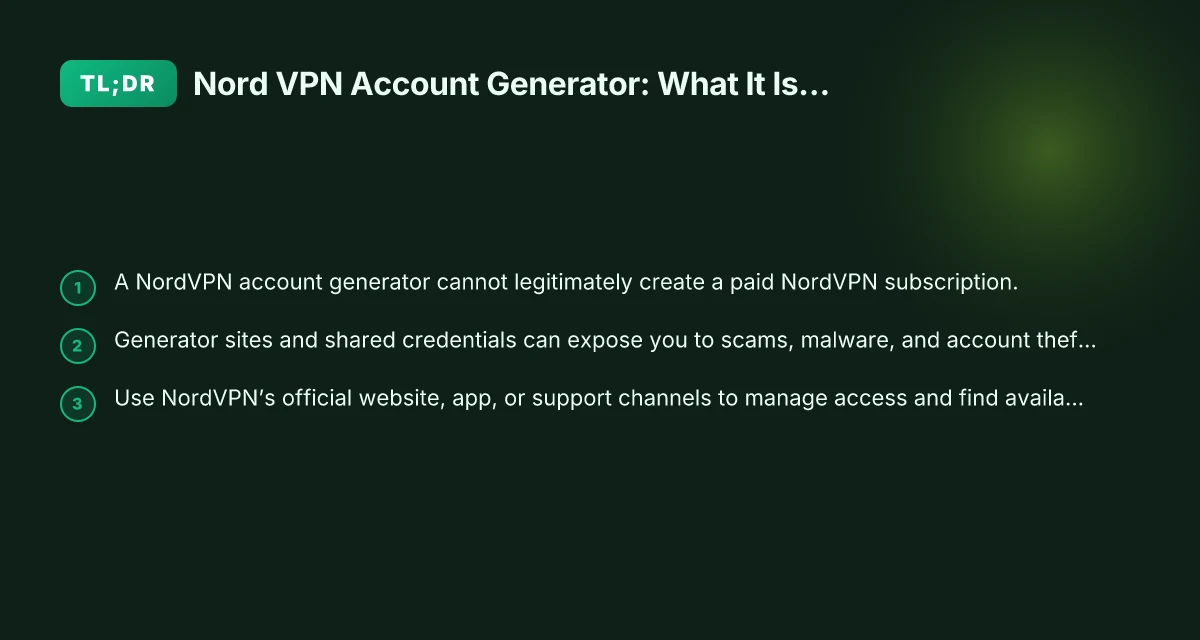
If you’re searching for a Nord VPN account generator, the direct answer is that no third-party tool can legitimately generate a working, paid NordVPN account. NordVPN accounts are created and managed through NordVPN’s official services. Websites promising free accounts, passwords, or subscription codes may be scams, may distribute stolen credentials, or may put your device and personal information at risk. Use official channels instead.

Editor's pick: NordVPN — fast, secure VPN — Strong encryption, a no-logs policy and apps for every device. 30-day money-back guarantee. Get NordVPN →
Common claims versus the risks to check
| Generator claim | What it may mean | Key risk | Safer response |
|---|---|---|---|
| Free premium access | Promises access without a paid plan | Credential theft | Avoid entering login details |
| Instant account | Claims to create an account quickly | Fake signup or phishing page | Use NordVPN’s official site |
| Working credentials | Offers shared or generated logins | Stolen or reused credentials | Do not test unknown accounts |
| No payment needed | Says billing details are unnecessary | Malware or unwanted downloads | Skip downloads from generator sites |
| Unlimited accounts | Claims to bypass account limits | Account misuse or lockout | Follow official account terms |
| Anonymous use | Promises no identifying information is needed | Privacy claims may be false | Check the site’s operator and policies |
Compiled November 2026; check the provider's site for current details.
| VPN | Obfuscation | From / month | Plan | Free plan | Refund | Alipay | UnionPay | Crypto | Website opens in China | Trustpilot | |
|---|---|---|---|---|---|---|---|---|---|---|---|
 NordVPN | Turn on manually Obfuscated Servers / NordWhisper | $3.49/mo | 27 months: $94.23 | No | 30 days | ? | ✗ | ✓ | ✓ | ✗ Blocked | 4.2/5 (51,628 reviews) |
 ZoogVPN | Turn on manually Shadow | $2.49/mo | 27 months: $59.99 | Yes | 7 days | ✓ | ✓ | ✓ | ✓ | Official site blocked; our special link opens (4.4 s) | 4.2/5 (195 reviews) |
 ExpressVPN | ✓ On by default all servers | $3.00/mo | 28 months: $84 | No | 30 days | ✗ | ✗ | ✓ | ✗ | ✗ Blocked | 4.4/5 (29,706 reviews) |
 Surfshark | ✓ On by default Camouflage, with OpenVPN | See site | See site | No | 30 days | ✗ | ✗ | ✗ | ✓ | ✗ Blocked | 4.3/5 (31,823 reviews) |
 Proton VPN | Turn on manually Stealth, free plan too | $2.99/mo | 12 months: $35.88 | Yes | 30 days | ✗ | ✗ | ✗ | ✓ | ✗ Blocked | 2.1/5 (1,040 reviews) |
 Astrill VPN | Turn on manually StealthVPN / OpenWeb | $12.50/mo | 24 months: $300 | No | See site | ✗ | ✗ | ✗ | ✓ | ✗ Blocked | 1.3/5 (110 reviews) |
 Private Internet Access | Turn on manually Shadowsocks, OpenVPN only | $2.03/mo | 40 months: $81.2 | No | 30 days | ✗ | ✗ | ✗ | ✗ | ✗ Blocked | 4.2/5 (11,033 reviews) |
 CyberGhost | Turn on manually selected servers | $2.19/mo | 28 months: $61.32 | No | 45 days | ✗ | ✗ | ✗ | ✓ | ✗ Blocked | 4.0/5 (24,178 reviews) |
 PureVPN | Turn on manually switch to OpenVPN | $1.69/mo | 60 months: $101.55 | No | 31 days | ? | ? | ✗ | ✓ | ✗ Blocked | 4.4/5 (17,994 reviews) |
 AdGuard VPN | ✓ On by default TrustTunnel | $2.99/mo | 24 months: $71.76 | Yes | 30 days | ✓ | ✗ | ✓ | ✓ | Official site blocked; our special link opens (3.7 s) | 4.3/5 (290 reviews) |
 Mullvad | Turn on manually QUIC / Shadowsocks / LWO | $5.61/mo | €5/mo | No | 14 days | ✗ | ✗ | ✗ | ✓ | ✗ Blocked | 3.2/5 (192 reviews) |
 Windscribe | Turn on manually Stealth / WStunnel | $5.75/mo | 12 months: $69 | Yes | See site | ✗ | ✗ | ✗ | ✓ | ✗ Blocked | 4.7/5 (13,355 reviews) |
 StrongVPN | Turn on manually Scramble, OpenVPN TCP | See site | See site | No | 30 days | ✓ | ✗ | ✗ | ✗ | ✗ Blocked | 4.4/5 (2,695 reviews) |
 LightXtreme 闪连 | Not listed | $7.08/mo | 12 months: $84.99 | Yes | 30 days | ✓ | ✓ | ✓ | ✓ | ✓ Yes (3.5 s) | No page |
Prices checked 2026-11-10 on each vendor's pricing page (cheapest long plan, USD). Check the vendor's checkout for the final price.
Obfuscation checked 2026-11-14 on each vendor's site and help center: "on by default" = nothing to set; "turn on manually" = switch protocol or mode in settings; "not listed" = the vendor describes no obfuscation.
Payment methods checked 2026-11-10 on each vendor's payment pages: all 14 take cards and PayPal; ✗ = not listed, ? = the vendor's own pages disagree.
China access: whether the official website opens from mainland China networks (tests the website only, not the VPN connection). Last checked 2026-11-18 01:02 Beijing time.
Trustpilot score and review count checked 2026-11-10.
What a Nord VPN account generator claims to do
A site or program described as a “Nord VPN account generator” usually claims it can produce login details or subscription access without payment. Some offer lists of usernames and passwords. Others ask you to complete surveys, download software, install a browser extension, or enter personal information.
These claims are not a legitimate way to create a NordVPN subscription. A username and password alone do not provide authorized access. NordVPN access depends on an account and subscription managed by the company, and credentials found online may be stolen, expired, or shared without permission.
Even if a set of credentials appears to work temporarily, that does not mean it is safe or lawful to use. The account owner may lose access, and the service may block unauthorized activity.
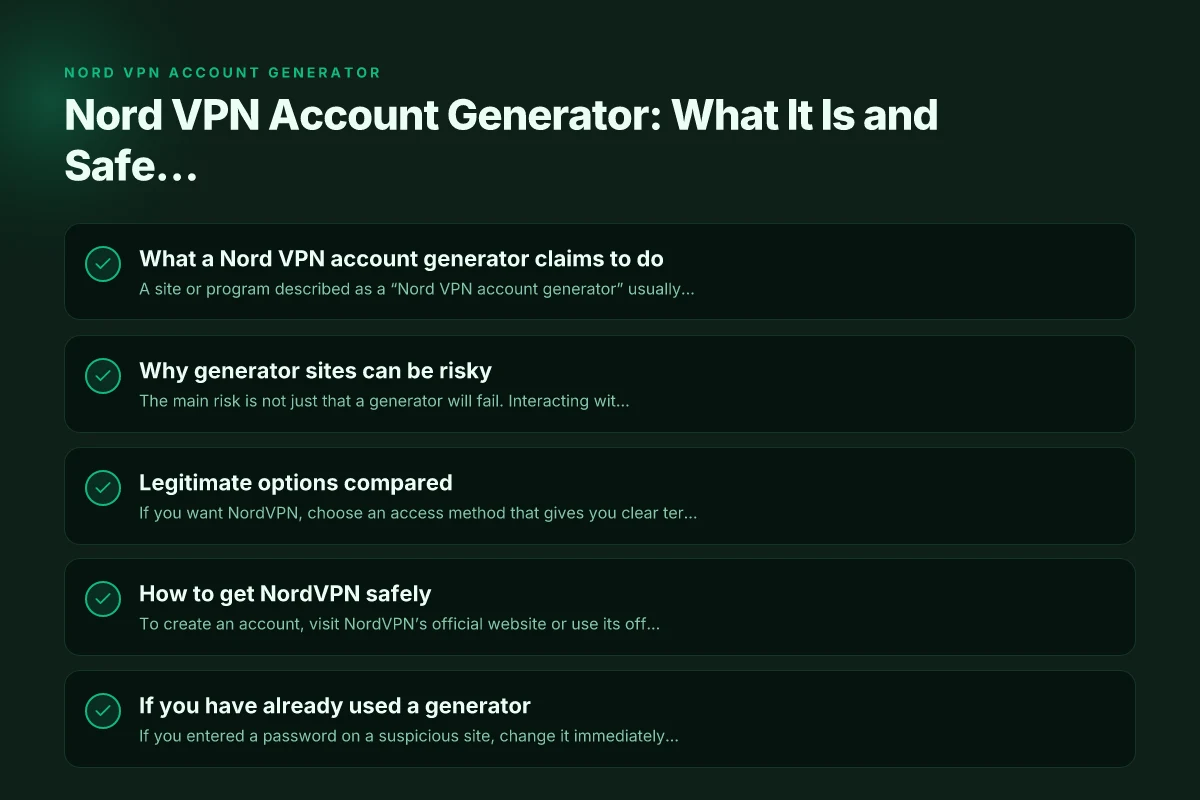
Why generator sites can be risky
The main risk is not just that a generator will fail. Interacting with one can expose you to security, privacy, and financial problems. VPN Extension for Microsoft Edge: How to Choose and Use One
- Phishing: A fake login page may collect your email address, password, or payment details.
- Malware: Downloads advertised as generators can contain harmful software or unwanted programs.
- Data harvesting: Survey and “verification” pages may collect personal details without providing access.
- Stolen credentials: Shared logins may belong to someone else and could be compromised or misused.
- Unexpected charges: Some offers lead to subscriptions or services with fees and difficult cancellation processes.
- Unreliable access: Credentials can stop working at any time, leaving you without a dependable VPN connection.
A VPN is meant to help protect your online traffic. Installing an unknown program or handing over your information to an unverified site can undermine that goal.
Legitimate options compared
If you want NordVPN, choose an access method that gives you clear terms, account support, and a reliable way to manage your subscription.
| Option | Authorized access | Main consideration |
|---|---|---|
| Official NordVPN website | Yes | Check current plans, terms, and renewal details |
| Official NordVPN app | Yes, when signed in to your account | Download it from NordVPN or a trusted app store |
| NordVPN customer support | Yes, for account and billing help | Use official support channels to resolve access issues |
| Third-party account generator | No | May expose you to scams, stolen credentials, or malware |
| Shared credentials from an unknown source | Not reliably | Access may be unauthorized, unstable, or compromised |
Prices, promotions, features, and refund terms can change, so confirm the details directly with NordVPN before purchasing.
Legitimate access options compared Forticlientvpnsetup_7.4.3.4726_x64.exe: Download and Install Guide
| Option | Cost approach | Account source | Security confidence | Best for |
|---|---|---|---|---|
| Official NordVPN plan | Paid plan | NordVPN | Strongest option | Full service access |
| Official NordVPN promotion | Promotional pricing may apply | NordVPN | Strongest option | Lower-cost signup |
| Official free trial, if available | Trial terms may apply | NordVPN or an official app store | Strong option | Trying the service |
| Shared account from an unknown seller | Unclear | Third party | Low | Not recommended |
| Generator website | Claims free access | Unknown operator | Very low | Avoid |
| Unofficial modified app | Claims extra access | Unknown distributor | Very low | Avoid |
Compiled November 2026; check the provider's site for current details.
How to get NordVPN safely
To create an account, visit NordVPN’s official website or use its official app. Review the available plans and terms, then follow the service’s sign-up and payment steps. Afterward, install the app from an official source and sign in using the credentials you created.
For account security:
- Use a unique password that you do not reuse on other websites.
- Turn on any additional account security options NordVPN offers.
- Avoid logging in through links in unsolicited emails or messages.
- Keep the app and your device’s operating system updated.
- Check your account and payment records for activity you do not recognize.
If you already have a subscription but cannot sign in, use the official password-reset process or contact NordVPN support. Do not send your password to anyone claiming they can unlock or generate an account for you. Free VPN for Edge Extension: How to Choose One Safely
If you have already used a generator
If you entered a password on a suspicious site, change it immediately on any service where you reused it. Start with your email account, since access to email can make it easier for someone to reset other passwords. Use a different, unique password for each account.
If you downloaded a file, do not open it. Remove it, run a security scan with trusted software, and review your device for unfamiliar apps or browser extensions. If you submitted payment information, contact your bank or card provider, monitor transactions, and ask about steps to protect the account.
If you used credentials that were not yours, stop using them and do not share or repost them. Create your own account through NordVPN’s official channels if you decide to use the service.
Safer steps if you used a generator Free VPN Edge Extension: How to Choose One Safely
| Situation | Recommended action | Account or device check | Follow-up |
|---|---|---|---|
| Entered your NordVPN password | Change it using the official site | Review active sessions if available | Use a unique password |
| Reused that password elsewhere | Change it on every affected service | Check account activity | Use a password manager |
| Shared payment details | Contact your bank or card provider | Review transactions | Ask about replacing the card |
| Downloaded a file | Do not open it again | Run a reputable security scan | Remove suspicious software |
| Installed an app | Uninstall it if untrusted | Check device security settings | Reinstall only from official sources |
| Only visited the page | Close it and avoid returning | Check for unexpected downloads | Be alert for follow-up messages |
Compiled November 2026; check the provider's site for current details.
Recommendation
Avoid any Nord VPN account generator, free-login list, or unknown download claiming to unlock a subscription. These tools cannot provide a trustworthy substitute for an account created through NordVPN. For dependable access, sign up or sign in through official NordVPN channels, review the current terms, and contact customer support if you need help.