NordVPN China: Does It Work, and What Should You Know?
Learn whether NordVPN works in China, how to prepare, and what to consider before relying on a VPN.
If you’re asking whether NordVPN works in China, the practical answer is: it may work, but you should not count on uninterrupted access. China blocks many foreign websites and VPN connections, and filtering methods can change. A VPN that connects today might fail tomorrow, or work on one network but not another.
Preparation matters. Install NordVPN before you arrive, review its current instructions for China, and arrange a backup way to reach essential services. Also check the rules that apply to your situation: VPN use in China is subject to local restrictions, and this article is general information, not legal advice.
| VPN | Obfuscation | From / month | Plan | Free plan | Refund | Alipay | UnionPay | Crypto | Website opens in China | Trustpilot | |
|---|---|---|---|---|---|---|---|---|---|---|---|
 NordVPN | Turn on manually Obfuscated Servers / NordWhisper | $3.49/mo | 27 months: $94.23 | No | 30 days | ? | ✗ | ✓ | ✓ | ✗ Blocked | 4.2/5 (51,628 reviews) |
 ZoogVPN | Turn on manually Shadow | $2.49/mo | 27 months: $59.99 | Yes | 7 days | ✓ | ✓ | ✓ | ✓ | Official site blocked; our special link opens (4.4 s) | 4.2/5 (195 reviews) |
 ExpressVPN | ✓ On by default all servers | $3.00/mo | 28 months: $84 | No | 30 days | ✗ | ✗ | ✓ | ✗ | ✗ Blocked | 4.4/5 (29,706 reviews) |
 Surfshark | ✓ On by default Camouflage, with OpenVPN | See site | See site | No | 30 days | ✗ | ✗ | ✗ | ✓ | ✗ Blocked | 4.3/5 (31,823 reviews) |
 Proton VPN | Turn on manually Stealth, free plan too | $2.99/mo | 12 months: $35.88 | Yes | 30 days | ✗ | ✗ | ✗ | ✓ | ✗ Blocked | 2.1/5 (1,040 reviews) |
 Astrill VPN | Turn on manually StealthVPN / OpenWeb | $12.50/mo | 24 months: $300 | No | See site | ✗ | ✗ | ✗ | ✓ | ✗ Blocked | 1.3/5 (110 reviews) |
 Private Internet Access | Turn on manually Shadowsocks, OpenVPN only | $2.03/mo | 40 months: $81.2 | No | 30 days | ✗ | ✗ | ✗ | ✗ | ✗ Blocked | 4.2/5 (11,033 reviews) |
 CyberGhost | Turn on manually selected servers | $2.19/mo | 28 months: $61.32 | No | 45 days | ✗ | ✗ | ✗ | ✓ | ✗ Blocked | 4.0/5 (24,178 reviews) |
 PureVPN | Turn on manually switch to OpenVPN | $1.69/mo | 60 months: $101.55 | No | 31 days | ? | ? | ✗ | ✓ | ✗ Blocked | 4.4/5 (17,994 reviews) |
 AdGuard VPN | ✓ On by default TrustTunnel | $2.99/mo | 24 months: $71.76 | Yes | 30 days | ✓ | ✗ | ✓ | ✓ | Official site blocked; our special link opens (3.7 s) | 4.3/5 (290 reviews) |
 Mullvad | Turn on manually QUIC / Shadowsocks / LWO | $5.61/mo | €5/mo | No | 14 days | ✗ | ✗ | ✗ | ✓ | ✗ Blocked | 3.2/5 (192 reviews) |
 Windscribe | Turn on manually Stealth / WStunnel | $5.75/mo | 12 months: $69 | Yes | See site | ✗ | ✗ | ✗ | ✓ | ✗ Blocked | 4.7/5 (13,355 reviews) |
 StrongVPN | Turn on manually Scramble, OpenVPN TCP | See site | See site | No | 30 days | ✓ | ✗ | ✗ | ✗ | ✗ Blocked | 4.4/5 (2,695 reviews) |
 LightXtreme 闪连 | Not listed | $7.08/mo | 12 months: $84.99 | Yes | 30 days | ✓ | ✓ | ✓ | ✓ | ✓ Yes (3.5 s) | No page |
Prices checked 2026-11-10 on each vendor's pricing page (cheapest long plan, USD). Check the vendor's checkout for the final price.
Obfuscation checked 2026-11-14 on each vendor's site and help center: "on by default" = nothing to set; "turn on manually" = switch protocol or mode in settings; "not listed" = the vendor describes no obfuscation.
Payment methods checked 2026-11-10 on each vendor's payment pages: all 14 take cards and PayPal; ✗ = not listed, ? = the vendor's own pages disagree.
China access: whether the official website opens from mainland China networks (tests the website only, not the VPN connection). Last checked 2026-11-18 01:02 Beijing time.
Trustpilot score and review count checked 2026-11-10.

Editor's pick: NordVPN — fast, secure VPN — Strong encryption, a no-logs policy and apps for every device. 30-day money-back guarantee. Get NordVPN →
Does NordVPN work in China?
NordVPN’s performance in China can vary over time. The country’s internet filtering system can identify and disrupt VPN traffic, while VPN providers may adjust their apps and infrastructure in response. As a result, there is no reliable promise that a particular server, protocol, or app version will connect whenever you need it.
Reports from travelers can also differ because of factors such as:
- Your location and internet provider
- Whether you are using hotel Wi-Fi, mobile data, or another network
- The device and operating system
- Current filtering conditions and NordVPN’s latest service configuration
Treat NordVPN as a possible tool, not a guaranteed way to access blocked services. If a connection fails, repeatedly changing settings at random may not help. Use NordVPN’s official, up-to-date guidance instead.
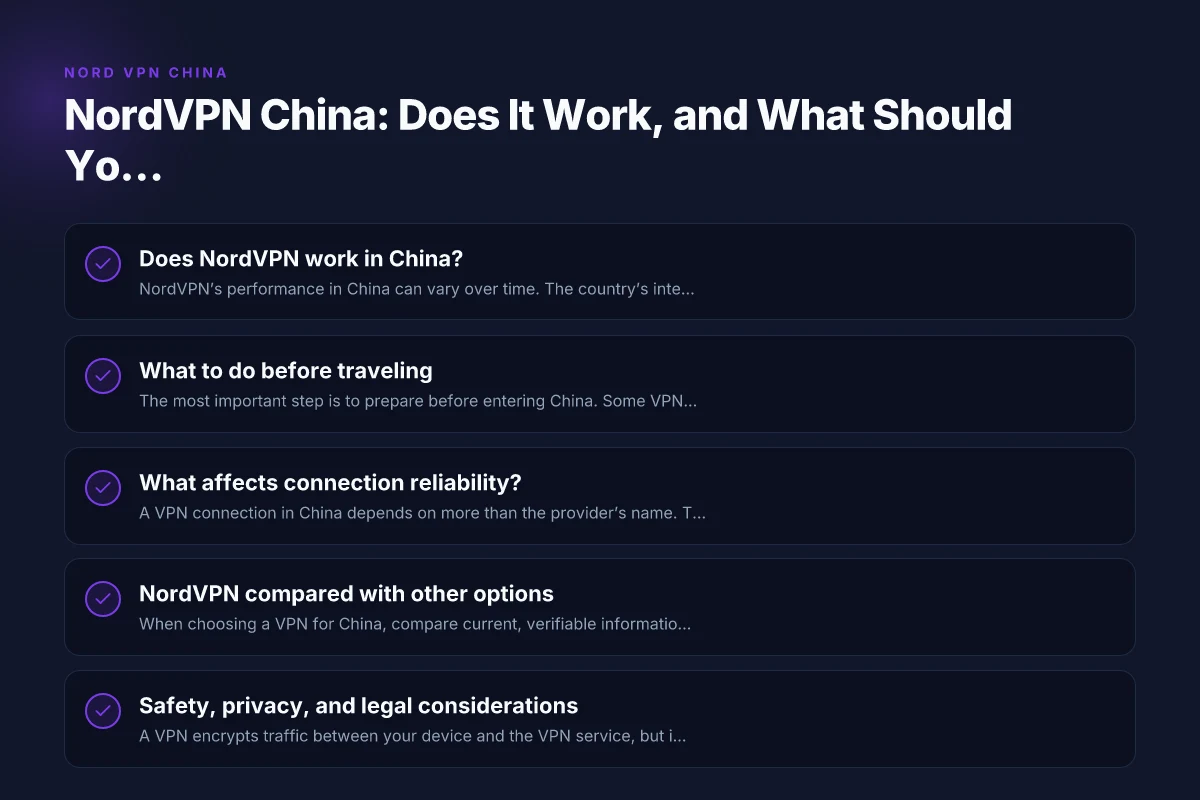
What to do before traveling
The most important step is to prepare before entering China. Some VPN provider websites and app stores may be inaccessible after arrival, which can make downloading or troubleshooting more difficult. IPsec VPN connection is down forticlient: Causes and Fixes
Before you travel:
- Install NordVPN on each device you expect to use, and sign in.
- Update the app while you still have dependable access to the internet.
- Check NordVPN’s official help pages for current China-specific advice and available connection options.
- Save support details and instructions offline, such as in a secure note or downloaded document.
- Test the app at home so you know where its connection and support settings are.
- Set up a backup plan for important communications and essential information.
Do not rely on a single VPN for access to travel documents, banking, work, or communication. Keep important files available offline and make sure you know how to contact people through more than one method.
What affects connection reliability?
A VPN connection in China depends on more than the provider’s name. The network you use, the filtering conditions at the time, and the provider’s current technical configuration can all affect whether the connection succeeds.
| Factor | Why it matters | Useful preparation |
|---|---|---|
| Network type | Hotel, office, and mobile networks may behave differently | Test more than one network when possible |
| Filtering changes | VPN traffic can be blocked or disrupted | Check current official guidance |
| App version | Older software may lack recent changes | Update before departure |
| Device settings | Operating-system or app settings can affect connections | Review the app’s instructions |
| Access to support | Provider websites may be blocked | Save support information offline |
A connection that works on Wi-Fi might not work on mobile data, or vice versa. If you are troubleshooting, first confirm that your general internet connection is working, then consult NordVPN’s current instructions. Avoid downloading configuration files or apps from unofficial sources. FortiClient IPsec: How to Configure and Troubleshoot a VPN
NordVPN compared with other options
When choosing a VPN for China, compare current, verifiable information rather than relying only on old reviews or claims that a service “always works.” VPN performance in restrictive networks can change quickly.
| Consideration | NordVPN | Any alternative |
|---|---|---|
| China availability | Can vary; check current provider guidance | Can also vary and may be difficult to verify |
| Setup | Install and sign in before travel | Confirm the app is available and usable before departure |
| Support | Save official contact and troubleshooting details | Check how support can be reached if the site is blocked |
| Reliability | No connection can be guaranteed | Treat claims of guaranteed access cautiously |
| Legal considerations | Check rules that apply to your circumstances | The same legal caution applies |
If uninterrupted access is essential, do not assume that switching providers will solve the problem. Evaluate more than one option where lawful and practical, and prepare alternatives that do not depend on a VPN.
Safety, privacy, and legal considerations
A VPN encrypts traffic between your device and the VPN service, but it does not make you anonymous or protect you from every online risk. Websites can still identify you through account logins, browser settings, or other information. A VPN also does not prevent phishing, malware, or unsafe downloads.
Keep these limits in mind: VPN Cisco: How Cisco VPNs Work, Which to Choose, and How to Connect
- Use official NordVPN apps and support channels.
- Protect your account with a strong, unique password and available security features.
- Avoid entering sensitive information on unfamiliar websites.
- Do not assume that a VPN makes an activity lawful.
- Check current local rules and any guidance relevant to your trip, work, or organization.
Rules and enforcement can depend on the circumstances. If you need a definitive answer about legality, consult a qualified legal professional or an appropriate official source.
Recommendation
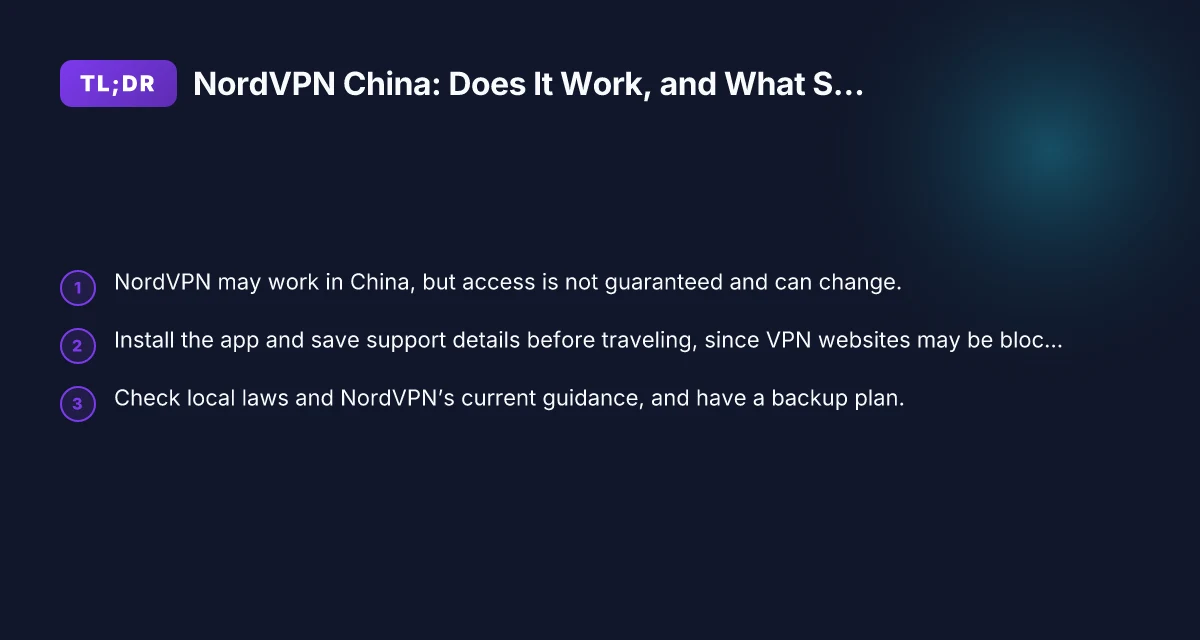
NordVPN may work in China, but its availability is uncertain and can change without notice. Install and update it before traveling, save current instructions offline, and make a backup plan for essential access. Most importantly, check the rules that apply to you and do not rely on any VPN as a guaranteed connection.