Proton Free VPN: What You Get and Whether It’s Worth Using
Learn what Proton VPN’s free plan includes, its limitations, and when it makes sense to upgrade.
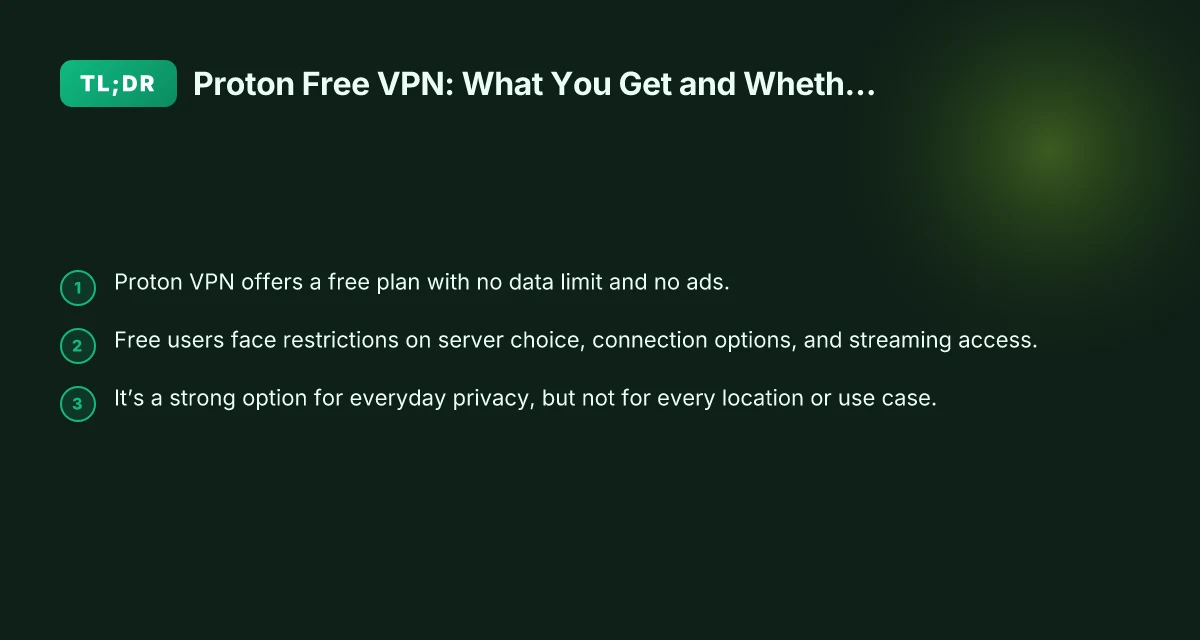
Proton Free VPN is the free plan of Proton VPN, a privacy-focused service from the company behind Proton Mail. It provides encrypted VPN connections without a monthly data cap or advertising, making it useful for everyday browsing on a budget. The main trade-off is limited access to locations and features compared with paid plans.

Editor's pick: NordVPN — fast, secure VPN — Strong encryption, a no-logs policy and apps for every device. 30-day money-back guarantee. Get NordVPN →
Proton VPN Free features and limitations
| Area | Free plan | Practical impact | Consider before choosing |
|---|---|---|---|
| Price | Free | No subscription cost | Paid plans add features |
| Data allowance | Unlimited | No monthly data cap | Speed and server access still differ |
| Ads | No ads | Browsing is not interrupted by VPN ads | The service is funded through paid plans |
| Privacy | No-logs policy | Proton says it does not log browsing activity | Review the current privacy policy |
| Server locations | Limited | Fewer location choices | Check whether a free location suits your needs |
| Server selection | Limited | Less control over where you connect | Paid plans offer more options |
| Streaming | Not guaranteed | Access to streaming services may vary | Do not choose it solely for streaming |
| Performance | Limited compared with paid plans | Speed may be less consistent | Try it on your own network |
Compiled November 2026; check the provider's site for current details.
| VPN | Obfuscation | From / month | Plan | Free plan | Refund | Alipay | UnionPay | Crypto | Website opens in China | Trustpilot | |
|---|---|---|---|---|---|---|---|---|---|---|---|
 Proton VPN | Turn on manually Stealth, free plan too | $2.99/mo | 12 months: $35.88 | Yes | 30 days | ✗ | ✗ | ✗ | ✓ | ✗ Blocked | 2.1/5 (1,040 reviews) |
 ZoogVPN | Turn on manually Shadow | $2.49/mo | 27 months: $59.99 | Yes | 7 days | ✓ | ✓ | ✓ | ✓ | Official site blocked; our special link opens (4.4 s) | 4.2/5 (195 reviews) |
 NordVPN | Turn on manually Obfuscated Servers / NordWhisper | $3.49/mo | 27 months: $94.23 | No | 30 days | ? | ✗ | ✓ | ✓ | ✗ Blocked | 4.2/5 (51,628 reviews) |
 ExpressVPN | ✓ On by default all servers | $3.00/mo | 28 months: $84 | No | 30 days | ✗ | ✗ | ✓ | ✗ | ✗ Blocked | 4.4/5 (29,706 reviews) |
 Surfshark | ✓ On by default Camouflage, with OpenVPN | See site | See site | No | 30 days | ✗ | ✗ | ✗ | ✓ | ✗ Blocked | 4.3/5 (31,823 reviews) |
 Astrill VPN | Turn on manually StealthVPN / OpenWeb | $12.50/mo | 24 months: $300 | No | See site | ✗ | ✗ | ✗ | ✓ | ✗ Blocked | 1.3/5 (110 reviews) |
 Private Internet Access | Turn on manually Shadowsocks, OpenVPN only | $2.03/mo | 40 months: $81.2 | No | 30 days | ✗ | ✗ | ✗ | ✗ | ✗ Blocked | 4.2/5 (11,033 reviews) |
 CyberGhost | Turn on manually selected servers | $2.19/mo | 28 months: $61.32 | No | 45 days | ✗ | ✗ | ✗ | ✓ | ✗ Blocked | 4.0/5 (24,178 reviews) |
 PureVPN | Turn on manually switch to OpenVPN | $1.69/mo | 60 months: $101.55 | No | 31 days | ? | ? | ✗ | ✓ | ✗ Blocked | 4.4/5 (17,994 reviews) |
 AdGuard VPN | ✓ On by default TrustTunnel | $2.99/mo | 24 months: $71.76 | Yes | 30 days | ✓ | ✗ | ✓ | ✓ | Official site blocked; our special link opens (3.7 s) | 4.3/5 (290 reviews) |
 Mullvad | Turn on manually QUIC / Shadowsocks / LWO | $5.61/mo | €5/mo | No | 14 days | ✗ | ✗ | ✗ | ✓ | ✗ Blocked | 3.2/5 (192 reviews) |
 Windscribe | Turn on manually Stealth / WStunnel | $5.75/mo | 12 months: $69 | Yes | See site | ✗ | ✗ | ✗ | ✓ | ✗ Blocked | 4.7/5 (13,355 reviews) |
 StrongVPN | Turn on manually Scramble, OpenVPN TCP | See site | See site | No | 30 days | ✓ | ✗ | ✗ | ✗ | ✗ Blocked | 4.4/5 (2,695 reviews) |
 LightXtreme 闪连 | Not listed | $7.08/mo | 12 months: $84.99 | Yes | 30 days | ✓ | ✓ | ✓ | ✓ | ✓ Yes (3.5 s) | No page |
Prices checked 2026-11-10 on each vendor's pricing page (cheapest long plan, USD). Check the vendor's checkout for the final price.
Obfuscation checked 2026-11-14 on each vendor's site and help center: "on by default" = nothing to set; "turn on manually" = switch protocol or mode in settings; "not listed" = the vendor describes no obfuscation.
Payment methods checked 2026-11-10 on each vendor's payment pages: all 14 take cards and PayPal; ✗ = not listed, ? = the vendor's own pages disagree.
China access: whether the official website opens from mainland China networks (tests the website only, not the VPN connection). Last checked 2026-11-18 01:02 Beijing time.
Trustpilot score and review count checked 2026-11-10.
What Proton VPN’s free plan includes
A VPN routes your internet traffic through an encrypted connection to a VPN server. This can help protect your traffic from snooping on public Wi-Fi and hide your IP address from websites you visit. It does not make you fully anonymous, stop every kind of tracking, or protect you from malware.
Proton VPN says its free plan has no data limit and does not show ads. That makes it different from free VPNs that cap monthly usage or rely on advertising. The free plan also uses the service’s VPN apps, so you can connect on supported devices using Proton’s software.
Availability and specific features can change, so check Proton VPN’s current plan details before signing up. In particular, don’t assume that every tool included in a paid subscription is available for free.
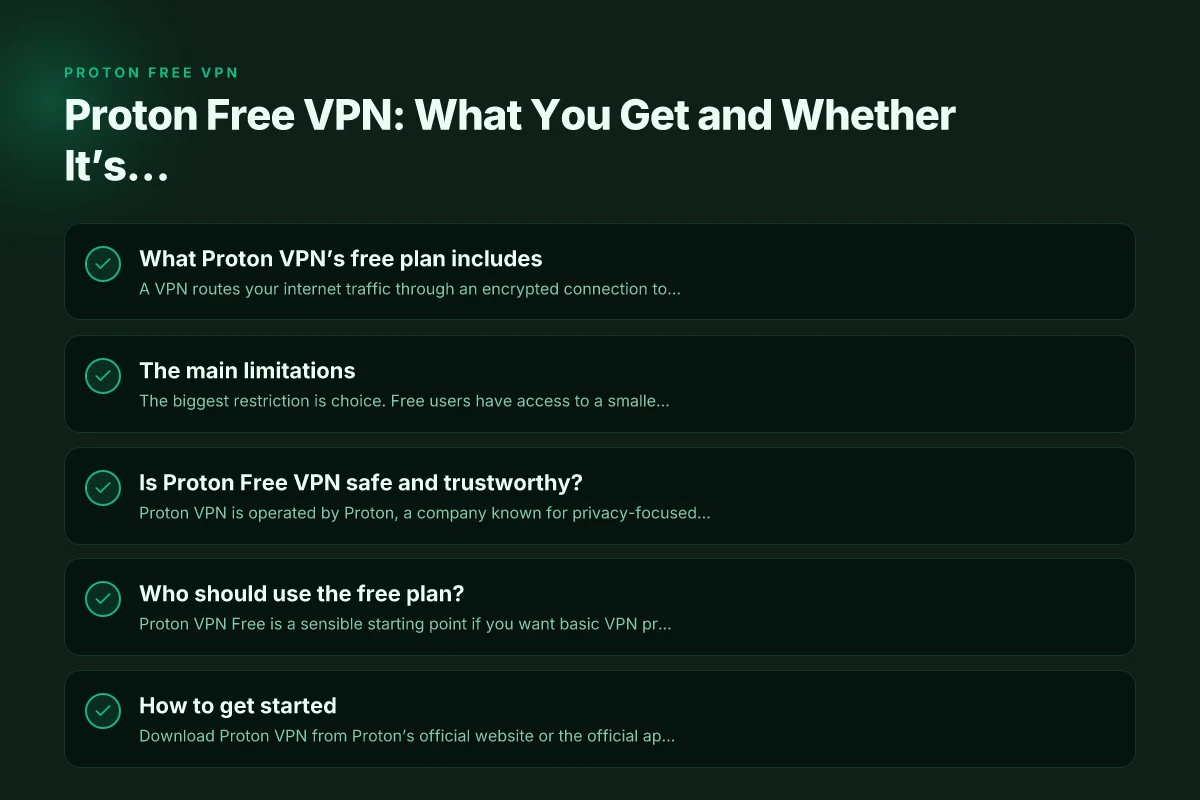
The main limitations
The biggest restriction is choice. Free users have access to a smaller selection of server locations than subscribers, and the app may select or recommend an available server rather than letting users freely choose from every location. That can be inconvenient if you need an IP address in a particular country. Forticlient VPN online installer.exe: What It Is and How to Download Safely
Other limitations may include fewer simultaneous connections, less flexibility for changing servers, and limited access to advanced features. Streaming services are not guaranteed to work on the free plan. Some platforms block known VPN addresses, and access can vary over time.
| Consideration | Proton VPN Free | Proton VPN paid plan |
|---|---|---|
| Data allowance | No monthly data cap, according to Proton VPN | No monthly data cap |
| Advertising | No ads in the free VPN service | No ads |
| Server and location choice | More limited | Broader access |
| Streaming access | Not guaranteed | Better suited to streaming, though access can still vary |
| Advanced features and connections | More restricted | More options, depending on the plan |
The table describes the general difference between free and paid access, not a guarantee of what will work on a particular device or with a particular service.
Which Proton VPN plan fits your needs?
| Need | Free plan fit | Main trade-off | Better choice when… |
|---|---|---|---|
| Basic privacy on public Wi-Fi | Good | Limited server choice | You want simple protection at no cost |
| Occasional secure browsing | Good | Fewer locations | You do not need advanced controls |
| Unlimited VPN use without a fee | Good | Performance may vary | Avoiding a data cap matters most |
| Choosing a specific country | Limited | Free locations are restricted | A particular location is essential |
| Reliable streaming access | Limited | Streaming support is not guaranteed | Streaming is a main reason for using a VPN |
| Consistently high speeds | Limited | Free servers can be slower | Performance is a priority |
| Access to more VPN features | Limited | Some features require a paid plan | You need broader server and feature access |
Compiled November 2026; check the provider's site for current details. Configure Windows 11 VPN IPsec Client to Replace FortiClient
Is Proton Free VPN safe and trustworthy?
Proton VPN is operated by Proton, a company known for privacy-focused services. The VPN encrypts traffic between your device and its server, which is especially helpful when you use an unfamiliar Wi-Fi network. Proton publishes information about its security practices and apps, but no VPN can remove every online risk.
Keep these points in mind:
- A VPN does not stop websites from identifying you through cookies, account logins, or browser fingerprinting.
- Your VPN provider becomes an important party in your connection, so its privacy policies matter.
- A VPN does not replace antivirus software, software updates, or careful browsing.
- A VPN may not bypass workplace, school, or government network restrictions, and local laws still apply.
For stronger privacy, review Proton VPN’s current privacy policy and security documentation. Also use unique passwords, enable multifactor authentication where possible, and keep your operating system and apps updated.
Who should use the free plan?
Proton VPN Free is a sensible starting point if you want basic VPN protection without paying and don’t need to select from a large list of countries. Its unlimited data allowance is useful for regular browsing, messaging, and occasional use on public Wi-Fi. NordVPN Obfuscated Server: What It Does and How to Use It
It may suit you if you:
- Want to try Proton VPN before considering a subscription.
- Need a no-cost VPN for everyday, non-specialist use.
- Prefer a service that does not depend on ads or a monthly data allowance.
- Don’t need a specific server location or guaranteed access to streaming libraries.
A paid plan is more appropriate if you need a particular country, more connection flexibility, or features aimed at streaming and other demanding uses. Before upgrading, compare the current plan features and pricing against your own needs.
Getting started and deciding whether to keep Proton VPN Free
| Step or check | What to do | What to look for | Decision |
|---|---|---|---|
| Choose a plan | Select Proton VPN Free | Confirm the plan is free | Proceed if its limits suit you |
| Create an account | Sign up with Proton | Use accurate account details | Continue to setup |
| Install the app | Get the app for your device | Use an official Proton source | Avoid unofficial downloads |
| Connect | Pick an available free server | Check the location shown | Test whether it works for you |
| Check privacy needs | Review Proton’s privacy information | Confirm the policy meets your expectations | Use it only if you are comfortable |
| Test your connection | Browse and use your usual services | Note speed and access issues | Keep it for basic use if adequate |
| Reassess your needs | Compare your requirements with free-plan limits | Consider location, performance, and features | Stay free or consider a paid plan |
Compiled November 2026; check the provider's site for current details. Browsec VPN - Free VPN for Chrome 3.92.7: What to Know
How to get started
Download Proton VPN from Proton’s official website or the official app store for your device. Avoid lookalike apps and unofficial download sites. Create an account if required, install the app, and sign in.
To connect:
- Open the app and review the available free servers.
- Choose an available location or use the app’s recommended connection.
- Connect before using public Wi-Fi or browsing.
- Check the app to confirm the VPN is active.
- Disconnect when you no longer need the VPN, if that suits your setup.
If the connection feels slow, try another available server or reconnect later. VPN performance depends on factors such as server load, your internet connection, and distance to the server. A VPN can sometimes reduce speed because traffic takes an additional route.
Recommendation
For a free VPN with unlimited data and no ads, Proton VPN Free is a strong option for basic privacy and everyday browsing. Its limited server choice and lack of guaranteed streaming access are important trade-offs. Start with the free plan if those limits fit your needs. Choose a paid plan only if you require broader location access, more flexibility, or additional features. Android VPN: How to Choose, Set Up, and Use One Safely