Proton VPN Free: What You Get and Whether It’s Worth Using
Learn what Proton VPN Free includes, its limits, privacy features, and when upgrading may make sense.


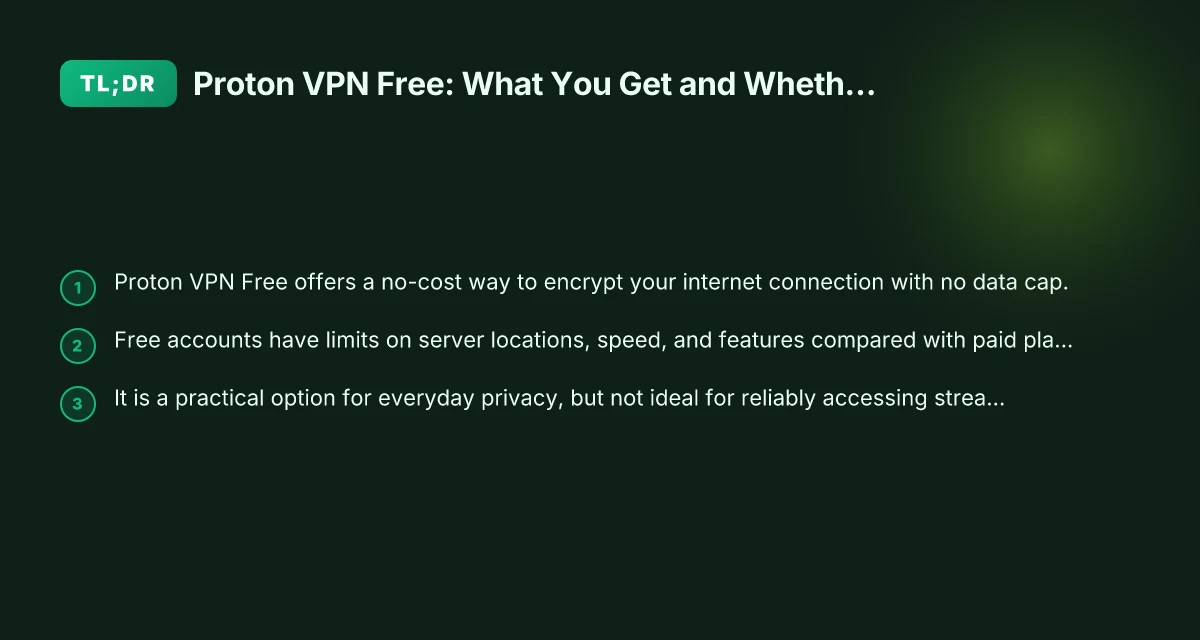
Proton VPN Free is a legitimate free VPN plan for people who want more privacy on public Wi-Fi or a basic layer of protection while browsing. It has no data limit, so you can use it without a monthly bandwidth allowance running out. In return, you get fewer server choices and features than you would with a paid subscription, and performance may vary.

Editor's pick: NordVPN — fast, secure VPN — Strong encryption, a no-logs policy and apps for every device. 30-day money-back guarantee. Get NordVPN →
Is Proton VPN Free a good fit?
| Need | Free plan fit | Why |
|---|---|---|
| Everyday browsing | Good | Unlimited data |
| Occasional public Wi-Fi use | Good | Encrypted VPN connection |
| Choosing a specific server | Limited | Automatic server selection |
| Connecting several devices at once | Poor | One connection at a time |
| Streaming from a particular country | Uncertain | Streaming access is not guaranteed |
| Torrenting | Poor | P2P is not included |
| Avoiding ads in the VPN app | Good | No ads |
| Getting premium features | Poor | Free plan has limitations |
Compiled November 2026; check the provider's site for current details.
| VPN | Obfuscation | From / month | Plan | Free plan | Refund | Alipay | UnionPay | Crypto | Website opens in China | Trustpilot | |
|---|---|---|---|---|---|---|---|---|---|---|---|
 Proton VPN | Turn on manually Stealth, free plan too | $2.99/mo | 12 months: $35.88 | Yes | 30 days | ✗ | ✗ | ✗ | ✓ | ✗ Blocked | 2.1/5 (1,040 reviews) |
 ZoogVPN | Turn on manually Shadow | $2.49/mo | 27 months: $59.99 | Yes | 7 days | ✓ | ✓ | ✓ | ✓ | Official site blocked; our special link opens (4.4 s) | 4.2/5 (195 reviews) |
 NordVPN | Turn on manually Obfuscated Servers / NordWhisper | $3.49/mo | 27 months: $94.23 | No | 30 days | ? | ✗ | ✓ | ✓ | ✗ Blocked | 4.2/5 (51,628 reviews) |
 ExpressVPN | ✓ On by default all servers | $3.00/mo | 28 months: $84 | No | 30 days | ✗ | ✗ | ✓ | ✗ | ✗ Blocked | 4.4/5 (29,706 reviews) |
 Surfshark | ✓ On by default Camouflage, with OpenVPN | See site | See site | No | 30 days | ✗ | ✗ | ✗ | ✓ | ✗ Blocked | 4.3/5 (31,823 reviews) |
 Astrill VPN | Turn on manually StealthVPN / OpenWeb | $12.50/mo | 24 months: $300 | No | See site | ✗ | ✗ | ✗ | ✓ | ✗ Blocked | 1.3/5 (110 reviews) |
 Private Internet Access | Turn on manually Shadowsocks, OpenVPN only | $2.03/mo | 40 months: $81.2 | No | 30 days | ✗ | ✗ | ✗ | ✗ | ✗ Blocked | 4.2/5 (11,033 reviews) |
 CyberGhost | Turn on manually selected servers | $2.19/mo | 28 months: $61.32 | No | 45 days | ✗ | ✗ | ✗ | ✓ | ✗ Blocked | 4.0/5 (24,178 reviews) |
 PureVPN | Turn on manually switch to OpenVPN | $1.69/mo | 60 months: $101.55 | No | 31 days | ? | ? | ✗ | ✓ | ✗ Blocked | 4.4/5 (17,994 reviews) |
 AdGuard VPN | ✓ On by default TrustTunnel | $2.99/mo | 24 months: $71.76 | Yes | 30 days | ✓ | ✗ | ✓ | ✓ | Official site blocked; our special link opens (3.7 s) | 4.3/5 (290 reviews) |
 Mullvad | Turn on manually QUIC / Shadowsocks / LWO | $5.61/mo | €5/mo | No | 14 days | ✗ | ✗ | ✗ | ✓ | ✗ Blocked | 3.2/5 (192 reviews) |
 Windscribe | Turn on manually Stealth / WStunnel | $5.75/mo | 12 months: $69 | Yes | See site | ✗ | ✗ | ✗ | ✓ | ✗ Blocked | 4.7/5 (13,355 reviews) |
 StrongVPN | Turn on manually Scramble, OpenVPN TCP | See site | See site | No | 30 days | ✓ | ✗ | ✗ | ✗ | ✗ Blocked | 4.4/5 (2,695 reviews) |
 LightXtreme 闪连 | Not listed | $7.08/mo | 12 months: $84.99 | Yes | 30 days | ✓ | ✓ | ✓ | ✓ | ✓ Yes (3.5 s) | No page |
Prices checked 2026-11-10 on each vendor's pricing page (cheapest long plan, USD). Check the vendor's checkout for the final price.
Obfuscation checked 2026-11-14 on each vendor's site and help center: "on by default" = nothing to set; "turn on manually" = switch protocol or mode in settings; "not listed" = the vendor describes no obfuscation.
Payment methods checked 2026-11-10 on each vendor's payment pages: all 14 take cards and PayPal; ✗ = not listed, ? = the vendor's own pages disagree.
China access: whether the official website opens from mainland China networks (tests the website only, not the VPN connection). Last checked 2026-11-18 01:02 Beijing time.
Trustpilot score and review count checked 2026-11-10.
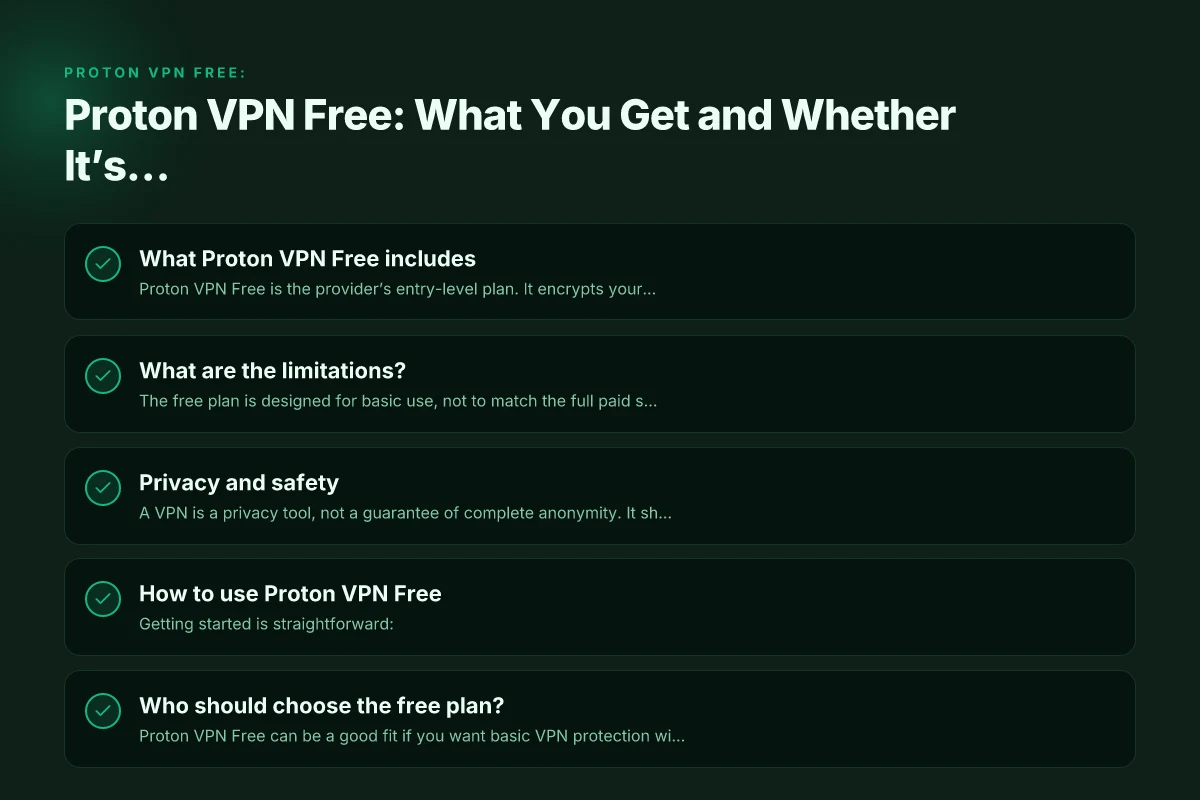
What Proton VPN Free includes
Proton VPN Free is the provider’s entry-level plan. It encrypts your connection between your device and a VPN server, helping prevent people on the same Wi-Fi network from easily monitoring your traffic. It can also hide your public IP address from websites and services you visit, replacing it with the address of the VPN server.
A standout feature is unlimited data. Many free VPNs restrict how much data you can use each month, making them inconvenient for regular browsing. Proton VPN Free does not impose a monthly data cap, although speeds and server availability can still affect the experience.
Depending on the current plan and app version, free users may also have access to features such as a kill switch and DNS leak protection. These help reduce the chance of exposing your regular connection if the VPN disconnects. Check the plan details in the official app, because available features can change.
What are the limitations?
The free plan is designed for basic use, not to match the full paid service. Its restrictions generally include a smaller choice of server locations, limited ability to select a particular server, and fewer advanced features. Free servers can also become busy, which may make connections slower or less consistent at peak times. VPN Extension Free Edge Download: How to Choose and Install One
| Area | Proton VPN Free | Paid VPN plan |
|---|---|---|
| Monthly data | No data cap | No data cap |
| Server selection | Limited locations and availability | More locations and broader choice |
| Speed | Can vary with congestion | Typically offers more capacity |
| Streaming access | Not guaranteed | More options, but access still varies |
| Extra features | Basic feature set | More advanced tools and options |
The exact differences depend on Proton VPN’s current plans and policies. Review its plan page before signing up if you need a particular feature or country.
Free VPN servers are also not a dependable way to access a particular country’s streaming library. Streaming platforms routinely block VPN connections, and a free plan may not offer the location or capacity you need. If streaming access is your main reason for getting a VPN, compare the provider’s current paid-plan features and confirm that they suit your service.
Privacy and safety
A VPN is a privacy tool, not a guarantee of complete anonymity. It shifts some trust from your internet provider or local network to the VPN provider, which can see certain connection information. Proton VPN says it follows a no-logs policy, and the company publishes privacy and security information about its services. Read those materials directly if you want to understand how data is handled and what independent reviews or audits cover.
For safer use, download Proton VPN only from its official website or the official app store for your device. Avoid lookalike apps and unofficial downloads. Use a strong password for your account, keep the app updated, and turn on protective settings such as the kill switch when available. VPN for Edge Free Download: Safe Ways to Get Started
A VPN does not protect you from every online risk. It will not stop phishing, make unsafe downloads harmless, or prevent websites from identifying you through account sign-ins, cookies, or browser fingerprinting. Use it alongside good security habits rather than treating it as a substitute for them.
Free plan versus a paid VPN plan
| Decision point | Proton VPN Free | Paid plan |
|---|---|---|
| Cost | Free | Subscription required |
| Data allowance | Unlimited | Unlimited |
| Server access | Limited locations | More locations |
| Server choice | Automatic | More control |
| Simultaneous connections | One | More devices |
| Streaming access | Not guaranteed | Improved access |
| P2P support | Not included | Supported on eligible servers |
| Best for | Basic, occasional use | Broader, more flexible use |
Compiled November 2026; check the provider's site for current details.
How to use Proton VPN Free
Getting started is straightforward: VPN for Edge Extension Free: Best Options and How to Choose
- Create a free Proton account through the official Proton VPN website or app.
- Download the app for your computer or mobile device.
- Sign in and choose an available free server, or use the app’s connection recommendation.
- Connect before using a public or otherwise untrusted network.
- Check the app to confirm the VPN is connected and review its privacy settings.
If the app offers automatic connection or protection on untrusted Wi-Fi, consider enabling it. Keep in mind that a VPN connection may affect speed, battery use, or access to some websites. Disconnecting can help troubleshoot a site that does not work properly, but remember that your internet traffic will no longer pass through the VPN.
Who should choose the free plan?
Proton VPN Free can be a good fit if you want basic VPN protection without paying and do not need to pick from a long list of countries. Its unlimited data makes it more practical for regular browsing than free services with strict usage caps.
It may not be the right choice if you need a particular server location, consistently high speeds, broad streaming access, or the full set of advanced features. In those cases, compare paid plans from reputable providers and check their current terms, locations, and refund policies. Be cautious of free VPNs that promise unlimited everything without clearly explaining how they fund the service or handle user data.
Recommendation
For everyday browsing and added protection on public Wi-Fi, Proton VPN Free is a sensible option to try, especially because it has no monthly data cap. Expect limited choice and variable performance, and do not rely on it for guaranteed streaming access or anonymity. If you need more control, faster service, or additional features, consider a paid plan after checking the latest plan details. VPN Free Extension Microsoft Edge: What to Choose and How to Use It