Show crypto IKEv2 sa: How to Check IKEv2 Security Associations on Cisco Devices
Learn how to use show crypto ikev2 sa to inspect Cisco IKEv2 sessions, interpret output, and troubleshoot common VPN issues.
The Cisco IOS and IOS XE command show crypto ikev2 sa displays the device’s IKEv2 security associations (SAs), which represent the control-plane relationship negotiated with a VPN peer. Use it to confirm whether an IKEv2 session exists, identify its peer and state, and gather clues when a tunnel is not coming up. The exact fields and formatting vary by software release and platform, but the command is a useful first check for site-to-site and remote-access VPN troubleshooting.

Editor's pick: NordVPN — fast, secure VPN — Strong encryption, a no-logs policy and apps for every device. 30-day money-back guarantee. Get NordVPN →
IKEv2 SA states and what they indicate
| Output clue | What it represents | What to check next | Typical interpretation |
|---|---|---|---|
| READY | IKEv2 SA is established | Check child SAs and traffic | IKE control plane is up |
| Negotiating | SA establishment is in progress | Review peer reachability and logs | Exchange may still be underway |
| No matching SA | No IKEv2 SA matches the query | Check peer address and VRF | SA may be absent or filtered |
| Peer address | Remote IKE endpoint | Compare with configuration | Confirms which peer is involved |
| Local address | Local IKE endpoint | Check interface and routing | Identifies the local endpoint |
| IKE version | Negotiated IKE protocol version | Compare with peer settings | Should match the intended version |
| Encryption and integrity | Negotiated protection algorithms | Compare both peers’ proposals | Mismatch can prevent negotiation |
| Lifetime | SA expiration information | Check rekey activity | Helps identify expiry or rekey issues |
Compiled November 2026; check the provider's site for current details.
What the command shows
IKEv2 establishes and manages the secure relationship between two VPN endpoints. During negotiation, the peers authenticate and agree on parameters for protecting IKE messages. They then use that relationship to negotiate IPsec SAs that protect user traffic.
Enter privileged EXEC mode and run:
show crypto ikev2 sa
On some IOS and IOS XE releases, the command also supports filters or more detailed output. Check the device’s command help if you need to narrow the result:
show crypto ikev2 sa?
The output typically lists one or more sessions, with fields such as: FortiGate Client VPN: Setup, Configuration, and Troubleshooting
- Peer address: The remote device’s IP address.
- Local address: The address used by the local device for the IKE exchange.
- Session status: A state indicating whether negotiation is in progress or established.
- IKE version or exchange details: Information about the IKEv2 session.
- Session or connection ID: An identifier useful for correlating output with other commands.
- Negotiated parameters: Depending on the platform and release, details such as encryption, integrity, PRF, or Diffie-Hellman group.
A single device can have multiple SAs to different peers. A peer may also have multiple entries, for example when there are separate sessions or overlapping connection attempts. Interpret each entry in the context of your configuration and platform.
How to interpret the output
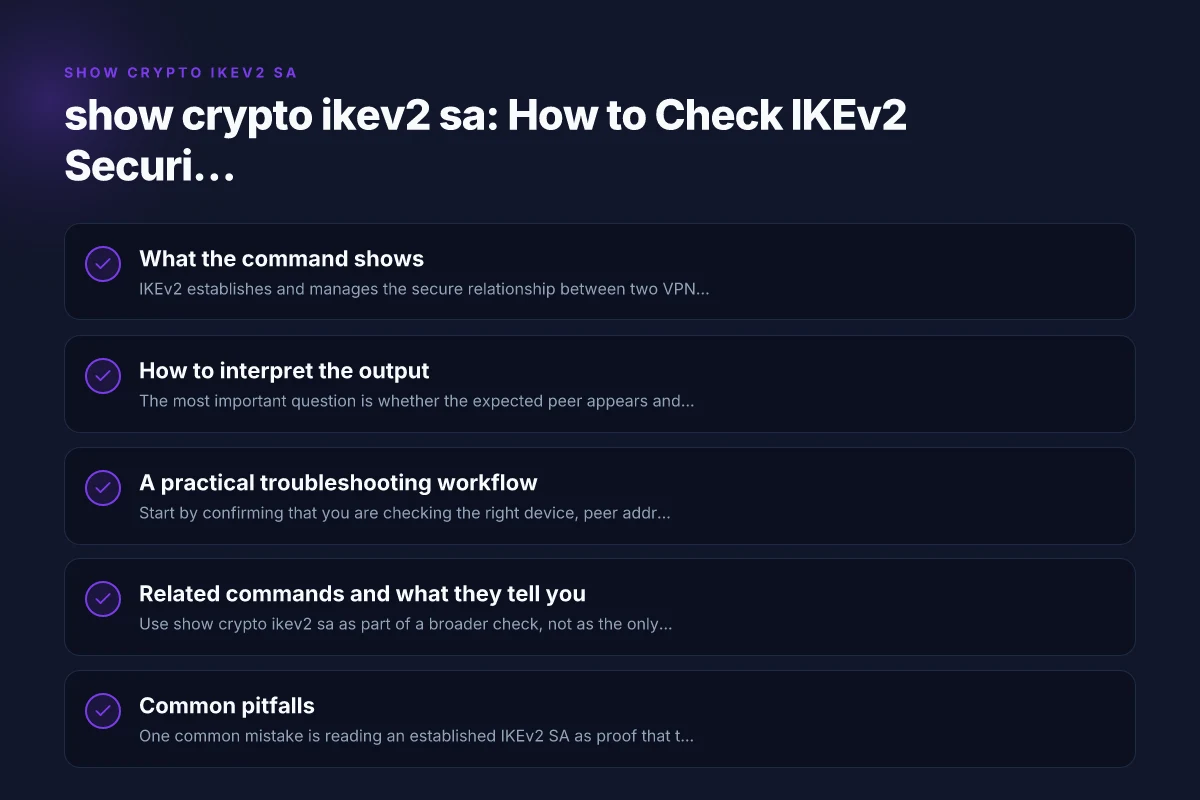
The most important question is whether the expected peer appears and whether its IKEv2 SA is established. A missing entry can indicate that no negotiation has started, the peer is unreachable, or the device is not matching traffic or configuration to an IKEv2 profile.
A session reported as established generally means IKEv2 negotiation succeeded. It does not necessarily prove that application traffic can pass. Traffic may still fail because of IPsec SA problems, incorrect traffic selectors, routing, access lists, NAT, or firewall policy.
| What you see | What it may mean | What to check next |
|---|---|---|
| Expected peer and established state | IKEv2 control-plane negotiation is up | Check IPsec SAs and test traffic |
| Peer appears, but negotiation is not established | Exchange may be in progress or failing | Review authentication, proposals, reachability, and logs |
| No entry for the peer | No active IKEv2 SA is displayed | Check initiation, routing, profile matching, and peer address |
| More than one entry for a peer | Multiple sessions or attempts may exist | Compare identifiers, local addresses, and timestamps where available |
Treat state names and field labels as release-dependent. Use the device’s own output and documentation rather than assuming that every Cisco platform displays identical fields. Free VPN to Switch Country: What Works and What to Check
Troubleshooting workflow options for IKEv2 SAs
| Step | Command or check | What it tells you | When to use it |
|---|---|---|---|
| 1. Inspect IKE SAs | `show crypto ikev2 sa` | Peer state and negotiated IKE details | Start of an investigation |
| 2. Inspect child SAs | `show crypto ipsec sa` | IPsec SAs and traffic counters | IKE is up but traffic fails |
| 3. Verify configuration | Review IKEv2 profile and proposals | Local authentication and policy | Negotiation fails or settings differ |
| 4. Check reachability | Test routing and peer connectivity | Whether packets can reach the peer | No SA or repeated timeouts |
| 5. Review logs | Check relevant IKEv2 messages | Negotiation errors and event sequence | State is unclear or changes repeatedly |
| 6. Compare peer settings | Check both devices’ proposals and identities | Whether parameters align | Suspected configuration mismatch |
| 7. Retest after changes | Run the show commands again | Whether the SA state or counters changed | After correcting a suspected issue |
Compiled November 2026; check the provider's site for current details.
A practical troubleshooting workflow
Start by confirming that you are checking the right device, peer address, and VPN context. Then run show crypto ikev2 sa before and after generating traffic if the tunnel is expected to start on demand. Some deployments initiate negotiation only when matching traffic is sent.
If the expected SA is missing or not established, work through these checks: Free VPN to Change Country: What Works and What to Watch For
- Confirm IP reachability. Verify that the local device can reach the peer using the intended source address and route. Check upstream filtering for UDP port 500 and, when NAT traversal is used, UDP port 4500.
- Review the IKEv2 profile. Confirm the profile matches the peer and that identity matching is correct.
- Compare authentication settings. Check that both sides use compatible authentication methods and matching credentials, certificates, or trust configuration.
- Compare proposals. Ensure the peers have at least one compatible set of encryption, integrity, PRF, and Diffie-Hellman settings.
- Check time and certificates. If certificate authentication is configured, verify certificate validity, trust, identity, and device clock.
- Look at logs and counters. Use targeted debugging only when needed and with care on production devices, since verbose debugging can affect performance or expose sensitive information.
Once the IKEv2 SA is established, verify the IPsec layer as well. A healthy IKE relationship can coexist with missing or unusable IPsec SAs.
Related commands and what they tell you
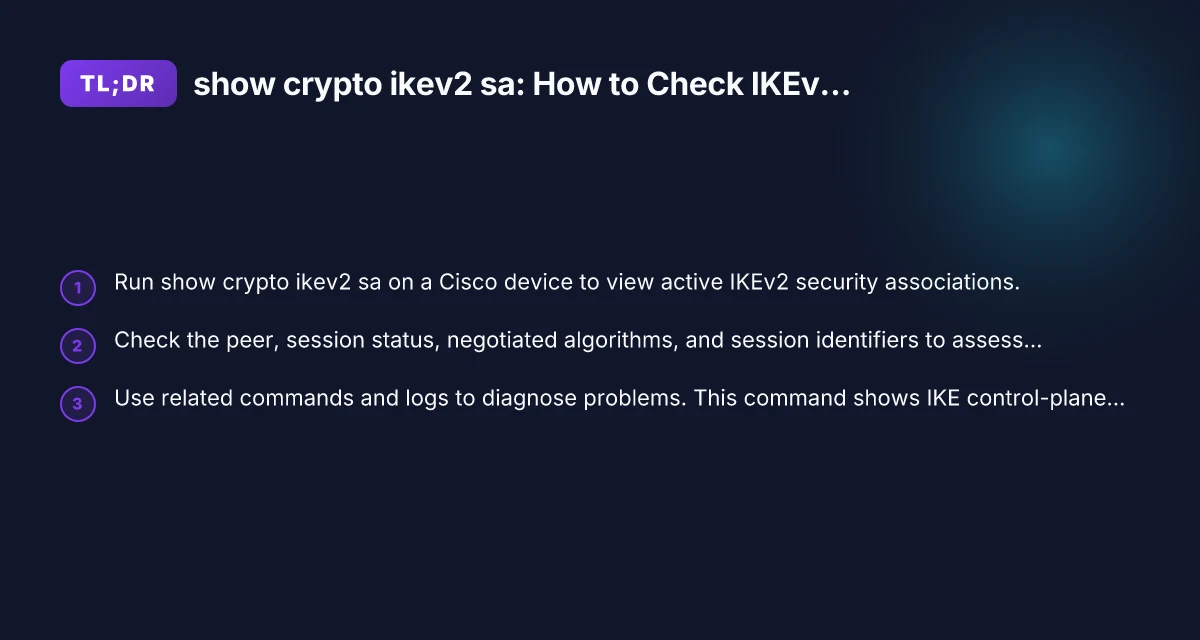
Use show crypto ikev2 sa as part of a broader check, not as the only test. Commands available and their output can differ between IOS, IOS XE, and other Cisco platforms.
Common supporting commands include:
show crypto ipsec sa, Shows IPsec SAs, traffic selectors, and packet counters. Increasing encapsulation and decapsulation counters during a test can indicate that traffic is traversing the VPN.show crypto session, Provides a higher-level view of crypto sessions and their status.show crypto ikev2 proposal, Displays configured IKEv2 proposals on platforms that support the command.show running-config, Helps verify the IKEv2 profile, proposal, keyring, crypto map, or tunnel configuration. Handle configuration output according to your organization’s security policies.show logging, Helps identify negotiation failures, authentication errors, and other relevant events.
The distinction matters: IKEv2 SAs protect IKE negotiation messages and manage the relationship between peers, while IPsec SAs carry the protected network traffic. Check both layers when users report that a VPN is “up” but traffic does not work. Free VPN That Allows You to Choose Location: What to Use
Related Cisco commands and their uses
| Command | Primary focus | Useful evidence | Limitation |
|---|---|---|---|
| `show crypto ikev2 sa` | IKEv2 control-plane SAs | Peer state and negotiated IKE details | Does not by itself prove user traffic passes |
| `show crypto ipsec sa` | IPsec child SAs | Encapsulation and decapsulation counters | Does not explain every IKE negotiation failure |
| `show crypto ikev2 profile` | IKEv2 profile configuration | Matching and authentication settings | Shows configuration, not live SA health |
| `show crypto ikev2 proposal` | IKEv2 proposal configuration | Supported algorithms and parameters | Does not confirm which proposal was negotiated |
| `show crypto session` | Crypto session summary | Session status and related details | May provide less IKE-specific detail |
| `show logging` | Device event messages | Errors and negotiation events | Logs may not include the full exchange |
| `show running-config` | Active device configuration | Relevant crypto and interface settings | Requires interpretation and filtering |
Compiled November 2026; check the provider's site for current details.
Common pitfalls
One common mistake is reading an established IKEv2 SA as proof that the whole VPN is working. Always confirm that the required IPsec SAs exist and that traffic counters change during a controlled test.
Another is comparing output from different Cisco releases as if every field or state label were identical. Focus on the peer, status, and relevant negotiated details, then consult the command reference for the exact platform and software version. Xforticlientvpnsetup_7.2.10.1217_x64.exe: Download and Install Guide
Finally, avoid clearing SAs as a first diagnostic step. Clearing them can interrupt active traffic and may only make the issue temporarily disappear. Capture the current output and relevant logs first, then follow your change-control process if a reset is necessary.
Recommendation
Run show crypto ikev2 sa first to confirm the peer and IKEv2 session state. If the session is established but traffic still fails, check show crypto ipsec sa, routing, selectors, and packet counters. For a missing or failed session, compare reachability, authentication, and proposals on both peers, and use platform-specific documentation to interpret the output accurately.