Show crypto IPsec sa: How to Read and Troubleshoot IPsec Security Associations
Learn how to run show crypto ipsec sa, interpret its output, and diagnose common IPsec VPN problems.
The show crypto ipsec sa command displays the IPsec security associations on Cisco IOS and IOS XE devices. It helps you check which traffic is protected by a VPN, identify the remote peer and transform set, and see whether packets are being encrypted and decrypted. When a site-to-site VPN is not passing traffic, this is one of the first commands to run.
The output can be lengthy, especially when a router has several tunnels. Focus first on the peer address, local and remote traffic selectors, SA status, and packet counters. These details show whether the tunnel has formed and whether matching traffic is using it.

Editor's pick: NordVPN — fast, secure VPN — Strong encryption, a no-logs policy and apps for every device. 30-day money-back guarantee. Get NordVPN →
What each part of `show crypto ipsec sa` tells you
| Output field | What it shows | Healthy indication | Warning sign |
|---|---|---|---|
| Peer | Remote IPsec endpoint | Expected peer address | Unknown or incorrect address |
| `#pkts encaps` | Packets encrypted and sent | Increases with outbound traffic | Stays at zero |
| `#pkts encrypt` | Packets encrypted | Tracks outbound traffic | No increase despite traffic |
| `#pkts decaps` | Packets decrypted and received | Increases with inbound traffic | Stays at zero |
| `#pkts decrypt` | Packets decrypted | Tracks inbound traffic | No increase despite traffic |
| `#pkts encaps failed` | Outbound encapsulation failures | No increase | Increases |
| `#pkts decaps failed` | Inbound decapsulation failures | No increase | Increases |
| `#send errors` | Send-side errors | No increase | Increases |
Compiled November 2026; check the provider's site for current details.
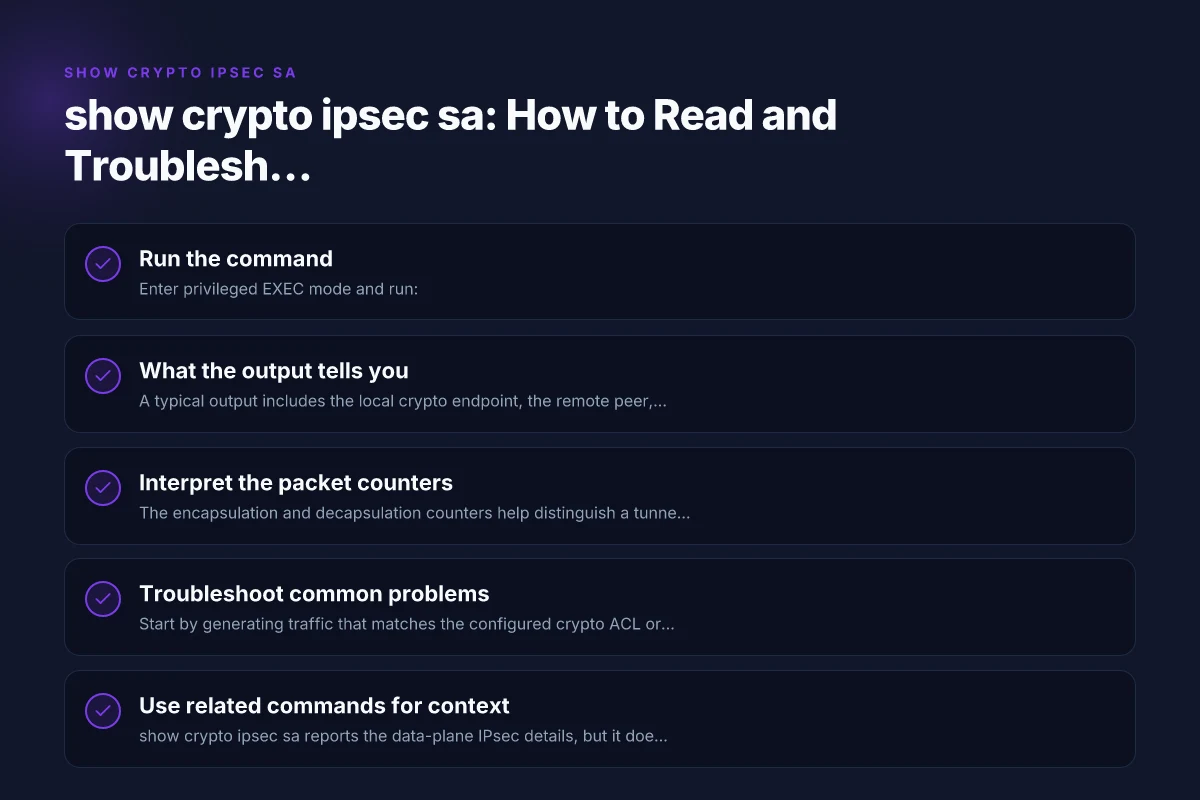
Run the command
Enter privileged EXEC mode and run:
Router# show crypto ipsec sa
To narrow the output to a particular peer, use the peer-specific form supported by your platform and software version:
Router# show crypto ipsec sa peer 203.0.113.10
Some IOS and IOS XE releases also support filtering by interface or displaying detailed output. Check command help on the device if an option is unavailable:
Router# show crypto ipsec sa?
If the device has no matching security association, the command may show no active SA for the specified peer. That does not necessarily mean the configuration is missing: an SA may not be created until matching traffic attempts to cross the tunnel. Clash Meta for iOS: What It Is, How to Install It, and What to Know
What the output tells you
A typical output includes the local crypto endpoint, the remote peer, and the traffic selectors that define which packets should use IPsec. Exact labels vary by platform and release, but the main fields are broadly similar.
| Output field | What it means | What to check |
|---|---|---|
current_peer |
The remote VPN endpoint | Confirm it is the expected public peer address |
local crypto endpt |
The local device’s IPsec endpoint | Check interface and address selection |
#pkts encaps |
Packets encrypted and sent into IPsec | See whether protected outbound traffic is matching |
#pkts decaps |
Packets decrypted from the peer | See whether inbound encrypted traffic is arriving |
#pkts encrypt and #pkts decrypt |
Packet-processing counters, when shown | Compare with encapsulation and decapsulation activity |
local ident and remote ident |
Local and remote traffic selectors | Verify the protected subnets, hosts, and masks |
inbound esp sas and outbound esp sas |
Inbound and outbound ESP SA details | Review algorithms, SPI values, and SA state |
An SA is a one-way relationship for a particular direction of traffic. A working tunnel commonly has both inbound and outbound ESP SAs. The output may also show SPI values, encryption and integrity algorithms, replay protection, and remaining SA lifetime.
The local and remote identifiers are especially important. If one side defines 10.1.0.0/24 as local while the other side does not define it as the corresponding remote network, the peers may fail to establish compatible SAs or may not protect the intended traffic.
Diagnose IPsec problems from packet counters Free VPN That Lets You Choose Location: What to Know
| Counter pattern | Likely direction | What it suggests | Next check |
|---|---|---|---|
| Encaps increases; decaps stays flat | Outbound only | Local traffic is sent, but no inbound encrypted traffic arrives | Check the peer and return path |
| Decaps increases; encaps stays flat | Inbound only | Remote traffic arrives, but local traffic is not sent | Check local traffic and policy |
| Both increase | Bidirectional | Encrypted traffic flows both ways | Verify applications work |
| Encaps stays flat; decaps stays flat | No observed traffic | Traffic may not match the IPsec policy | Check selectors and generate matching traffic |
| Encaps failures increase | Outbound | Local encapsulation is failing | Inspect outbound errors and configuration |
| Decaps failures increase | Inbound | Received packets cannot be decapsulated | Check inbound errors and SA compatibility |
| Send errors increase | Send path | The device reports errors sending packets | Inspect interface and send-path status |
Compiled November 2026; check the provider's site for current details.
Interpret the packet counters
The encapsulation and decapsulation counters help distinguish a tunnel that is merely configured from one that is carrying data. Record the counters, generate traffic between hosts that should be protected, and run the command again.
- Encapsulation increases: Matching outbound packets are being encrypted.
- Decapsulation increases: Encrypted inbound packets are being received and decrypted.
- Both increase: Traffic is flowing in both directions at the IPsec layer.
- Neither increases: Traffic may not match the selectors, may not be routed to the VPN, or may not have been generated.
- Encapsulation increases, but decapsulation does not: The remote side may be unreachable, misconfigured, filtering traffic, or unable to send a reply through the tunnel.
- Decapsulation increases, but encapsulation does not: The local device may not have matching return traffic, a route, or selectors for the reverse flow.
These counters are clues, not proof that an application works. IPsec can successfully encrypt packets that are later dropped by a firewall, host firewall, access-control list, or routing problem. Check the end-to-end path as well as the SA counters.
Troubleshoot common problems
Start by generating traffic that matches the configured crypto ACL or traffic selectors. Pings between the VPN gateways themselves may not match the protected networks, so test from a host in the local subnet to a host in the remote subnet. NordVPN Windows 10 VPN: How to Download, Install, and Connect
If the SA is missing or counters remain at zero, check:
- Routing: The device must send the intended traffic toward the VPN gateway or crypto-enabled interface.
- Traffic selectors: Local and remote subnets must correspond on both peers.
- Crypto ACLs: Confirm the entries permit the intended traffic and are mirrored correctly where required.
- NAT and NAT exemption: Ensure VPN traffic is not translated unexpectedly before it is evaluated for IPsec.
- Peer reachability: Verify that the remote gateway can be reached over the underlay network.
- Security policies: Check interface ACLs, firewalls, and upstream filtering for IKE and ESP traffic.
- Host configuration: Confirm that test hosts have correct addresses, gateways, and local firewall rules.
If counters increase only in one direction, compare the selectors and routing on both peers. A common cause is asymmetric routing: requests enter the tunnel, but replies follow a different path. Also confirm that the remote LAN has a route back to the local protected subnet.
Avoid clearing SAs as a first step. Clearing them interrupts active VPN traffic and removes useful evidence. Capture the current output and counters first. Clear an SA only when a controlled renegotiation is appropriate and you understand the impact.
Choose a related command for context Urban VPN Chrome: Setup, Features, Privacy, and Alternatives
| Command or check | Main purpose | Use it when |
|---|---|---|
| `show crypto ipsec sa` | Inspect IPsec SAs and packet counters | Checking encrypted traffic and failures |
| `show crypto isakmp sa` | Inspect IKE/ISAKMP security associations | Checking IKE negotiation state |
| `show crypto ikev2 sa` | Inspect IKEv2 security associations | The peer uses IKEv2 |
| `show crypto session` | View crypto session status | Checking the overall session |
| `show crypto map` | Inspect crypto map configuration | Verifying map settings and applied policy |
| Interface status check | Review interface state and counters | Investigating send errors or a down link |
| Peer-side SA check | Compare the remote SA and counters | Determining whether traffic reaches the peer |
| Traffic-selector check | Verify which traffic matches the policy | Counters remain flat despite generated traffic |
Compiled November 2026; check the provider's site for current details.
Use related commands for context
show crypto ipsec sa reports the data-plane IPsec details, but it does not explain every part of tunnel setup. Pair it with commands that examine IKE negotiation, configuration, and packet flow. Command availability and syntax vary by platform and software release.
Useful checks include:
show crypto ikev2 sa
show crypto isakmp sa
show crypto session detail
show crypto map
show access-lists
show ip route
Use show crypto ikev2 sa for IKEv2 status, or show crypto isakmp sa where IKEv1 is in use. show crypto session detail can provide a broader view of a VPN session. Reviewing the crypto map, access lists, and routing helps verify that traffic is selected and forwarded as intended. iPhone VPN: How to Choose, Set Up, and Use One
A useful troubleshooting sequence is:
- Confirm the peer is reachable.
- Check IKE status and negotiation.
- Run
show crypto ipsec saand note the selectors and counters. - Generate traffic between protected hosts.
- Compare the counters before and after the test.
- Check routes, NAT, ACLs, and the remote-side configuration if the counters do not behave as expected.
Recommendation
Use show crypto ipsec sa to verify the IPsec data path, not as a standalone verdict on application connectivity. Compare its output before and after generating known protected traffic, then follow the counter direction and traffic selectors to narrow the problem. For the most reliable diagnosis, correlate the results with IKE status, routing, NAT, and security-policy checks on both VPN peers.