
TunnelBear Extension: What It Does, How to Use It, and What to Know
Learn how the TunnelBear extension works, how to install it, and when to use it instead of the full VPN app.
The TunnelBear extension is a browser-based way to connect to TunnelBear VPN while you browse. It can help protect browser traffic on public Wi-Fi and make your browser appear to connect from a different location. It is not necessarily a substitute for the TunnelBear desktop or mobile app: a browser extension typically covers traffic from that browser, while a VPN app can protect traffic from more of your device.

Editor's pick: NordVPN — fast, secure VPN — Strong encryption, a no-logs policy and apps for every device. 30-day money-back guarantee. Get NordVPN →
Compare a TunnelBear browser extension with the full VPN app
| Feature | Browser extension | Full VPN app |
|---|---|---|
| Where it runs | In a supported browser | On the device |
| What it protects | Browser traffic | Device traffic |
| Setup | Install extension; sign in | Install app; sign in |
| Connection control | From the browser | From the app |
| Works outside the browser | No | Yes |
| Best suited to | Browser-only use | Broader device coverage |
| Account needed | Yes | Yes |
Compiled November 2026; check the provider's site for current details.
What the TunnelBear extension does
A VPN extension creates an encrypted connection for supported browser traffic between your browser and a VPN server. After you connect, websites generally see the server’s IP address rather than your regular public IP address.
The extension may be useful when you want a quick browser-only connection without routing other apps through a VPN. For example, you might use it while checking email or browsing on a shared network.
Keep its scope in mind. Unless TunnelBear clearly states otherwise for the version you are using, do not assume the extension protects:
- Other browsers
- Desktop apps such as messaging or gaming software
- Background services or system updates
- Traffic outside the browser
A VPN also does not make you anonymous by itself. Websites may still identify you through account sign-ins, cookies, browser fingerprinting, or information you provide. Clash for iPad: How to Install and Use It Safely
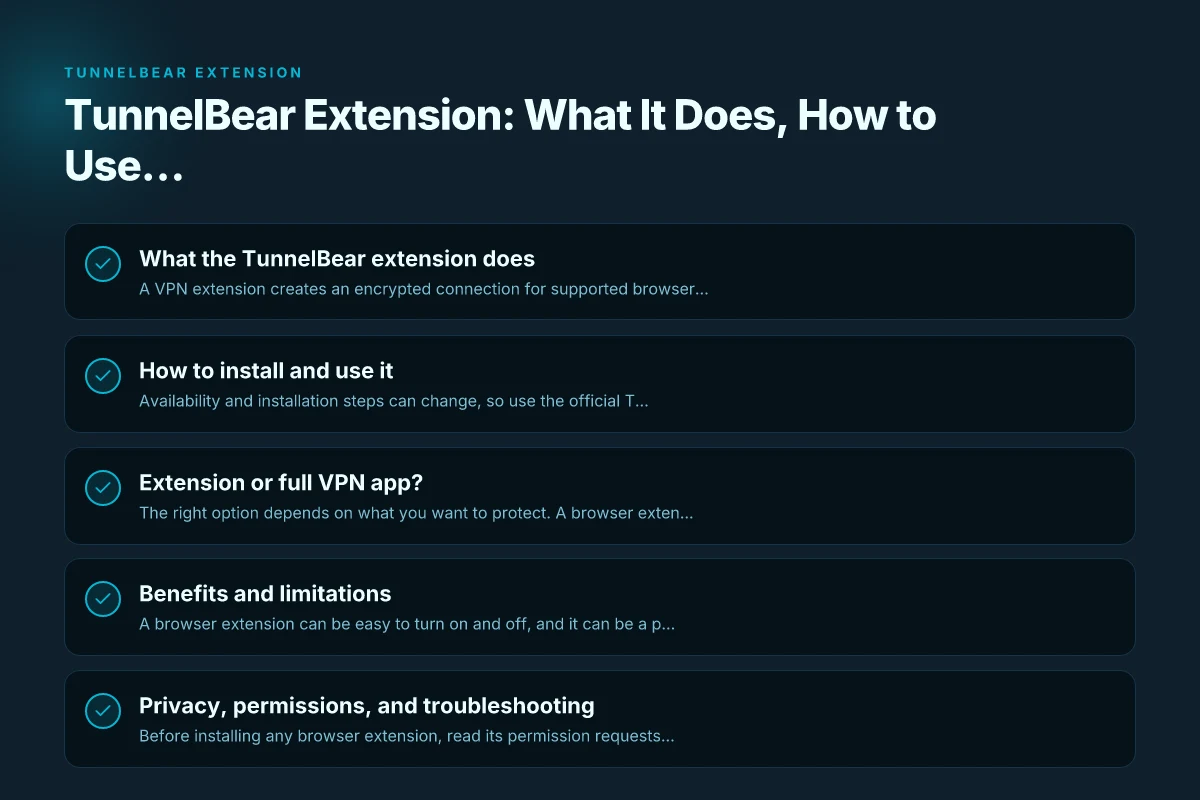
How to install and use it
Availability and installation steps can change, so use the official TunnelBear website or your browser’s official extension store to find the current version. Avoid lookalike extensions from unfamiliar publishers.
A typical setup looks like this:
- Open the official listing for TunnelBear in a supported browser’s extension store.
- Confirm the publisher and review the permissions before installing.
- Add the extension to your browser.
- Sign in or create a TunnelBear account if prompted.
- Choose a location and connect.
- Visit a reputable IP-checking page to confirm the connection appears to be active.
- Disconnect when you no longer need it, or review the extension’s connection settings.
The exact interface and available features can vary by browser, account type, and software version. If the extension is missing from your browser’s store, check TunnelBear’s current support information rather than installing an unofficial download.
Choose a TunnelBear option for your needs Free VPN Extension for Edge: How to Choose One Safely
| Your need | Browser extension | Full VPN app | Consider |
|---|---|---|---|
| Protect browser traffic | Supported | Supported | Either option |
| Protect traffic from other apps | No | Supported | Full VPN app |
| Keep controls in the browser | Supported | No | Extension |
| Cover the whole device | No | Supported | Full VPN app |
| Use TunnelBear without an account | No | No | Sign-in is required |
| Troubleshoot a browser connection | Check extension settings | Check app settings | Restart or reconnect |
| Review what access is requested | Check browser permissions | Check app permissions | Grant only needed access |
Compiled November 2026; check the provider's site for current details.
Extension or full VPN app?
The right option depends on what you want to protect. A browser extension is convenient for browser-only use. The full app is generally the better choice when you want device-wide VPN coverage.
| Feature | TunnelBear extension | TunnelBear app |
|---|---|---|
| Typical coverage | Traffic from the supported browser | More device traffic, depending on platform and settings |
| Setup | Installed in the browser | Installed on the computer or mobile device |
| Best suited for | Browser-only sessions | Broader protection across apps |
| Location selection | Depends on the current extension features | Depends on the current app and plan |
| Important limitation | Other apps may use your normal connection | Some traffic or apps may still be excluded by settings |
Check TunnelBear’s current documentation for the exact behavior on your device. Browser and app features can change, and the table describes the general difference between VPN extensions and full VPN applications.
Benefits and limitations
A browser extension can be easy to turn on and off, and it can be a practical option if you only want VPN protection for browser activity. It may also be simpler than configuring a connection for your whole device. FortiClient VPN Setup: A Step-by-Step Guide for Windows and macOS
However, there are trade-offs:
- Limited coverage: Other programs may continue to connect directly.
- Variable performance: Speed depends on your connection, selected server, browser, and network conditions.
- Website restrictions: Some sites block VPN traffic or require extra verification.
- Location is not guaranteed: A selected server can change the IP address websites see, but it does not guarantee access to every location-restricted service.
- Account and plan terms apply: Available locations, data limits, and features may depend on current TunnelBear policies.
A VPN is one part of online security, not a replacement for HTTPS, strong passwords, multifactor authentication, updated software, or careful handling of sensitive information.
Check before installing or troubleshooting
| Check | What to look for | If there is a problem |
|---|---|---|
| Browser compatibility | A supported browser | Use the full VPN app if needed |
| Extension installation | Install from the browser’s extension store | Confirm the installation completed |
| Sign-in | Active TunnelBear account | Sign in before connecting |
| Connection status | Extension shows connected | Reconnect or retry |
| Permissions | Requested browser access | Review permissions in browser settings |
| Coverage | Extension protects browser traffic | Use the app for device-wide coverage |
| Privacy expectations | Read TunnelBear’s privacy information | Avoid assuming the extension covers all traffic |
Compiled November 2026; check the provider's site for current details. F5 VPN Client: What It Is, How to Get It, and How to Connect
Privacy, permissions, and troubleshooting
Before installing any browser extension, read its permission requests. Permissions should make sense for the functions offered, and the listing should identify TunnelBear as the publisher. Review TunnelBear’s current privacy policy to understand what information is collected and how it is handled.
If the extension does not connect or a site behaves unexpectedly, try these basic checks:
- Confirm your internet connection works without the VPN.
- Update the browser and extension.
- Sign out and back in, then reconnect.
- Try another available server location.
- Temporarily disable conflicting VPN, proxy, or privacy extensions.
- Check TunnelBear’s support pages for known issues.
If a site blocks access, switching servers may or may not help. Do not treat a VPN connection as a way to bypass a service’s rules or legal restrictions.
Recommendation
Choose the TunnelBear extension if you want a convenient VPN connection for supported browser traffic and have confirmed that the current version suits your browser and account. Choose the full TunnelBear app when you want broader protection for activity beyond the browser. In either case, install only the official software, check the settings and privacy terms, and verify what traffic is actually covered. VPN for Edge Extension: How to Choose and Use One