
Vuze VPN Extension for Edge: What to Know Before You Install
Learn whether a Vuze VPN extension is available for Edge and how to protect Vuze traffic with a full VPN.


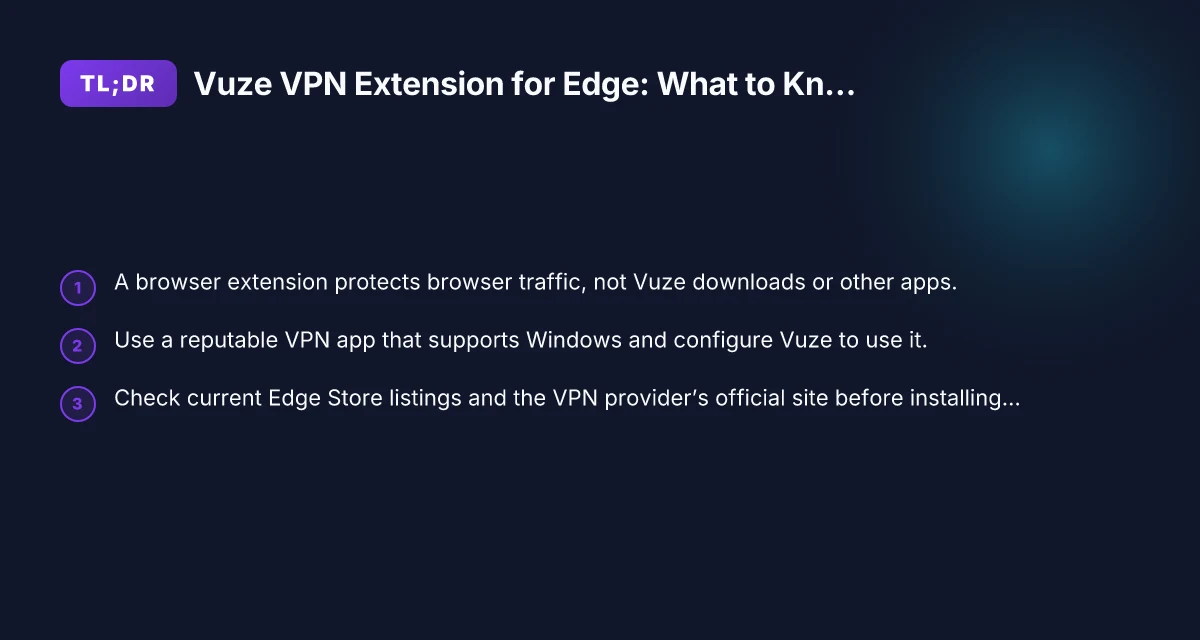
If you’re looking for a Vuze VPN extension for Edge, the key point is that an Edge browser extension won’t protect Vuze itself. Vuze is a desktop torrent client, so its traffic does not pass through the browser. To route Vuze downloads through a VPN, install a trusted VPN application for your operating system, connect to a VPN server, and confirm that Vuze is using the protected connection.
A browser extension may still be useful for browsing, but it is not a substitute for a system-level VPN when using a desktop app. Be wary of extensions claiming to secure all Vuze traffic, especially if they are not published by a recognizable provider.
| VPN | Obfuscation | From / month | Plan | Free plan | Refund | Alipay | UnionPay | Crypto | Website opens in China | Trustpilot | |
|---|---|---|---|---|---|---|---|---|---|---|---|
 ZoogVPN | Turn on manually Shadow | $2.49/mo | 27 months: $59.99 | Yes | 7 days | ✓ | ✓ | ✓ | ✓ | Official site blocked; our special link opens (4.4 s) | 4.2/5 (195 reviews) |
 NordVPN | Turn on manually Obfuscated Servers / NordWhisper | $3.49/mo | 27 months: $94.23 | No | 30 days | ? | ✗ | ✓ | ✓ | ✗ Blocked | 4.2/5 (51,628 reviews) |
 ExpressVPN | ✓ On by default all servers | $3.00/mo | 28 months: $84 | No | 30 days | ✗ | ✗ | ✓ | ✗ | ✗ Blocked | 4.4/5 (29,706 reviews) |
 Surfshark | ✓ On by default Camouflage, with OpenVPN | See site | See site | No | 30 days | ✗ | ✗ | ✗ | ✓ | ✗ Blocked | 4.3/5 (31,823 reviews) |
 Proton VPN | Turn on manually Stealth, free plan too | $2.99/mo | 12 months: $35.88 | Yes | 30 days | ✗ | ✗ | ✗ | ✓ | ✗ Blocked | 2.1/5 (1,040 reviews) |
 Astrill VPN | Turn on manually StealthVPN / OpenWeb | $12.50/mo | 24 months: $300 | No | See site | ✗ | ✗ | ✗ | ✓ | ✗ Blocked | 1.3/5 (110 reviews) |
 Private Internet Access | Turn on manually Shadowsocks, OpenVPN only | $2.03/mo | 40 months: $81.2 | No | 30 days | ✗ | ✗ | ✗ | ✗ | ✗ Blocked | 4.2/5 (11,033 reviews) |
 CyberGhost | Turn on manually selected servers | $2.19/mo | 28 months: $61.32 | No | 45 days | ✗ | ✗ | ✗ | ✓ | ✗ Blocked | 4.0/5 (24,178 reviews) |
 PureVPN | Turn on manually switch to OpenVPN | $1.69/mo | 60 months: $101.55 | No | 31 days | ? | ? | ✗ | ✓ | ✗ Blocked | 4.4/5 (17,994 reviews) |
 AdGuard VPN | ✓ On by default TrustTunnel | $2.99/mo | 24 months: $71.76 | Yes | 30 days | ✓ | ✗ | ✓ | ✓ | Official site blocked; our special link opens (3.7 s) | 4.3/5 (290 reviews) |
 Mullvad | Turn on manually QUIC / Shadowsocks / LWO | $5.61/mo | €5/mo | No | 14 days | ✗ | ✗ | ✗ | ✓ | ✗ Blocked | 3.2/5 (192 reviews) |
 Windscribe | Turn on manually Stealth / WStunnel | $5.75/mo | 12 months: $69 | Yes | See site | ✗ | ✗ | ✗ | ✓ | ✗ Blocked | 4.7/5 (13,355 reviews) |
 StrongVPN | Turn on manually Scramble, OpenVPN TCP | See site | See site | No | 30 days | ✓ | ✗ | ✗ | ✗ | ✗ Blocked | 4.4/5 (2,695 reviews) |
 LightXtreme 闪连 | Not listed | $7.08/mo | 12 months: $84.99 | Yes | 30 days | ✓ | ✓ | ✓ | ✓ | ✓ Yes (3.5 s) | No page |
Prices checked 2026-11-10 on each vendor's pricing page (cheapest long plan, USD). Check the vendor's checkout for the final price.
Obfuscation checked 2026-11-14 on each vendor's site and help center: "on by default" = nothing to set; "turn on manually" = switch protocol or mode in settings; "not listed" = the vendor describes no obfuscation.
Payment methods checked 2026-11-10 on each vendor's payment pages: all 14 take cards and PayPal; ✗ = not listed, ? = the vendor's own pages disagree.
China access: whether the official website opens from mainland China networks (tests the website only, not the VPN connection). Last checked 2026-11-18 01:02 Beijing time.
Trustpilot score and review count checked 2026-11-10.

Editor's pick: NordVPN — fast, secure VPN — Strong encryption, a no-logs policy and apps for every device. 30-day money-back guarantee. Get NordVPN →
Compare a browser extension with a full VPN app
| Feature | Edge VPN extension | VPN app |
|---|---|---|
| Where it runs | In Edge | On the device |
| Traffic covered | Usually browser traffic | Device traffic |
| Vuze desktop traffic | Usually not covered | Can be covered |
| Edge browsing | Supported | Supported |
| Other apps | Usually not covered | Can be covered |
| Setup | Install in Edge | Install on device |
| Connection control | Browser-specific | Device-wide |
| Best suited for | Browser-only protection | Vuze and broader device coverage |
Compiled November 2026; check the provider's site for current details.
Is there a Vuze VPN extension for Edge?
Vuze does not require an Edge extension to work, and an Edge extension cannot directly control or secure the Vuze application. VPN browser extensions are generally designed to route traffic from the browser, such as Edge tabs, through a proxy or VPN service. They usually do not cover separate applications installed on your computer.
The phrase “Vuze VPN extension for Edge” may refer to one of several things:
- An Edge extension someone hopes will protect Vuze downloads.
- A VPN provider’s browser add-on used alongside Vuze.
- A search for instructions on using Vuze with a VPN.
For the second and third cases, the important distinction is coverage. A browser add-on can help protect browser activity, while the VPN’s desktop app is the option to investigate for Vuze traffic. Read the provider’s documentation to confirm what its extension and app actually cover.
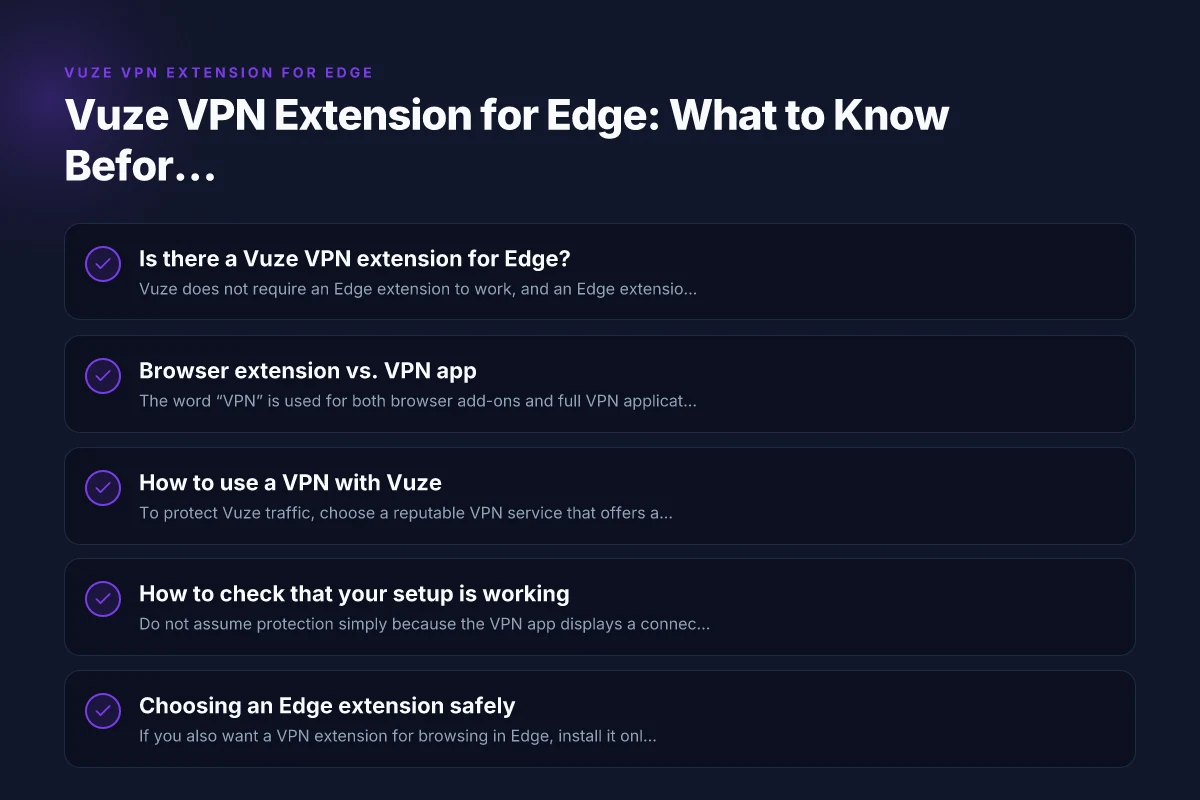
Browser extension vs. VPN app
The word “VPN” is used for both browser add-ons and full VPN applications, but their coverage can differ. A browser extension typically handles browser connections only. A desktop VPN app can route traffic from multiple applications, subject to its settings, operating system, and the provider’s features. VPN for Edge Free: Safe Ways to Protect Your Browser
| Option | Typical coverage | Suitable for Vuze traffic? |
|---|---|---|
| Edge VPN extension | Edge browser traffic | Usually no |
| Desktop VPN app | Device traffic or selected apps | Potentially, if configured correctly |
| VPN configured in a router | Devices connected through that router | Potentially, depending on the router setup |
“Potentially” matters: installing a VPN app does not automatically prove that every Vuze connection is protected. Settings, network changes, and connection failures can affect routing. Look for features such as a kill switch, which can block internet access if the VPN disconnects, and split tunneling, which lets you choose which apps use the VPN.
Check whether your Vuze VPN setup is working
| Check | What to do | What a working result means | If it does not work |
|---|---|---|---|
| VPN connection | Connect to the VPN | App shows connected | Reconnect or check settings |
| Public IP | Check before and after connecting | IP changes | Check VPN connection |
| Vuze traffic | Verify Vuze is covered by the VPN | Traffic uses the VPN | Use a full VPN app |
| Browser scope | Check the extension’s coverage | Edge traffic is routed as stated | Review extension details |
| DNS handling | Use a DNS leak test | No unexpected DNS exposure | Check VPN protections |
| Kill switch | Review VPN settings | Traffic can be blocked if VPN drops | Enable it if available |
| Torrent behavior | Check Vuze after connecting | Activity follows VPN settings | Pause transfers and troubleshoot |
Compiled November 2026; check the provider's site for current details.
How to use a VPN with Vuze
To protect Vuze traffic, choose a reputable VPN service that offers a desktop app for your operating system and permits the type of file sharing you intend to do. Review the provider’s current terms and privacy information rather than relying on old recommendations or claims in extension listings. Free VPN Edge: What Works in Microsoft Edge and What to Know
A practical setup looks like this:
- Download the VPN app from the provider’s official website or an authorized app store.
- Install it, sign in, and review its privacy, connection, and kill-switch settings.
- Connect to a server that is appropriate for your needs and allowed under the provider’s terms.
- Open Vuze and check whether the VPN provider documents any recommended settings for torrent clients.
- Confirm that the VPN remains connected while Vuze is active. If the VPN offers a kill switch, understand how it behaves before relying on it.
Some VPN apps offer app-specific routing or split tunneling. If you use that feature, make sure Vuze is included among the apps routed through the VPN. Settings can vary by provider and operating system, so follow the provider’s own instructions.
How to check that your setup is working
Do not assume protection simply because the VPN app displays a connected status. Check the app’s documentation for ways to verify the connection and confirm that Vuze is using the intended route. You can also test for IP or DNS leaks using a reputable test service, but interpret results carefully and follow the service’s instructions.
Before downloading, check these points: What Is a Proxy vs VPN? Key Differences and How to Choose
- The VPN is connected before Vuze starts transferring data.
- Vuze is included in the VPN route if you have configured split tunneling.
- The kill switch is enabled if you want traffic blocked when the VPN disconnects.
- Vuze does not continue transferring through an ordinary connection after a VPN interruption.
- The VPN provider’s policy and applicable rules permit your intended activity.
A test can only reflect the conditions at the time it is performed. Recheck after changing VPN settings, switching networks, updating software, or restarting your device.
Choose an Edge VPN extension more safely
| Criterion | What to look for | Caution sign | Why it matters |
|---|---|---|---|
| Publisher | Clear, verifiable identity | Unknown publisher | Helps assess trust |
| Permissions | Only what the extension needs | Broad or unexplained access | Limits unnecessary access |
| Privacy policy | Clear data practices | Missing or vague policy | Shows how data is handled |
| Coverage | Explicitly states what is routed | Claims are unclear | Avoids assuming Vuze is covered |
| Security | Transparent security information | Unsupported protection claims | Helps assess safeguards |
| Updates | Recent, regular maintenance | Long gaps in updates | Indicates ongoing support |
| Reviews | Consistent, credible feedback | Repeated privacy complaints | Can reveal user concerns |
| Installation source | Official Edge add-on store | Unofficial download | Reduces installation risk |
Compiled November 2026; check the provider's site for current details.
Choosing an Edge extension safely
If you also want a VPN extension for browsing in Edge, install it only from a source you trust, such as the official Microsoft Edge Add-ons store or the VPN provider’s verified website. Confirm the publisher name, permissions, privacy policy, and recent reviews. Avoid lookalike extensions and downloads from unofficial sites. Edge Extensions VPN: How to Choose and Use One Safely
Before installing, ask:
- Is the extension published by the VPN provider?
- Does the provider explain whether it is a browser proxy or part of a broader VPN service?
- What data does the extension collect, and what permissions does it request?
- Does the provider offer a separate desktop app for Vuze and other applications?
An Edge extension can complement a desktop VPN, but using both does not necessarily improve protection. Their settings may differ, and browser traffic could follow a different route from Vuze traffic.
Recommendation
There is no reason to install an Edge extension specifically for Vuze: browser extensions generally do not cover desktop torrent clients. For Vuze, use a reputable VPN desktop app, check that its settings include Vuze traffic, and verify the setup before relying on it. Add an Edge extension only if you also want browser-specific protection, and choose one directly from a trusted provider.