What Is My IP Address NordVPN? How to Check Your VPN IP
Find your public IP and check whether NordVPN is showing the VPN server’s address instead of your usual one.


If you’re asking “what is my IP address NordVPN,” check your public IP on NordVPN’s What is my IP? page. It displays the address websites can see, along with an approximate location and internet service provider. Connect to NordVPN and refresh the page: it should show the IP address and location associated with your VPN server, rather than your usual internet connection.

Editor's pick: NordVPN — fast, secure VPN — Strong encryption, a no-logs policy and apps for every device. 30-day money-back guarantee. Get NordVPN →
NordVPN IP check methods
| Method | What to do | What it shows | VPN connection needed? |
|---|---|---|---|
| NordVPN app | Open the app and check the connection details | VPN connection status and displayed IP | Yes |
| NordVPN IP checker | Open NordVPN’s IP-check page | Public IP visible to the site | Yes, to check the VPN IP |
| Search engine | Search “what is my IP” | Public IP visible to the search engine | Yes, to check the VPN IP |
| Other IP-check website | Visit a reputable IP-check page | Public IP and sometimes location | Yes, to check the VPN IP |
| Before-and-after check | Check once disconnected and again connected | Whether the visible IP changed | Yes, for the second check |
| Device network settings | Review the device’s network details | Local network IP | No |
Compiled November 2026; check the provider's site for current details.
| VPN | Obfuscation | From / month | Plan | Free plan | Refund | Alipay | UnionPay | Crypto | Website opens in China | Trustpilot | |
|---|---|---|---|---|---|---|---|---|---|---|---|
 NordVPN | Turn on manually Obfuscated Servers / NordWhisper | $3.49/mo | 27 months: $94.23 | No | 30 days | ? | ✗ | ✓ | ✓ | ✗ Blocked | 4.2/5 (51,628 reviews) |
 ZoogVPN | Turn on manually Shadow | $2.49/mo | 27 months: $59.99 | Yes | 7 days | ✓ | ✓ | ✓ | ✓ | Official site blocked; our special link opens (4.4 s) | 4.2/5 (195 reviews) |
 ExpressVPN | ✓ On by default all servers | $3.00/mo | 28 months: $84 | No | 30 days | ✗ | ✗ | ✓ | ✗ | ✗ Blocked | 4.4/5 (29,706 reviews) |
 Surfshark | ✓ On by default Camouflage, with OpenVPN | See site | See site | No | 30 days | ✗ | ✗ | ✗ | ✓ | ✗ Blocked | 4.3/5 (31,823 reviews) |
 Proton VPN | Turn on manually Stealth, free plan too | $2.99/mo | 12 months: $35.88 | Yes | 30 days | ✗ | ✗ | ✗ | ✓ | ✗ Blocked | 2.1/5 (1,040 reviews) |
 Astrill VPN | Turn on manually StealthVPN / OpenWeb | $12.50/mo | 24 months: $300 | No | See site | ✗ | ✗ | ✗ | ✓ | ✗ Blocked | 1.3/5 (110 reviews) |
 Private Internet Access | Turn on manually Shadowsocks, OpenVPN only | $2.03/mo | 40 months: $81.2 | No | 30 days | ✗ | ✗ | ✗ | ✗ | ✗ Blocked | 4.2/5 (11,033 reviews) |
 CyberGhost | Turn on manually selected servers | $2.19/mo | 28 months: $61.32 | No | 45 days | ✗ | ✗ | ✗ | ✓ | ✗ Blocked | 4.0/5 (24,178 reviews) |
 PureVPN | Turn on manually switch to OpenVPN | $1.69/mo | 60 months: $101.55 | No | 31 days | ? | ? | ✗ | ✓ | ✗ Blocked | 4.4/5 (17,994 reviews) |
 AdGuard VPN | ✓ On by default TrustTunnel | $2.99/mo | 24 months: $71.76 | Yes | 30 days | ✓ | ✗ | ✓ | ✓ | Official site blocked; our special link opens (3.7 s) | 4.3/5 (290 reviews) |
 Mullvad | Turn on manually QUIC / Shadowsocks / LWO | $5.61/mo | €5/mo | No | 14 days | ✗ | ✗ | ✗ | ✓ | ✗ Blocked | 3.2/5 (192 reviews) |
 Windscribe | Turn on manually Stealth / WStunnel | $5.75/mo | 12 months: $69 | Yes | See site | ✗ | ✗ | ✗ | ✓ | ✗ Blocked | 4.7/5 (13,355 reviews) |
 StrongVPN | Turn on manually Scramble, OpenVPN TCP | See site | See site | No | 30 days | ✓ | ✗ | ✗ | ✗ | ✗ Blocked | 4.4/5 (2,695 reviews) |
 LightXtreme 闪连 | Not listed | $7.08/mo | 12 months: $84.99 | Yes | 30 days | ✓ | ✓ | ✓ | ✓ | ✓ Yes (3.5 s) | No page |
Prices checked 2026-11-10 on each vendor's pricing page (cheapest long plan, USD). Check the vendor's checkout for the final price.
Obfuscation checked 2026-11-14 on each vendor's site and help center: "on by default" = nothing to set; "turn on manually" = switch protocol or mode in settings; "not listed" = the vendor describes no obfuscation.
Payment methods checked 2026-11-10 on each vendor's payment pages: all 14 take cards and PayPal; ✗ = not listed, ? = the vendor's own pages disagree.
China access: whether the official website opens from mainland China networks (tests the website only, not the VPN connection). Last checked 2026-11-18 01:02 Beijing time.
Trustpilot score and review count checked 2026-11-10.
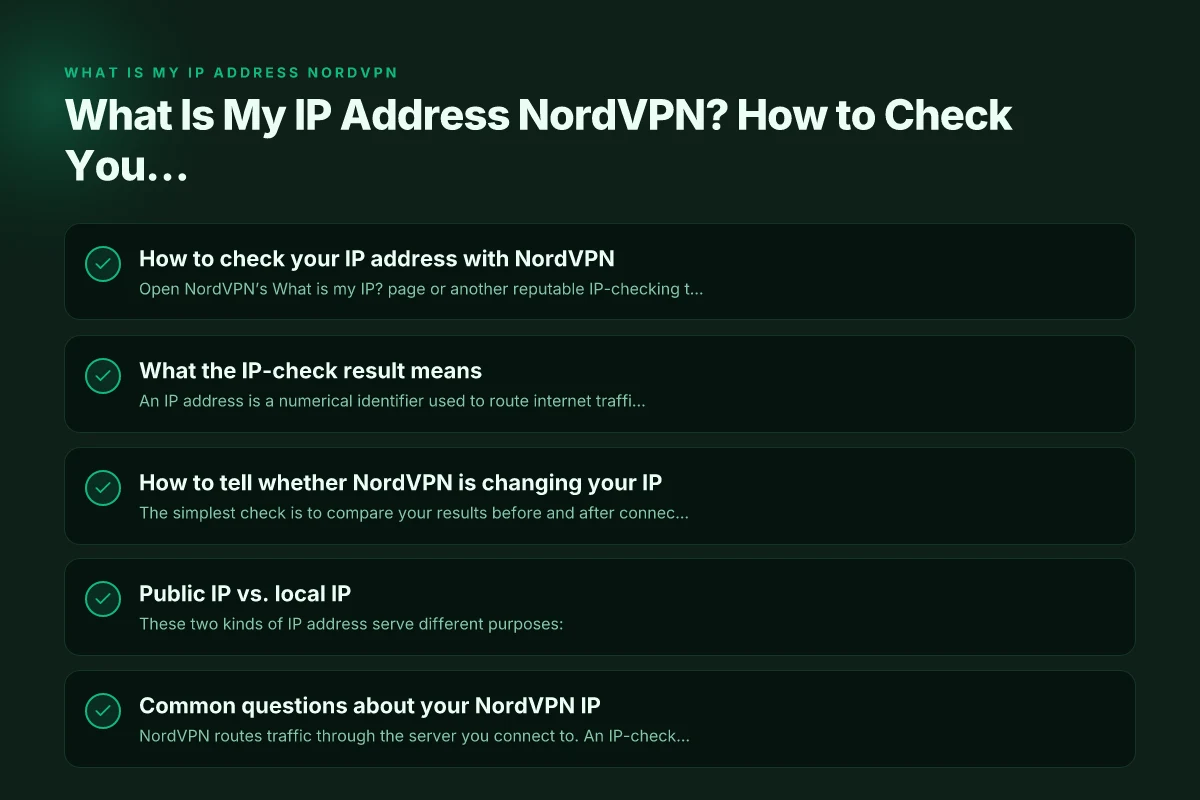
How to check your IP address with NordVPN
- Open NordVPN’s What is my IP? page or another reputable IP-checking tool.
- Note the IP address and approximate location shown.
- Connect to a NordVPN server.
- Refresh the IP-checking page.
- Check whether the displayed IP and location have changed.
If NordVPN is connected, the result should generally reflect the VPN server you selected. The location shown is approximate, so it may not match the server’s precise physical location. For another perspective, NordVPN’s IP lookup tool can provide information such as approximate geolocation, hostname, and internet service provider.
What the IP-check result means
An IP address is a numerical identifier used to route internet traffic. The address shown by a public IP checker is the one that services on the internet can see for your connection.
When you browse without a VPN, that is usually the public IP assigned to your internet connection by your provider. When you use NordVPN, your internet traffic is routed through a VPN server. Websites typically see the server’s public IP instead of the public IP associated with your usual connection.
| Situation | What an IP-checking page should generally show |
|---|---|
| NordVPN disconnected | Your usual public IP and an approximate location associated with your connection |
| NordVPN connected | The VPN server’s public IP and an approximate location associated with that server |
The IP shown on an IP-checking page is not necessarily the same as your device’s local IP address. Local addresses are used for communication within a home or office network and usually aren’t the public address websites see. Microsoft Edge Secure Network VPN: How It Works and How to Use It
What an IP-check result means
| Result field | What it describes | Public or local? | What to look for with NordVPN |
|---|---|---|---|
| IP address | Address visible to the checking website | Public | Should differ from your usual public IP |
| Approximate location | Location inferred from the public IP | Public | May reflect the VPN server location |
| Internet provider | Network associated with the public IP | Public | May identify the VPN provider or server network |
| VPN status | Whether a checker detects VPN use | Public-IP assessment | Detection may vary by checker |
| Device network address | Address used within a local network | Local | Usually not the VPN’s public IP |
| Connection status | Whether NordVPN reports an active connection | App status | Should show connected before checking |
| Changed IP | Difference between disconnected and connected checks | Public | A changed result indicates a different visible IP |
Compiled November 2026; check the provider's site for current details.
How to tell whether NordVPN is changing your IP
The simplest check is to compare your results before and after connecting:
- Before connecting: Record the public IP and approximate location shown.
- After connecting: Refresh the page and compare the new result.
- If the details change: The site is likely seeing the VPN server’s address.
- If they appear unchanged: Confirm NordVPN is connected, then reload the page or try a different IP-checking tool.
A changed IP is a useful sign that your browsing is going through a VPN server. However, a location result is an estimate, and databases may not all identify the same location or provider. Don’t use location alone to judge whether the VPN is working. Tuxler VPN Chrome: How It Works, Setup, and What to Know
If the IP still appears to be your usual one, check that the app reports an active connection and that you have connected to a server. You can also disconnect and reconnect, then check again. If the result remains unclear, consult NordVPN’s support resources.
Public IP vs. local IP
These two kinds of IP address serve different purposes:
- Public IP: The address visible to websites and other internet services. A VPN can change the public IP that those services see.
- Local IP: An address assigned to a device within its local network, such as a home Wi-Fi network. It is used for communication between devices and network equipment.
A local address may look different from the public address shown by an IP-checking page. That is normal. Checking a device’s network settings tells you its local IP. Checking an IP lookup page tells you the public IP visible from that internet connection.
Public IP vs. local IP Urban VPN: Features, Compatibility, and What to Know Before You Use It
| Comparison | Public IP | Local IP |
|---|---|---|
| Where it is used | Across the internet | Within a home or office network |
| Who can typically see it | Websites and online services | Devices and network equipment on the local network |
| Assigned by | Internet provider or VPN server | Router or local network |
| What an IP checker usually displays | Yes | No |
| Changes when connecting to NordVPN | Typically changes for websites | Not necessarily |
| Identifies the VPN server to websites | Yes, when traffic uses the VPN | No |
| Common places to find it | IP-check website or search | Device network settings |
| Best use for checking NordVPN | Confirm the public IP changed | Check local device connectivity |
Compiled November 2026; check the provider's site for current details.
Common questions about your NordVPN IP
What IP address does NordVPN use?
NordVPN routes traffic through the server you connect to. An IP-checking page generally shows the public IP associated with that server. The displayed address can differ when you connect to another server.
How can I check my VPN IP address?
Connect to NordVPN, then visit an IP-checking page and refresh it. The address shown should be the VPN-facing public IP. Compare it with the result you get while disconnected if you want to see the difference.
Why does the IP location look wrong?
IP geolocation is approximate. The location reported by a lookup tool may not match the server’s exact location, and different services can return different results. The country or city shown by an IP checker should be treated as an estimate, not precise location data. VPN Change Location Free: How to Switch Your IP Address Safely
Is the VPN IP the same as my device’s IP?
Not necessarily. Your device may have a local IP on its Wi-Fi or wired network, while websites see the public IP used for your internet traffic. With NordVPN connected, that public-facing address is generally associated with the VPN server.
Recommendation
To answer “what is my IP address NordVPN,” use NordVPN’s What is my IP? page while connected and check the displayed public IP. For reassurance, compare it with a check made before connecting. Treat the reported location as approximate, and remember that your local device IP is a separate address.