AWS VPN Gateway: What It Is and How to Choose the Right Option
Learn how AWS VPN gateways connect networks, compare Site-to-Site VPN and Client VPN, and choose a secure setup.


An AWS VPN gateway provides a secure way to connect users or private networks to resources in Amazon Web Services (AWS). The term can refer to different AWS VPN services: Site-to-Site VPN connects a network such as a company office to an Amazon Virtual Private Cloud (VPC), while AWS Client VPN gives individual users remote access. The right choice depends on whether you are connecting networks, people, or both.

Editor's pick: NordVPN — fast, secure VPN — Strong encryption, a no-logs policy and apps for every device. 30-day money-back guarantee. Get NordVPN →
AWS VPN connectivity options compared
| Option | Connects | Typical use | Routing model | Main consideration |
|---|---|---|---|---|
| Site-to-Site VPN | On-premises network to AWS | Hybrid connectivity | Static or dynamic | Encrypted over the internet |
| Client VPN | Individual users to AWS | Remote access | Client routes | User and device access |
| AWS Direct Connect | On-premises network to AWS | Dedicated connectivity | Static or dynamic | Not a VPN; can pair with VPN |
| Transit Gateway VPN attachment | VPN to multiple VPCs or networks | Centralized connectivity | Dynamic routing supported | Requires Transit Gateway |
| Virtual Private Gateway VPN | VPN to a single VPC | Simpler VPC connectivity | Static or dynamic | Attached to a VPC |
| Site-to-Site VPN over Direct Connect | VPN over a private connection | Added encryption | Depends on VPN configuration | Requires both services |
Compiled November 2026; check the provider's site for current details.
| VPN | Obfuscation | From / month | Plan | Free plan | Refund | Alipay | UnionPay | Crypto | Website opens in China | Trustpilot | |
|---|---|---|---|---|---|---|---|---|---|---|---|
 ZoogVPN | Turn on manually Shadow | $2.49/mo | 27 months: $59.99 | Yes | 7 days | ✓ | ✓ | ✓ | ✓ | Official site blocked; our special link opens (4.4 s) | 4.2/5 (195 reviews) |
 NordVPN | Turn on manually Obfuscated Servers / NordWhisper | $3.49/mo | 27 months: $94.23 | No | 30 days | ? | ✗ | ✓ | ✓ | ✗ Blocked | 4.2/5 (51,628 reviews) |
 ExpressVPN | ✓ On by default all servers | $3.00/mo | 28 months: $84 | No | 30 days | ✗ | ✗ | ✓ | ✗ | ✗ Blocked | 4.4/5 (29,706 reviews) |
 Surfshark | ✓ On by default Camouflage, with OpenVPN | See site | See site | No | 30 days | ✗ | ✗ | ✗ | ✓ | ✗ Blocked | 4.3/5 (31,823 reviews) |
 Proton VPN | Turn on manually Stealth, free plan too | $2.99/mo | 12 months: $35.88 | Yes | 30 days | ✗ | ✗ | ✗ | ✓ | ✗ Blocked | 2.1/5 (1,040 reviews) |
 Astrill VPN | Turn on manually StealthVPN / OpenWeb | $12.50/mo | 24 months: $300 | No | See site | ✗ | ✗ | ✗ | ✓ | ✗ Blocked | 1.3/5 (110 reviews) |
 Private Internet Access | Turn on manually Shadowsocks, OpenVPN only | $2.03/mo | 40 months: $81.2 | No | 30 days | ✗ | ✗ | ✗ | ✗ | ✗ Blocked | 4.2/5 (11,033 reviews) |
 CyberGhost | Turn on manually selected servers | $2.19/mo | 28 months: $61.32 | No | 45 days | ✗ | ✗ | ✗ | ✓ | ✗ Blocked | 4.0/5 (24,178 reviews) |
 PureVPN | Turn on manually switch to OpenVPN | $1.69/mo | 60 months: $101.55 | No | 31 days | ? | ? | ✗ | ✓ | ✗ Blocked | 4.4/5 (17,994 reviews) |
 AdGuard VPN | ✓ On by default TrustTunnel | $2.99/mo | 24 months: $71.76 | Yes | 30 days | ✓ | ✗ | ✓ | ✓ | Official site blocked; our special link opens (3.7 s) | 4.3/5 (290 reviews) |
 Mullvad | Turn on manually QUIC / Shadowsocks / LWO | $5.61/mo | €5/mo | No | 14 days | ✗ | ✗ | ✗ | ✓ | ✗ Blocked | 3.2/5 (192 reviews) |
 Windscribe | Turn on manually Stealth / WStunnel | $5.75/mo | 12 months: $69 | Yes | See site | ✗ | ✗ | ✗ | ✓ | ✗ Blocked | 4.7/5 (13,355 reviews) |
 StrongVPN | Turn on manually Scramble, OpenVPN TCP | See site | See site | No | 30 days | ✓ | ✗ | ✗ | ✗ | ✗ Blocked | 4.4/5 (2,695 reviews) |
 LightXtreme 闪连 | Not listed | $7.08/mo | 12 months: $84.99 | Yes | 30 days | ✓ | ✓ | ✓ | ✓ | ✓ Yes (3.5 s) | No page |
Prices checked 2026-11-10 on each vendor's pricing page (cheapest long plan, USD). Check the vendor's checkout for the final price.
Obfuscation checked 2026-11-14 on each vendor's site and help center: "on by default" = nothing to set; "turn on manually" = switch protocol or mode in settings; "not listed" = the vendor describes no obfuscation.
Payment methods checked 2026-11-10 on each vendor's payment pages: all 14 take cards and PayPal; ✗ = not listed, ? = the vendor's own pages disagree.
China access: whether the official website opens from mainland China networks (tests the website only, not the VPN connection). Last checked 2026-11-18 01:02 Beijing time.
Trustpilot score and review count checked 2026-11-10.
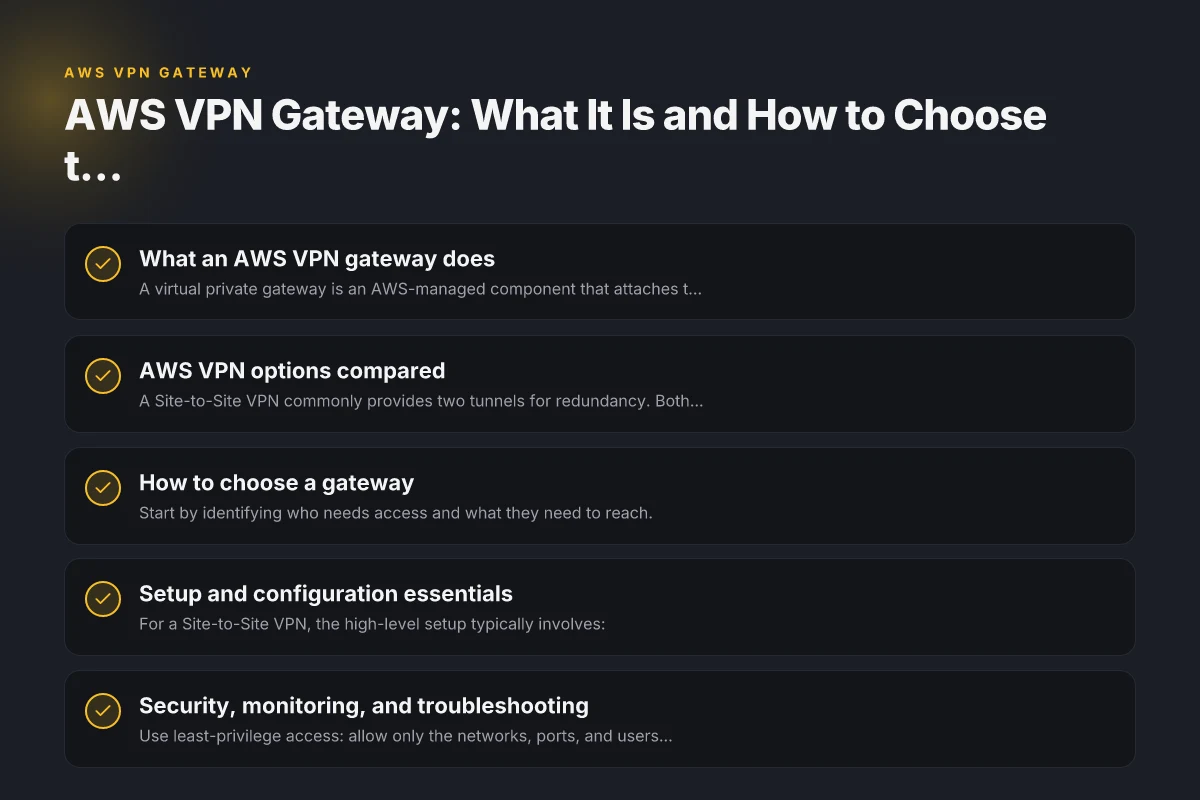
What an AWS VPN gateway does
A virtual private gateway is an AWS-managed component that attaches to a VPC and can terminate a Site-to-Site VPN connection. The connection uses IPsec to encrypt traffic between AWS and a customer gateway device or software endpoint on the other side. A customer gateway represents that external endpoint in AWS. It is not the VPN gateway itself.
AWS also offers AWS Transit Gateway as a hub for connecting multiple VPCs and networks. In that design, a Site-to-Site VPN can terminate on a transit gateway rather than on a virtual private gateway. This can make it easier to manage routing across a larger environment.
AWS Client VPN is a separate managed service for remote users. Users connect through a VPN client to a Client VPN endpoint, then access authorized VPC resources and, if configured, connected networks.
In short, “AWS VPN gateway” is often used broadly, but the specific service and gateway type matter when you plan a deployment. FortiClient VPN Connection Is Down: Causes and Fixes
AWS VPN options compared
| Option | Best for | Connection model | Typical consideration |
|---|---|---|---|
| Site-to-Site VPN with a virtual private gateway | Connecting one VPC to an office or data center | Network-to-network IPsec tunnels | Configure routing and the external customer gateway |
| Site-to-Site VPN with Transit Gateway | Connecting multiple VPCs or networks through a central hub | Network-to-network IPsec tunnels | Adds centralized routing and architecture planning |
| AWS Client VPN | Remote employees, contractors, or administrators | User-to-network VPN | Configure authentication, authorization, and client access |
A Site-to-Site VPN commonly provides two tunnels for redundancy. Both ends must have compatible VPN settings, and routing must direct the right traffic through the connection. A Client VPN endpoint instead manages user sessions and access rules. It does not serve as a replacement for every network-to-network connection.
Choosing an AWS VPN option
| Need | Site-to-Site VPN | Client VPN | Direct Connect |
|---|---|---|---|
| Connect an office network | Suitable | Not intended for this | Suitable |
| Connect individual users | Not intended for this | Suitable | Not intended for this |
| Encrypted VPN tunnel | Supported | Supported | Not provided by itself |
| Use the public internet | Supported | Supported | No |
| Dedicated network connection | No | No | Supported |
| Connect multiple VPCs centrally | With Transit Gateway | Via configured routes | With appropriate AWS routing |
| Typical endpoint | Customer gateway device | Client VPN endpoint | Direct Connect location |
Compiled November 2026; check the provider's site for current details.
How to choose a gateway
Start by identifying who needs access and what they need to reach. Best Free VPN Extension for Edge Browser: What to Know Before You Install
Choose Site-to-Site VPN when you need an office, data center, or other network to communicate with a VPC. This is a common option for hybrid cloud connections, application dependencies, and migration projects. Use a virtual private gateway for a straightforward connection to a VPC, or consider Transit Gateway when you need a central hub for several VPCs and networks.
Choose AWS Client VPN when individual users need remote access. It can be useful for a distributed workforce or administrators who need access to private applications. Access can be controlled through authentication and authorization rules.
Consider these factors before deciding:
- Scale: How many VPCs, sites, and users need connectivity?
- Routing: Do you need simple routes or centralized network routing?
- Availability: What are the requirements for tunnel, endpoint, and network resilience?
- Security: How will users and network devices authenticate, and which destinations should they reach?
- Operations: Who will configure, monitor, and troubleshoot the VPN?
- Performance: What bandwidth, latency, and traffic patterns does the workload require?
VPN suitability depends on workload requirements and configuration. For sustained, high-throughput connections, evaluate AWS Direct Connect alongside VPN options. It provides dedicated network connectivity, and VPN can be used as an additional encrypted connection where appropriate. Forticlinet VPN: What It Is and How to Use FortiClient Securely
Setup and configuration essentials
For a Site-to-Site VPN, the high-level setup typically involves:
- Create or select a VPC and plan its IPv4 or IPv6 addressing and routing.
- Choose a virtual private gateway or Transit Gateway, then attach or associate it as required.
- Define the customer gateway using the external device’s public IP address and routing details.
- Create the VPN connection and obtain its configuration information.
- Configure the external VPN device or software to match the AWS tunnel settings.
- Update route tables and external network routes so traffic uses the VPN.
- Test connectivity in both directions and confirm that security controls allow the required traffic.
For AWS Client VPN, create a Client VPN endpoint, configure authentication, associate target networks, and define authorization rules. Users then connect with a compatible client and the relevant configuration file. Make sure the client address range does not conflict with networks users need to reach.
In either setup, review security groups, network access control lists, firewalls, and operating-system rules. A successful VPN connection does not automatically grant access to every resource.
Setup and operations checklist Urban VPN Proxy Extension Edge: How to Install and Use It
| Area | Essential choice or action | What to verify | Common concern |
|---|---|---|---|
| Topology | Choose VPC gateway or Transit Gateway | Network attachment matches design | Unplanned complexity |
| Customer gateway | Provide device and public IP details | Device supports selected VPN settings | Incorrect peer details |
| Routing | Choose static or dynamic routing | Routes exist on both sides | Missing or conflicting routes |
| Tunnel setup | Configure tunnel parameters | Both tunnels are configured as intended | Tunnel mismatch |
| Access control | Set security groups and network ACLs | Required traffic is allowed | Overly broad access |
| Monitoring | Use AWS VPN metrics and logs where available | Tunnel state and traffic are visible | Limited operational visibility |
| Troubleshooting | Check routes, tunnel status, and device logs | Test connectivity in both directions | One-way reachability |
| Resilience | Plan for redundant tunnels or connections | Failover behavior is tested | Single point of failure |
Compiled November 2026; check the provider's site for current details.
Security, monitoring, and troubleshooting
Use least-privilege access: allow only the networks, ports, and users required for the task. Protect credentials and keys, keep external VPN devices updated, and review authentication and access policies periodically.
Monitor connection status and traffic using the AWS tools available for the chosen service, including Amazon CloudWatch metrics where supported. Set alerts for tunnel or endpoint issues that could affect business operations, and keep configuration records for both AWS and the external side.
Common Site-to-Site VPN problems include mismatched tunnel settings, incorrect routes, overlapping IP ranges, blocked firewall traffic, and incorrect customer gateway addresses. For Client VPN, check authentication, authorization rules, network associations, DNS behavior, and whether the destination permits traffic from the client address range. Microsoft Edge VPN Extension Free: What to Know Before You Install
Recommendation
For a single office or data center connecting to one VPC, start with Site-to-Site VPN and a virtual private gateway. If you need centralized connectivity for multiple VPCs and networks, evaluate Transit Gateway. For individual remote users, choose AWS Client VPN. Confirm routing, access controls, redundancy, and performance requirements before deployment, then test the complete path from the user or network to the AWS resource.