
FortiClient VPN Connection Is Down: Causes and Fixes
Learn why your FortiClient VPN connection is down and how to troubleshoot it safely, step by step.


If your FortiClient VPN connection is down, first check that your device can access the internet, then verify the VPN server address and connection details. A temporary network outage, incorrect settings, expired credentials, or a FortiGate server issue can all prevent a connection. Work through the checks below in order. If the VPN is managed by your employer, contact IT before making changes that affect security or configuration.

Editor's pick: NordVPN — fast, secure VPN — Strong encryption, a no-logs policy and apps for every device. 30-day money-back guarantee. Get NordVPN →
Use these checks to narrow down why FortiClient VPN is down
| Check | What to do | What it can reveal | Next step |
|---|---|---|---|
| Internet connection | Open a website without the VPN | Whether internet access works | Restore internet access |
| VPN service | Check with IT or the service status page | Whether the VPN service is available | Wait or contact IT |
| Connection details | Confirm the server address | Whether the address is correct | Use the details provided by IT |
| Connection details | Check the username and authentication method | Whether sign-in details match | Correct them or ask IT |
| FortiClient | Restart the app | Whether a temporary app issue clears | Try connecting again |
| Device | Restart the computer or phone | Whether a temporary device issue clears | Try connecting again |
| Network | Try another trusted network | Whether the current network blocks VPN traffic | Ask the network administrator |
| Error message | Record the exact wording | Which issue or next step may apply | Share it with IT |
Compiled November 2026; check the provider's site for current details.
| VPN | Obfuscation | From / month | Plan | Free plan | Refund | Alipay | UnionPay | Crypto | Website opens in China | Trustpilot | |
|---|---|---|---|---|---|---|---|---|---|---|---|
 ZoogVPN | Turn on manually Shadow | $2.49/mo | 27 months: $59.99 | Yes | 7 days | ✓ | ✓ | ✓ | ✓ | Official site blocked; our special link opens (4.4 s) | 4.2/5 (195 reviews) |
 NordVPN | Turn on manually Obfuscated Servers / NordWhisper | $3.49/mo | 27 months: $94.23 | No | 30 days | ? | ✗ | ✓ | ✓ | ✗ Blocked | 4.2/5 (51,628 reviews) |
 ExpressVPN | ✓ On by default all servers | $3.00/mo | 28 months: $84 | No | 30 days | ✗ | ✗ | ✓ | ✗ | ✗ Blocked | 4.4/5 (29,706 reviews) |
 Surfshark | ✓ On by default Camouflage, with OpenVPN | See site | See site | No | 30 days | ✗ | ✗ | ✗ | ✓ | ✗ Blocked | 4.3/5 (31,823 reviews) |
 Proton VPN | Turn on manually Stealth, free plan too | $2.99/mo | 12 months: $35.88 | Yes | 30 days | ✗ | ✗ | ✗ | ✓ | ✗ Blocked | 2.1/5 (1,040 reviews) |
 Astrill VPN | Turn on manually StealthVPN / OpenWeb | $12.50/mo | 24 months: $300 | No | See site | ✗ | ✗ | ✗ | ✓ | ✗ Blocked | 1.3/5 (110 reviews) |
 Private Internet Access | Turn on manually Shadowsocks, OpenVPN only | $2.03/mo | 40 months: $81.2 | No | 30 days | ✗ | ✗ | ✗ | ✗ | ✗ Blocked | 4.2/5 (11,033 reviews) |
 CyberGhost | Turn on manually selected servers | $2.19/mo | 28 months: $61.32 | No | 45 days | ✗ | ✗ | ✗ | ✓ | ✗ Blocked | 4.0/5 (24,178 reviews) |
 PureVPN | Turn on manually switch to OpenVPN | $1.69/mo | 60 months: $101.55 | No | 31 days | ? | ? | ✗ | ✓ | ✗ Blocked | 4.4/5 (17,994 reviews) |
 AdGuard VPN | ✓ On by default TrustTunnel | $2.99/mo | 24 months: $71.76 | Yes | 30 days | ✓ | ✗ | ✓ | ✓ | Official site blocked; our special link opens (3.7 s) | 4.3/5 (290 reviews) |
 Mullvad | Turn on manually QUIC / Shadowsocks / LWO | $5.61/mo | €5/mo | No | 14 days | ✗ | ✗ | ✗ | ✓ | ✗ Blocked | 3.2/5 (192 reviews) |
 Windscribe | Turn on manually Stealth / WStunnel | $5.75/mo | 12 months: $69 | Yes | See site | ✗ | ✗ | ✗ | ✓ | ✗ Blocked | 4.7/5 (13,355 reviews) |
 StrongVPN | Turn on manually Scramble, OpenVPN TCP | See site | See site | No | 30 days | ✓ | ✗ | ✗ | ✗ | ✗ Blocked | 4.4/5 (2,695 reviews) |
 LightXtreme 闪连 | Not listed | $7.08/mo | 12 months: $84.99 | Yes | 30 days | ✓ | ✓ | ✓ | ✓ | ✓ Yes (3.5 s) | No page |
Prices checked 2026-11-10 on each vendor's pricing page (cheapest long plan, USD). Check the vendor's checkout for the final price.
Obfuscation checked 2026-11-14 on each vendor's site and help center: "on by default" = nothing to set; "turn on manually" = switch protocol or mode in settings; "not listed" = the vendor describes no obfuscation.
Payment methods checked 2026-11-10 on each vendor's payment pages: all 14 take cards and PayPal; ✗ = not listed, ? = the vendor's own pages disagree.
China access: whether the official website opens from mainland China networks (tests the website only, not the VPN connection). Last checked 2026-11-18 01:02 Beijing time.
Trustpilot score and review count checked 2026-11-10.
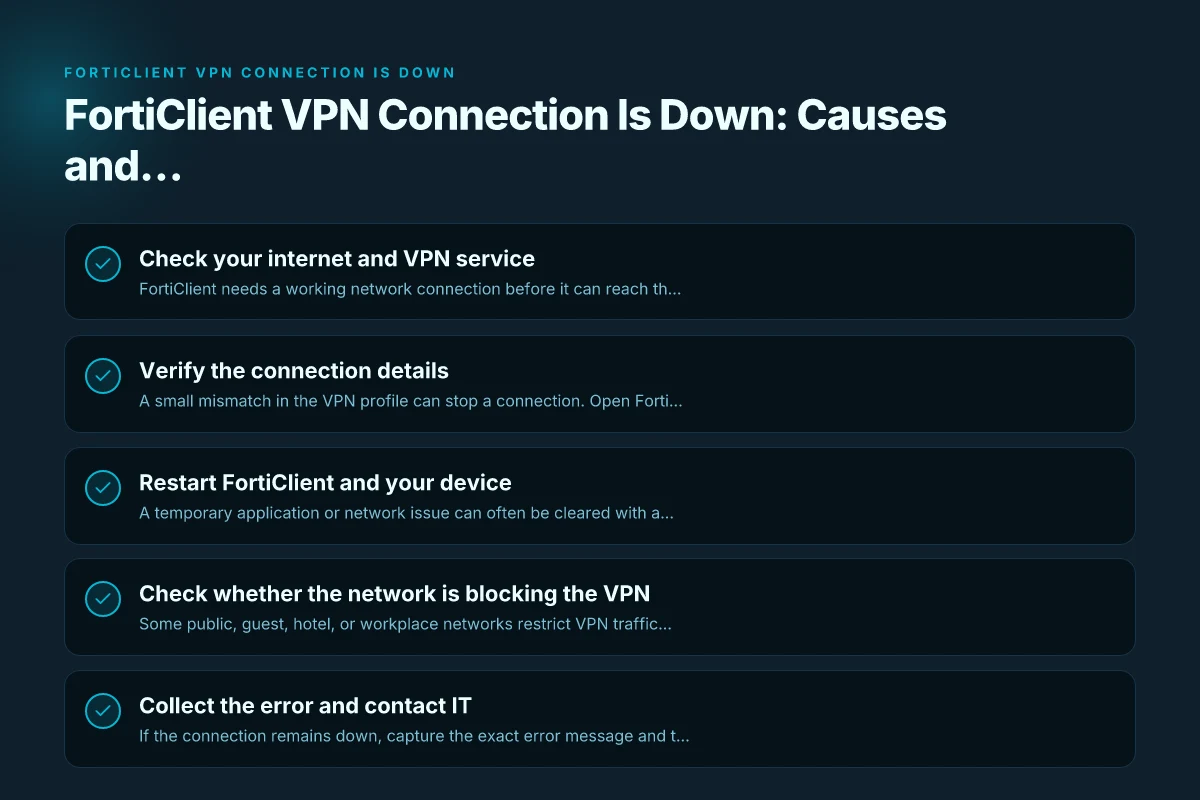
Check your internet and VPN service
FortiClient needs a working network connection before it can reach the VPN gateway. Open a few websites or try another online service. If they do not load, reconnect to Wi-Fi or Ethernet, restart your router if appropriate, or try a different trusted network.
If regular internet access works, the VPN service itself may be unavailable. A company VPN gateway can be down for maintenance, overloaded, or unreachable from a particular network. Check your organization’s service-status page or ask a colleague whether they can connect. Your IT team can confirm whether the FortiGate VPN service is operating.
Also check whether the problem affects one device or several. If only your computer is affected, focus on its FortiClient settings and network. If multiple users are affected, a shared gateway or service problem is more likely.
Verify the connection details
A small mismatch in the VPN profile can stop a connection. Open FortiClient and review the profile, but do not replace company settings with values found online. Confirm the details against your organization’s instructions or ask IT to verify them. Best Free VPN Extension for Edge Browser: What to Know Before You Install
Check the following:
- VPN type: Your organization may use SSL VPN or IPsec VPN. The profile must match the service provided.
- Remote gateway: Confirm the hostname or address is correct and has no extra spaces or typing errors.
- Port: If your organization specifies a custom port, make sure the profile uses it.
- Username and password: Check your username format and password. Some organizations require a domain, a one-time code, or approval through an authentication app.
- Certificate or authentication method: A required certificate, security key, or sign-in method may need to be available and current.
If your organization uses single sign-on, complete the browser sign-in and any multifactor authentication prompts. A failed or expired authentication session can look like a network problem.
| What you notice | Possible cause | Next step |
|---|---|---|
| No websites load | Local internet problem | Restore internet access first |
| VPN fails after a password change | Saved or outdated credentials | Sign in with the current credentials |
| Several coworkers cannot connect | VPN gateway or service issue | Check with IT or the service-status page |
| Connection works on one network but not another | Network restrictions or filtering | Ask IT whether the network is supported |
| VPN connects but internal sites fail | DNS, routing, or access-policy issue | Record the error and contact IT |
Compare troubleshooting actions by what they can tell you
| Action | Best for checking | Requires IT? | What to note |
|---|---|---|---|
| Test internet without VPN | Basic connectivity | No | Whether websites load |
| Check VPN service status | Service availability | Sometimes | Any outage notice |
| Verify server address | Connection configuration | No, if details are available | The address entered |
| Verify sign-in details | Authentication | Sometimes | Whether sign-in succeeds |
| Restart FortiClient | Temporary app problems | No | Whether the error changes |
| Restart the device | Temporary device problems | No | Whether the connection improves |
| Try another network | Network restrictions | No, if available | Which network works |
| Contact IT | Persistent or unclear errors | Yes | Error text and troubleshooting tried |
Compiled November 2026; check the provider's site for current details. Forticlinet VPN: What It Is and How to Use FortiClient Securely
Restart FortiClient and your device
A temporary application or network issue can often be cleared with a restart. Disconnect the VPN, close FortiClient, and reopen it. If that does not help, restart your computer and try again.
On a managed work device, use the normal sign-out and restart options. Do not stop security services, uninstall components, or change firewall settings unless your IT team instructs you to do so. Those controls may be required for the VPN to connect and may be centrally managed.
If FortiClient shows that it needs an update, follow your organization’s software-update process. Install only a version approved by your employer or downloaded from an official Fortinet source. An incompatible or outdated client can cause connection problems, but an unapproved update can also break a managed setup.
Check whether the network is blocking the VPN
Some public, guest, hotel, or workplace networks restrict VPN traffic. If you can do so safely and within your organization’s rules, test the connection from another trusted network, such as your home connection or a mobile hotspot. If the VPN works there, the original network may be blocking or filtering the traffic. Urban VPN Proxy Extension Edge: How to Install and Use It
A successful test on another network is useful evidence for IT. It does not mean you should bypass the original network’s controls. Do not use unapproved proxy services, disable your firewall, or expose work systems through an unsecured connection.
If FortiClient connects but you still cannot reach company resources, the VPN tunnel may be established while a separate issue affects DNS, routing, or your access permissions. Note which internal resources fail and whether the problem affects all of them or only one. Your organization’s support team can check the relevant network policies.
Choose the next step based on what happens
| What you observe | Likely area to check | Useful next step | Share with IT if unresolved |
|---|---|---|---|
| Websites do not load without VPN | Internet connection | Restore or troubleshoot internet access | Whether internet works |
| Internet works, but VPN service appears unavailable | VPN service | Check status or ask IT | When the issue began |
| FortiClient rejects the connection details | Configuration or sign-in | Recheck details provided by IT | Server address and error |
| Restarting FortiClient clears the issue | Temporary app problem | Retry the connection | Whether it recurs |
| Restarting the device clears the issue | Temporary device problem | Retry the connection | Device restart result |
| VPN works on another trusted network | Current network restrictions | Ask the network administrator | Which network blocks it |
| The same error persists across checks | Unresolved connection issue | Collect details and contact IT | Exact error and checks tried |
| Error wording is unclear | Cause not yet identified | Capture the full message | Screenshot or exact wording |
Compiled November 2026; check the provider's site for current details. Microsoft Edge VPN Extension Free: What to Know Before You Install
Collect the error and contact IT
If the connection remains down, capture the exact error message and the time it occurred. Error wording can help distinguish authentication failures from gateway, certificate, or network problems. Include the following details when you contact support:
- Your device’s operating system and FortiClient version
- The VPN profile type, if shown
- Whether ordinary internet access works
- The network you are using, such as home Wi-Fi or a mobile hotspot
- Whether coworkers are experiencing the same issue
- Any recent password, device, or software changes
Do not send your password, multifactor authentication code, private key, or sensitive configuration files in an ordinary support message. Follow your organization’s approved process for sharing diagnostic logs, since they may contain identifying or network information.
When to stop troubleshooting
Contact IT promptly if the VPN gateway appears unavailable, authentication repeatedly fails, a certificate warning appears, or you are unsure whether a setting is managed. Repeated login attempts can trigger account lockouts, and accepting an unexpected certificate warning can put your connection at risk.
Recommendation
When your FortiClient VPN connection is down, restore ordinary internet access first, verify the approved VPN details, and restart FortiClient and your device. If the issue continues, or if the error involves a certificate, credentials, or company settings, send the exact message and troubleshooting results to your IT team rather than changing security controls yourself. How to Change Proxy Settings in Edge