Connect VPN Without Download: Browser and Built-In Options
Learn how to connect to a VPN without downloading an app, including browser proxies, built-in VPN settings, and their limits.


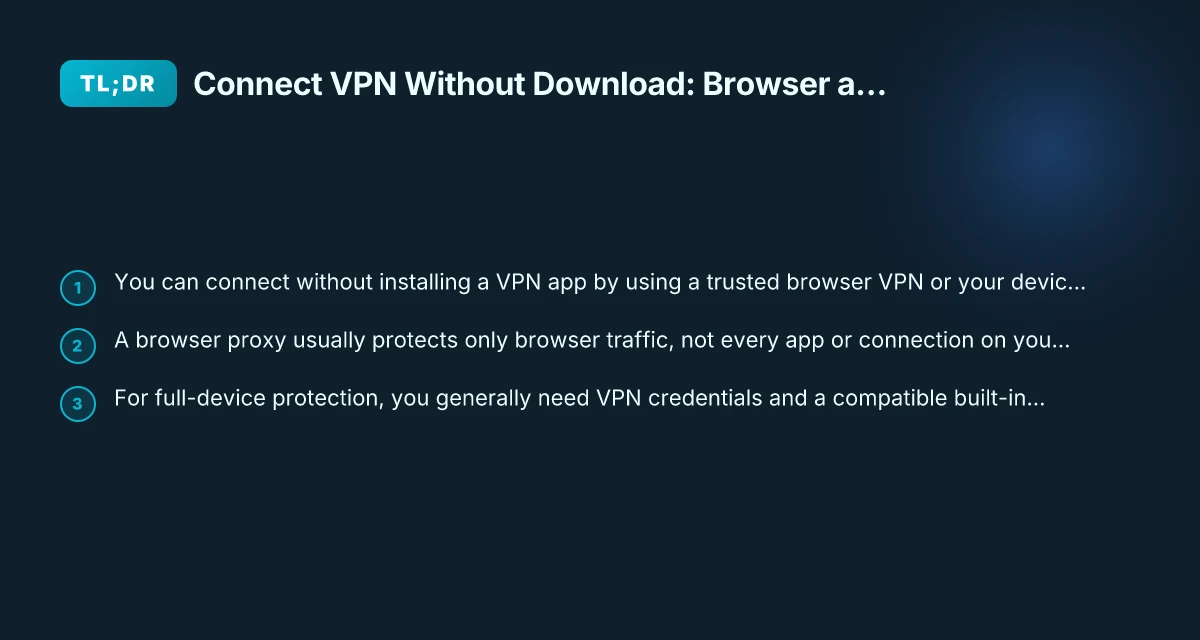
If you want to connect to a VPN without a download, use a VPN feature already built into your browser or device, or configure a connection with VPN details supplied by your provider or workplace. A browser-based option is usually quickest, but it may cover only activity inside that browser. Built-in device settings can protect more traffic, but they still require a VPN service and its configuration details.

Editor's pick: NordVPN — fast, secure VPN — Strong encryption, a no-logs policy and apps for every device. 30-day money-back guarantee. Get NordVPN →
Browser VPN vs. built-in device VPN
| Comparison | Browser VPN | Built-in device VPN |
|---|---|---|
| Where it works | Usually one browser | Device-wide, when configured |
| Setup | Enable in browser | Enter VPN configuration |
| Covers other apps | Usually no | Usually yes |
| VPN provider included | Browser-dependent | Usually no |
| Provider account needed | Browser-dependent | Often yes |
| Best for | Browser traffic | Multiple apps and services |
| Main limitation | Traffic outside browser may not be covered | Requires compatible VPN details |
| Download required | May not require a separate app | No VPN app, but setup is required |
Compiled November 2026; check the provider's site for current details.
| VPN | Obfuscation | From / month | Plan | Free plan | Refund | Alipay | UnionPay | Crypto | Website opens in China | Trustpilot | |
|---|---|---|---|---|---|---|---|---|---|---|---|
 ZoogVPN | Turn on manually Shadow | $2.49/mo | 27 months: $59.99 | Yes | 7 days | ✓ | ✓ | ✓ | ✓ | Official site blocked; our special link opens (4.4 s) | 4.2/5 (195 reviews) |
 NordVPN | Turn on manually Obfuscated Servers / NordWhisper | $3.49/mo | 27 months: $94.23 | No | 30 days | ? | ✗ | ✓ | ✓ | ✗ Blocked | 4.2/5 (51,628 reviews) |
 ExpressVPN | ✓ On by default all servers | $3.00/mo | 28 months: $84 | No | 30 days | ✗ | ✗ | ✓ | ✗ | ✗ Blocked | 4.4/5 (29,706 reviews) |
 Surfshark | ✓ On by default Camouflage, with OpenVPN | See site | See site | No | 30 days | ✗ | ✗ | ✗ | ✓ | ✗ Blocked | 4.3/5 (31,823 reviews) |
 Proton VPN | Turn on manually Stealth, free plan too | $2.99/mo | 12 months: $35.88 | Yes | 30 days | ✗ | ✗ | ✗ | ✓ | ✗ Blocked | 2.1/5 (1,040 reviews) |
 Astrill VPN | Turn on manually StealthVPN / OpenWeb | $12.50/mo | 24 months: $300 | No | See site | ✗ | ✗ | ✗ | ✓ | ✗ Blocked | 1.3/5 (110 reviews) |
 Private Internet Access | Turn on manually Shadowsocks, OpenVPN only | $2.03/mo | 40 months: $81.2 | No | 30 days | ✗ | ✗ | ✗ | ✗ | ✗ Blocked | 4.2/5 (11,033 reviews) |
 CyberGhost | Turn on manually selected servers | $2.19/mo | 28 months: $61.32 | No | 45 days | ✗ | ✗ | ✗ | ✓ | ✗ Blocked | 4.0/5 (24,178 reviews) |
 PureVPN | Turn on manually switch to OpenVPN | $1.69/mo | 60 months: $101.55 | No | 31 days | ? | ? | ✗ | ✓ | ✗ Blocked | 4.4/5 (17,994 reviews) |
 AdGuard VPN | ✓ On by default TrustTunnel | $2.99/mo | 24 months: $71.76 | Yes | 30 days | ✓ | ✗ | ✓ | ✓ | Official site blocked; our special link opens (3.7 s) | 4.3/5 (290 reviews) |
 Mullvad | Turn on manually QUIC / Shadowsocks / LWO | $5.61/mo | €5/mo | No | 14 days | ✗ | ✗ | ✗ | ✓ | ✗ Blocked | 3.2/5 (192 reviews) |
 Windscribe | Turn on manually Stealth / WStunnel | $5.75/mo | 12 months: $69 | Yes | See site | ✗ | ✗ | ✗ | ✓ | ✗ Blocked | 4.7/5 (13,355 reviews) |
 StrongVPN | Turn on manually Scramble, OpenVPN TCP | See site | See site | No | 30 days | ✓ | ✗ | ✗ | ✗ | ✗ Blocked | 4.4/5 (2,695 reviews) |
 LightXtreme 闪连 | Not listed | $7.08/mo | 12 months: $84.99 | Yes | 30 days | ✓ | ✓ | ✓ | ✓ | ✓ Yes (3.5 s) | No page |
Prices checked 2026-11-10 on each vendor's pricing page (cheapest long plan, USD). Check the vendor's checkout for the final price.
Obfuscation checked 2026-11-14 on each vendor's site and help center: "on by default" = nothing to set; "turn on manually" = switch protocol or mode in settings; "not listed" = the vendor describes no obfuscation.
Payment methods checked 2026-11-10 on each vendor's payment pages: all 14 take cards and PayPal; ✗ = not listed, ? = the vendor's own pages disagree.
China access: whether the official website opens from mainland China networks (tests the website only, not the VPN connection). Last checked 2026-11-18 01:02 Beijing time.
Trustpilot score and review count checked 2026-11-10.
What “without download” can mean
A VPN creates an encrypted connection between your device and a VPN server. You can avoid installing a dedicated VPN app, but you still need a way to establish that connection. The right method depends on whether you want protection for one browser or the whole device.
Common options include:
- A browser VPN or proxy: Set up through a browser feature or extension. It typically routes browser traffic through a remote server.
- Built-in VPN settings: Use the VPN configuration menu already on your computer or phone. You may need a server address, account credentials, and a connection type.
- A managed work or school connection: An administrator may provide settings for your device’s existing VPN client.
A website that claims to “turn on a VPN” just by opening a page should be treated cautiously. A normal web page cannot route all your device traffic through a VPN.
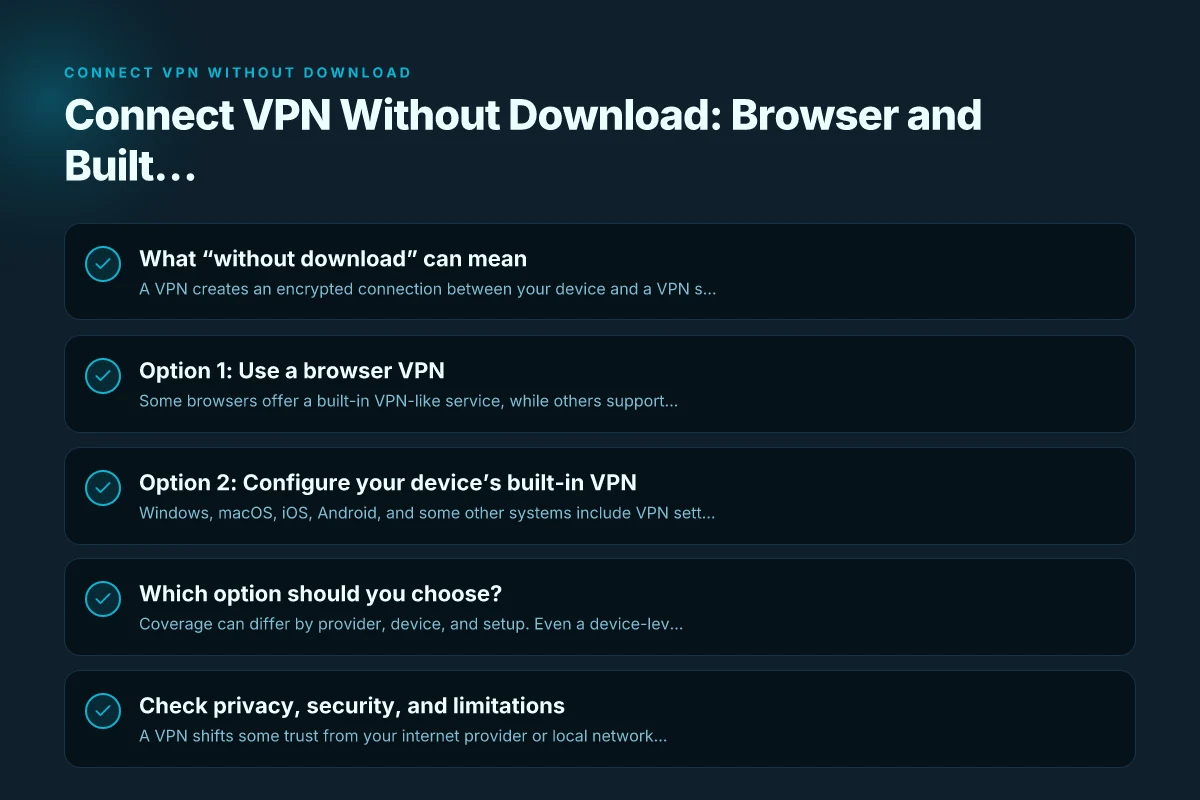
Option 1: Use a browser VPN
Some browsers offer a built-in VPN-like service, while others support browser extensions from VPN providers. These tools can be convenient when you only need to route web browsing through another location or add protection on an untrusted network. Norton VPN APK for Firestick: What to Know Before You Install
How to connect
- Open the browser’s official settings or extension store.
- Check whether the browser includes a VPN feature or supports a trusted provider’s extension.
- Review what the service covers, what information it collects, and whether it requires an account.
- Turn on the feature and choose a server location if available.
- Visit a reputable IP-checking website to see whether your browser’s visible IP address has changed.
Use only official browser stores and provider websites. Avoid unfamiliar extensions, especially those requesting broad permissions to read or change data on every website you visit.
A browser VPN may not protect traffic from email apps, games, software updates, or other browsers. Some features are also more accurately described as proxies: they can reroute browser requests without providing the same device-wide coverage as a full VPN.
Option 2: Configure your device’s built-in VPN
Windows, macOS, iOS, Android, and some other systems include VPN settings. You can use them without downloading a provider’s dedicated app if your VPN service supports a compatible connection method and gives you the necessary details.
Typical setup information may include: My IP ExpressVPN: How to Check Your IP Address and Fix Connection Issues
- VPN server address
- Connection type or protocol
- Username and password
- A certificate, shared secret, or configuration file
Open your device’s network or VPN settings, choose the option to add a VPN connection, and enter the information supplied by your provider or administrator. The exact labels and steps vary by operating system and version. Once saved, select the connection and connect.
Built-in settings are not a VPN service by themselves: they do not automatically provide a server, account, or secure configuration. Get those details directly from a provider you trust or your organization’s IT team. Do not copy credentials or server settings from random websites.
Which option should you choose?
| Method | Requires an app download? | Usually covers | Best for |
|---|---|---|---|
| Browser VPN or proxy | No separate VPN app; an extension may be needed | One browser | Quick browsing protection or a different browser location |
| Built-in device VPN | No provider app, but setup is required | Potentially device traffic routed through the connection | Users with valid VPN credentials and configuration details |
| Web-based proxy page | Usually no | Traffic you submit through that site | Limited, low-risk tasks—not sensitive activity |
Coverage can differ by provider, device, and setup. Even a device-level VPN may not route every connection if split tunneling, app exclusions, or network rules are enabled. Check the settings and provider documentation rather than assuming everything is protected.
Choose an option by your needs Norton VPN App for Fire Stick: What to Know Before You Install
| If you need… | Browser VPN | Built-in device VPN |
|---|---|---|
| A quick browser-only option | Better fit | Less convenient |
| Protection for multiple apps | Usually not a fit | Better fit |
| Minimal configuration | Often better fit | Requires setup |
| To use a VPN provider you chose | Depends on browser | Often a good fit |
| To avoid installing a VPN app | May work | May work |
| VPN access on a device without built-in support | Browser-dependent | Not a fit |
| To cover all device traffic | Usually not a fit | Possible, depending on setup |
| A straightforward choice | For browser use | For device-wide use |
Compiled November 2026; check the provider's site for current details.
Check privacy, security, and limitations
A VPN shifts some trust from your internet provider or local network to the VPN operator. It does not make you anonymous, prevent every form of tracking, or automatically protect you from phishing and malware. Websites may still identify you through account sign-ins, cookies, browser fingerprints, or other data.
Before connecting, consider these checks:
- Read the privacy policy: Look for clear information about connection logs, browsing data, and data sharing.
- Use secure websites: Look for HTTPS, especially when entering passwords or payment details.
- Check the connection: Confirm the VPN or browser feature says it is connected, and verify the visible IP if location matters.
- Be careful with free services: Some may impose limits, show ads, collect more data than expected, or offer weak security. Free does not automatically mean unsafe, but research the provider.
- Follow workplace rules: A work VPN may be required for company resources, and personal browser tools may not meet your organization’s security requirements.
If the VPN fails, confirm that your internet connection works, review the entered server details, and check whether your provider supports your device’s built-in VPN. Do not disable important security settings just to force a connection. NordVPN Activation Code: How to Get and Use One
When an app download is necessary
You may need a dedicated app if your provider uses a proprietary protocol, offers no configuration details for built-in settings, or requires app features such as automatic connection, a kill switch, or advanced server selection. In that case, download the app only from the provider’s official website or your device’s official app store.
If you are using a shared or managed device where you cannot install software, ask the owner or administrator about approved browser features or VPN settings. Avoid unofficial workarounds that could expose your credentials or violate device policies.
Check before connecting without a VPN app
| Check | What to look for | Browser VPN | Built-in device VPN |
|---|---|---|---|
| Coverage | Which traffic is routed | Browser traffic may be limited | Can cover device traffic |
| Provider | Who operates the VPN | Check browser’s provider details | Choose and verify a provider |
| Privacy policy | Logging and data handling | Review browser terms | Review provider terms |
| Security | Connection and protocol details | Check what the browser offers | Confirm supported settings |
| Availability | Device and region support | Check browser availability | Check device and provider support |
| Configuration | Information needed to connect | Usually browser settings | Provider-supplied VPN details |
| Extra features | Any required capabilities | May be limited | May require a dedicated app |
| Need for an app | Whether the option is enough | App may be needed for more coverage | App may be needed for setup or features |
Compiled November 2026; check the provider's site for current details. Urban VPN Microsoft Edge Extension: How It Works and What to Know
Recommendation
To connect to a VPN without downloading a dedicated app, use a reputable browser VPN for browser-only needs, or configure your device’s built-in VPN with details from a trusted provider. For sensitive activity or protection across multiple apps, confirm that the chosen setup covers the traffic you need. If it does not, use an approved full VPN app instead.