Free VPN Choose Location: How to Pick a Server Safely
Learn how free VPNs handle location choice, what limits to expect, and how to select a safer option for your needs.
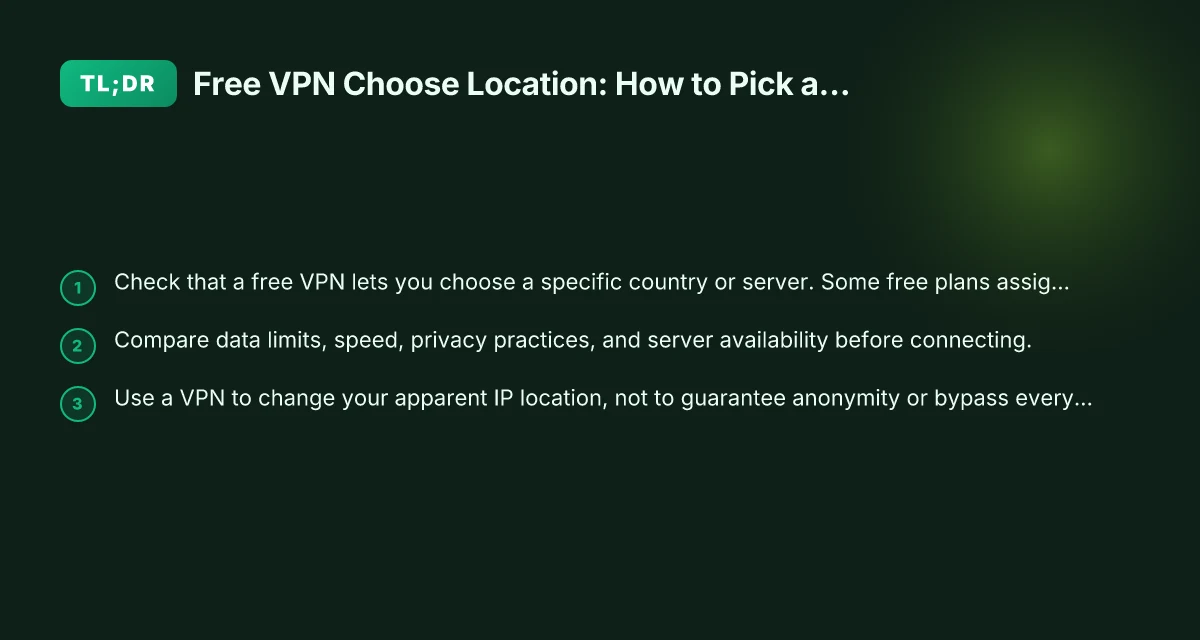
If you want a free VPN that lets you choose a location, first check whether its free plan offers manual server selection. Some providers restrict free users to a few countries, while others connect you automatically or reserve location choice for paid plans. Review the provider’s data limits and privacy policy, then choose a nearby server for better speed or a particular country when you have a clear reason to connect there.

Editor's pick: NordVPN — fast, secure VPN — Strong encryption, a no-logs policy and apps for every device. 30-day money-back guarantee. Get NordVPN →
Server-location choices at a glance
| Choice | Best for | Likely benefit | Possible drawback |
|---|---|---|---|
| Nearby server | Everyday browsing | Lower latency | May not change region |
| Faraway server | Accessing another region | Different apparent location | Slower connection |
| Specific country | Country-based services | More relevant regional IP | Free plan may not offer it |
| Automatic selection | Quick setup | Little manual effort | Less control over location |
| Available free server | Trying a provider | No paid plan required | Limited server choice |
| No suitable location | Privacy or speed needs | Avoids a poor fit | May require another plan |
Compiled November 2026; check the provider's site for current details.
| VPN | Obfuscation | From / month | Plan | Free plan | Refund | Alipay | UnionPay | Crypto | Website opens in China | Trustpilot | |
|---|---|---|---|---|---|---|---|---|---|---|---|
 ZoogVPN | Turn on manually Shadow | $2.49/mo | 27 months: $59.99 | Yes | 7 days | ✓ | ✓ | ✓ | ✓ | Official site blocked; our special link opens (4.4 s) | 4.2/5 (195 reviews) |
 NordVPN | Turn on manually Obfuscated Servers / NordWhisper | $3.49/mo | 27 months: $94.23 | No | 30 days | ? | ✗ | ✓ | ✓ | ✗ Blocked | 4.2/5 (51,628 reviews) |
 ExpressVPN | ✓ On by default all servers | $3.00/mo | 28 months: $84 | No | 30 days | ✗ | ✗ | ✓ | ✗ | ✗ Blocked | 4.4/5 (29,706 reviews) |
 Surfshark | ✓ On by default Camouflage, with OpenVPN | See site | See site | No | 30 days | ✗ | ✗ | ✗ | ✓ | ✗ Blocked | 4.3/5 (31,823 reviews) |
 Proton VPN | Turn on manually Stealth, free plan too | $2.99/mo | 12 months: $35.88 | Yes | 30 days | ✗ | ✗ | ✗ | ✓ | ✗ Blocked | 2.1/5 (1,040 reviews) |
 Astrill VPN | Turn on manually StealthVPN / OpenWeb | $12.50/mo | 24 months: $300 | No | See site | ✗ | ✗ | ✗ | ✓ | ✗ Blocked | 1.3/5 (110 reviews) |
 Private Internet Access | Turn on manually Shadowsocks, OpenVPN only | $2.03/mo | 40 months: $81.2 | No | 30 days | ✗ | ✗ | ✗ | ✗ | ✗ Blocked | 4.2/5 (11,033 reviews) |
 CyberGhost | Turn on manually selected servers | $2.19/mo | 28 months: $61.32 | No | 45 days | ✗ | ✗ | ✗ | ✓ | ✗ Blocked | 4.0/5 (24,178 reviews) |
 PureVPN | Turn on manually switch to OpenVPN | $1.69/mo | 60 months: $101.55 | No | 31 days | ? | ? | ✗ | ✓ | ✗ Blocked | 4.4/5 (17,994 reviews) |
 AdGuard VPN | ✓ On by default TrustTunnel | $2.99/mo | 24 months: $71.76 | Yes | 30 days | ✓ | ✗ | ✓ | ✓ | Official site blocked; our special link opens (3.7 s) | 4.3/5 (290 reviews) |
 Mullvad | Turn on manually QUIC / Shadowsocks / LWO | $5.61/mo | €5/mo | No | 14 days | ✗ | ✗ | ✗ | ✓ | ✗ Blocked | 3.2/5 (192 reviews) |
 Windscribe | Turn on manually Stealth / WStunnel | $5.75/mo | 12 months: $69 | Yes | See site | ✗ | ✗ | ✗ | ✓ | ✗ Blocked | 4.7/5 (13,355 reviews) |
 StrongVPN | Turn on manually Scramble, OpenVPN TCP | See site | See site | No | 30 days | ✓ | ✗ | ✗ | ✗ | ✗ Blocked | 4.4/5 (2,695 reviews) |
 LightXtreme 闪连 | Not listed | $7.08/mo | 12 months: $84.99 | Yes | 30 days | ✓ | ✓ | ✓ | ✓ | ✓ Yes (3.5 s) | No page |
Prices checked 2026-11-10 on each vendor's pricing page (cheapest long plan, USD). Check the vendor's checkout for the final price.
Obfuscation checked 2026-11-14 on each vendor's site and help center: "on by default" = nothing to set; "turn on manually" = switch protocol or mode in settings; "not listed" = the vendor describes no obfuscation.
Payment methods checked 2026-11-10 on each vendor's payment pages: all 14 take cards and PayPal; ✗ = not listed, ? = the vendor's own pages disagree.
China access: whether the official website opens from mainland China networks (tests the website only, not the VPN connection). Last checked 2026-11-18 01:02 Beijing time.
Trustpilot score and review count checked 2026-11-10.
What “choose location” means
A VPN routes your internet traffic through a server operated by the VPN provider. Websites and apps generally see the server’s IP address instead of your usual public IP address, so they may estimate that you are browsing from the server’s region.
Location choice can mean different things:
- Country selection: You pick a country, and the app chooses a server there.
- City selection: You pick a specific city, if the provider offers that level of detail.
- Server selection: You choose an individual server, sometimes based on load or distance.
- Automatic connection: The app picks a server for you, often based on speed or availability.
A location list in an app does not necessarily mean every listed location is included in the free plan. Check the plan details before installing or connecting.
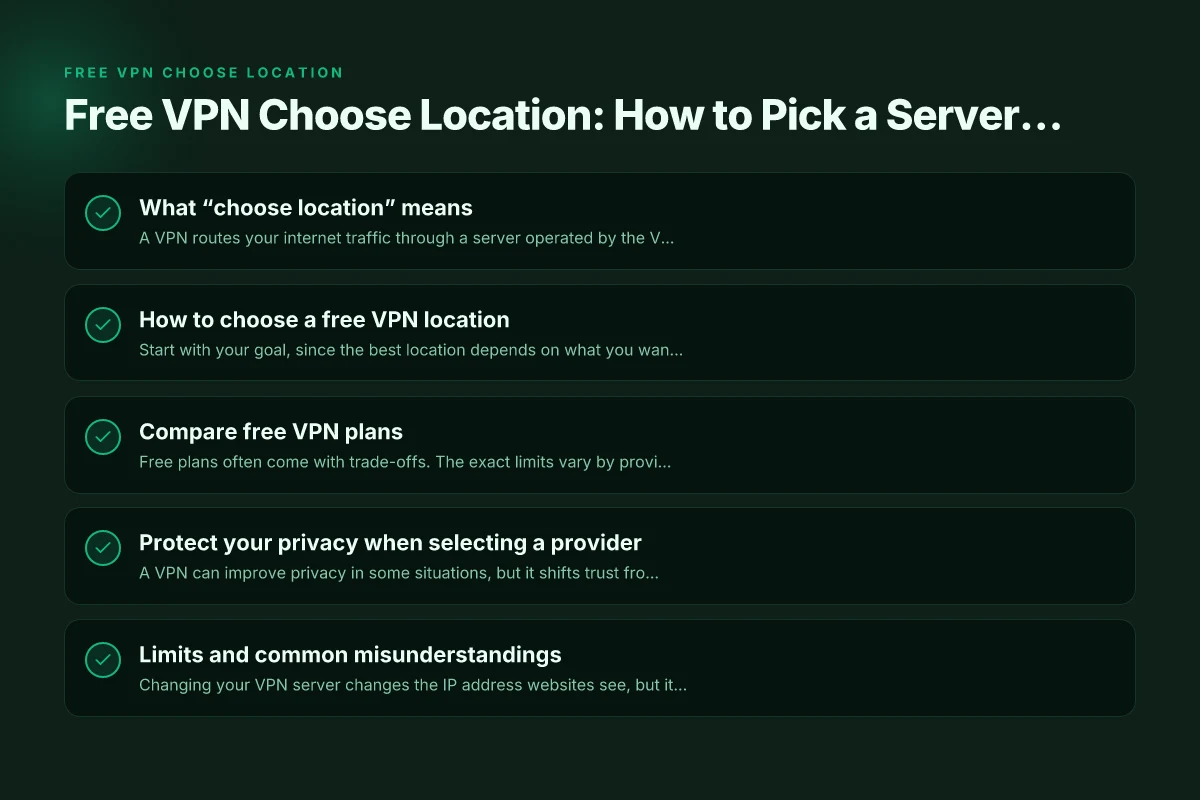
How to choose a free VPN location
Start with your goal, since the best location depends on what you want to do. OVPN Explained: What It Is and How to Use It
- For everyday browsing: Choose a nearby server to reduce delays and maintain a more responsive connection.
- For a specific country: Confirm that the free plan includes a server there, and check whether you can select it manually.
- For public Wi-Fi: Prioritize a provider with clear security and privacy information. Location is usually less important.
- For testing a website: Choose the relevant country, but remember that websites can also use cookies, account details, GPS, and other signals to estimate your location.
After connecting, check the VPN app for a confirmed connection and use a reputable IP-checking service to see which IP location is visible. If the result does not match the selected country, reconnect or contact the provider.
Free VPN location-selection checklist
| Check | What to look for | Why it matters | Warning sign |
|---|---|---|---|
| Server locations | Countries offered on the free plan | Confirms a usable location exists | Locations shown only for paid users |
| Location selection | Manual country or server choice | Shows how much control you have | Free users cannot choose |
| Connection speed | Usable performance for your tasks | Distant servers can feel slower | No clear way to test |
| Data allowance | Limits stated plainly | Helps avoid unexpected cutoffs | Unclear or changing limits |
| Privacy policy | Data collection and retention explained | Helps assess provider practices | Vague logging language |
| Security features | Encryption and protection details | Helps assess connection safeguards | Unsupported security claims |
| Business model | How the free service is funded | Adds context to privacy claims | No clear explanation |
| App permissions | Requests relevant to the service | Helps spot unnecessary access | Excessive or unexplained requests |
Compiled November 2026; check the provider's site for current details.
Compare free VPN plans
Free plans often come with trade-offs. The exact limits vary by provider, and terms can change, so confirm them on the provider’s current website. Proton Free VPN: What You Get and Whether It’s Worth Using
| Feature | What to check | Why it matters |
|---|---|---|
| Location choice | Included countries and manual selection | Determines whether you can connect where you want |
| Data allowance | Monthly cap or unlimited data | A cap may limit streaming, downloads, or long sessions |
| Speed and congestion | Connection limits and server load | Busy servers can slow browsing |
| Privacy policy | Data collection, retention, and sharing | A “free” service may rely on advertising or other business models |
| Security features | Encryption, leak protection, and app updates | Helps protect traffic and prevent accidental exposure |
| Device support | Operating systems and simultaneous connections | Ensures the plan works on the devices you use |
A free VPN may be sufficient for occasional browsing, but a small server network or data cap can make frequent use inconvenient. Treat “unlimited” as one feature to investigate, not proof that a service is private or reliable.
Protect your privacy when selecting a provider
A VPN can improve privacy in some situations, but it shifts trust from your internet provider or local network to the VPN company. Read the privacy policy to understand what information the provider collects and why. Look for straightforward explanations of account data, connection logs, diagnostic information, and advertising practices.
Also consider whether the provider publishes independent security audits or explains how it handles security incidents. No single badge or claim guarantees safety, but clear documentation gives you more to assess.
Be cautious if an app: Forticlient VPN online installer.exe: What It Is and How to Download Safely
- Requests permissions that do not fit its basic function.
- Makes broad privacy promises without explaining its data practices.
- Has unclear ownership or no accessible support information.
- Pushes unrelated software or displays intrusive advertising.
- Has no recent updates or a poor record of addressing security problems.
Download VPN apps from the provider’s official website or an established app store. Avoid unknown apps that promise unlimited access to every location without explaining how the service is funded.
Common location-selection trade-offs
| Choice or belief | What it can do | What it cannot guarantee | Better decision |
|---|---|---|---|
| Choose a nearby server | Often reduces latency | Fast speeds in every situation | Test the connection |
| Choose a distant server | May provide an IP from another region | Access to every regional service | Check the free plan’s locations |
| Choose a country | Select a listed location when supported | A particular city or server | Confirm the selection options |
| Use automatic selection | Connect with less effort | Your preferred country | Review the assigned location |
| Use a free VPN | Provide a no-cost option | Unlimited locations or data | Read plan limits |
| Change VPN location | Change the VPN-assigned IP region | Complete anonymity | Check privacy practices too |
Compiled November 2026; check the provider's site for current details.
Limits and common misunderstandings
Changing your VPN server changes the IP address websites see, but it does not make you completely anonymous. A signed-in account, browser cookies, device settings, or location permissions can still identify or roughly locate you. A VPN also cannot protect you if you enter personal details on a fraudulent website or install malicious software. Configure Windows 11 VPN IPsec Client to Replace FortiClient
A free VPN may not provide access to every country, and a selected server might be unavailable temporarily. Some websites and streaming services block VPN traffic, so a location change does not guarantee access to particular content. Using a VPN may also be subject to the rules of the service you are using and the laws where you live.
For more reliable location choice, compare the free plan’s current server list with your needs. If manual selection is essential and the free option does not include it, consider whether a reputable paid plan is worth the cost rather than relying on an unknown provider.
Recommendation
Choose a free VPN only after confirming that its free tier includes the location selection you need. Prefer a nearby server for general use, and assess privacy practices, data limits, and security alongside the location list. If no trustworthy free option offers the required country or enough data, a transparent paid plan is usually a safer choice than an unfamiliar app making sweeping promises.