Clash Free: How to Prevent Scheduling Conflicts
Learn what “clash free” means and how calendars, clear rules, and regular checks can prevent scheduling conflicts.
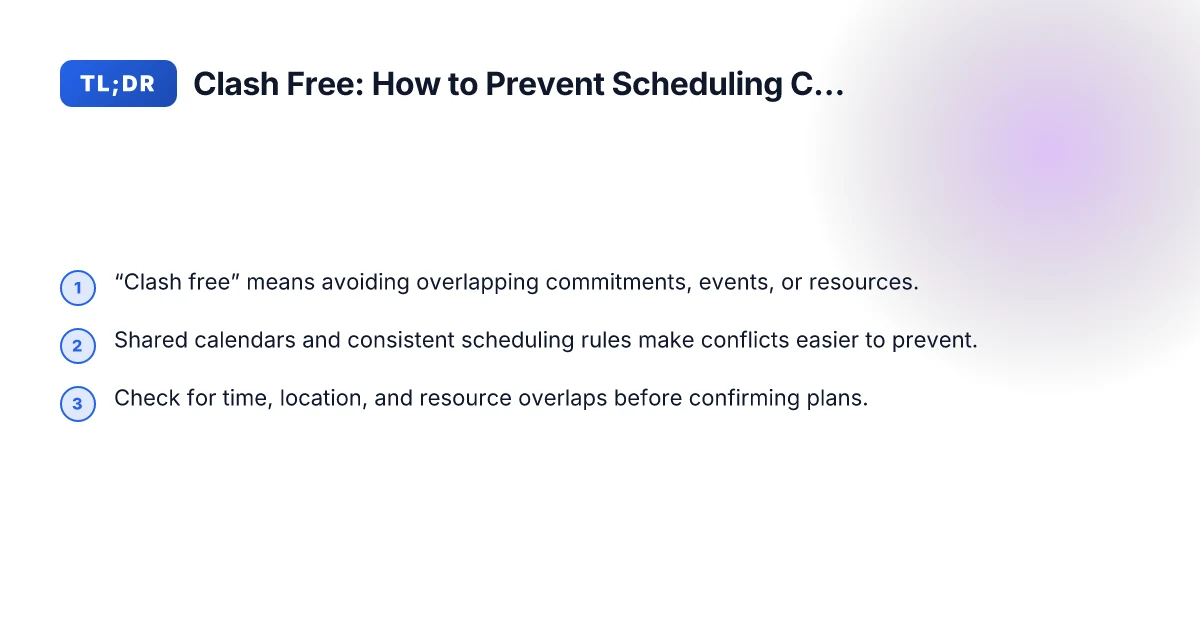
A clash-free schedule is one in which important commitments do not overlap or compete for the same time, place, or resource. To keep a calendar clash free, record commitments in one reliable system, agree on scheduling rules, and check potential conflicts before confirming plans. These habits help individuals, families, teams, and event organizers avoid double bookings and last-minute disruption.

Common scheduling conflicts and prevention options
| Conflict type | Common cause | Early warning | Prevention | Best suited to |
|---|---|---|---|---|
| Double booking | Separate calendars | Overlapping events | Use one shared calendar | Teams and households |
| Tight back-to-back events | No transition time | Consecutive bookings | Add buffer time | Busy schedules |
| Time-zone mismatch | Different local times | Unclear time-zone label | State the time zone | Remote teams |
| Resource overlap | Shared room or equipment | Duplicate reservations | Check resource availability | Offices and venues |
| Unclear ownership | No assigned organizer | Missing event owner | Assign a responsible person | Group projects |
| Last-minute changes | Updates not shared | Conflicting event details | Notify attendees promptly | Changing schedules |
| Recurring-event overlap | Repeated bookings | Conflicts on specific dates | Review individual occurrences | Regular meetings |
Compiled November 2026; check the provider's site for current details.
What “Clash free” means
“Clash free” is a practical description of a schedule or plan with no conflicting commitments. A clash can happen when two events are set for the same time, but it can also involve competing locations, people, equipment, or deadlines.
For example, a meeting may appear free on a calendar but still be impossible if the participant needs travel time to reach it. A room may be available for two separate events, yet the events could clash if they both require the same projector or staff member.
The term can also describe other kinds of compatibility. In software, design, or technical contexts, “clash free” may mean that names, components, or requirements do not conflict. The exact meaning depends on what is being scheduled or compared. In everyday use, however, it most often refers to avoiding overlapping plans.
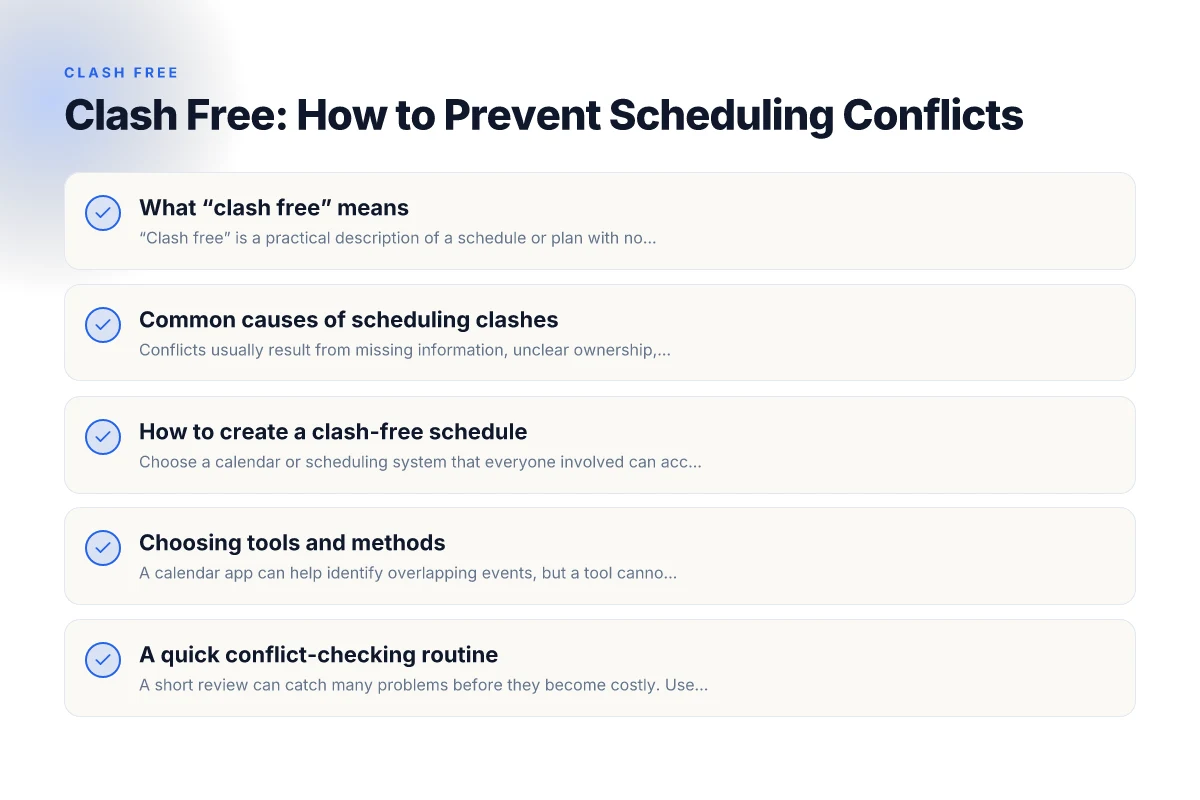
Common causes of scheduling clashes
Conflicts usually result from missing information, unclear ownership, or assumptions that have not been checked. FortiGate IPsec VPN: Setup, Configuration, and Troubleshooting
- Separate calendars: Work, personal, and shared commitments are recorded in different places.
- Double booking: Two events are accepted before anyone checks the full schedule.
- Unclear availability: People have not shared when they are available or how long they need between commitments.
- Time-zone mistakes: Participants interpret a meeting time differently.
- Travel and preparation time: A calendar shows events but not the time needed to get ready or move between locations.
- Shared-resource conflicts: Two bookings need the same room, vehicle, equipment, or staff member.
- Last-minute changes: An updated time or location does not reach everyone involved.
A schedule can look open and still be unrealistic. To prevent clashes, account for the full commitment, not only its start and end time.
Ways to create a clash-free schedule
| Method or tool | Prevents overlap | Keeps others informed | Handles changes | Works best when |
|---|---|---|---|---|
| Shared digital calendar | Yes | Yes | Updates are shared | Several people coordinate |
| Personal calendar | Yes, for one person | No | Owner updates entries | One person plans alone |
| Scheduling poll | Yes, before booking | Yes | New poll may be needed | Finding a time together |
| Booking system | Yes, for listed resources | Supported | Availability can be updated | Rooms or equipment are shared |
| Paper planner | With manual checks | No | Owner edits entries | Schedules are simple |
| Team scheduling rules | With consistent use | Supported | People follow the rules | Groups need a common process |
Compiled November 2026; check the provider's site for current details.
How to create a Clash-free schedule
Use one dependable source of truth
Choose a calendar or scheduling system that everyone involved can access. If separate calendars are necessary, sync them where possible or establish a routine for checking them together. VPN FortiGate: How It Works, Setup Options, and Best Practices
Add confirmed commitments promptly. Include the correct date, start and end times, location, and relevant participants. Mark tentative plans clearly so they are not mistaken for confirmed bookings.
Set clear scheduling rules
Agree on a few simple practices before scheduling becomes complicated:
- Check availability before sending an invitation or confirming a booking.
- Include time zones for meetings involving people in different regions.
- Add travel, setup, or recovery time when it matters.
- Identify who can approve changes to shared bookings.
- Update or cancel invitations when plans change.
- Use a consistent process for reserving shared rooms and equipment.
These rules reduce uncertainty and make it easier for others to spot a potential problem.
Check more than the time
Before confirming a commitment, consider whether all the necessary people and resources are available. Check the location, travel time, equipment, and any dependent tasks. For a project, make sure deadlines are achievable and that one task does not depend on a resource already assigned elsewhere. Com.NordVPN.Android: What It Is and How to Use the NordVPN App
Choosing tools and methods
A calendar app can help identify overlapping events, but a tool cannot resolve unclear responsibilities or incomplete information. Choose a method that fits the size and complexity of the schedule.
| Method | Useful for | Main limitation |
|---|---|---|
| Paper planner | Personal plans and simple routines | Hard to share or update in real time |
| Digital calendar | Individual and shared appointments | Depends on accurate, timely entries |
| Team scheduling tool | Coordinating several people or resources | May require setup and consistent use |
| Shared booking system | Rooms, equipment, or appointments | Needs clear access and booking rules |
For a small number of commitments, a basic calendar may be enough. Larger teams may benefit from shared availability, booking permissions, automatic reminders, and conflict warnings. Before adopting a new tool, consider whether everyone who needs it can access and use it.
A quick conflict-checking routine
A short review can catch many problems before they become costly. Use this routine when planning a busy day, week, or event:
- Review the full schedule. Look across relevant work, personal, and shared calendars.
- Confirm the details. Verify dates, time zones, locations, and durations.
- Allow transition time. Add travel, setup, breaks, and preparation where needed.
- Check people and resources. Make sure required participants, rooms, and equipment are available.
- Resolve overlaps before confirming. Offer alternative times or assign another suitable resource.
- Share updates promptly. Notify everyone affected and revise the calendar or booking system.
For recurring schedules, check ahead regularly rather than waiting until the day of a conflict. A weekly review is often enough for personal planning. Complex events may need more frequent checks. Certificate Validation Failure Cisco VPN: Causes and Fixes
What to do when a Clash happens
Even careful planning cannot prevent every conflict. When one occurs, identify which commitments are fixed, which can move, and who will be affected by each option. Contact the relevant people early, explain the issue clearly, and suggest practical alternatives instead of simply cancelling.
Then update the official schedule and remove outdated invitations or bookings. If the same type of clash keeps happening, adjust the process: combine calendars, add buffer time, clarify approval rules, or assign someone to manage shared resources.
Quick conflict-checking routine and response
| Step | Check or action | When to do it | If a clash is found | Outcome |
|---|---|---|---|---|
| 1 | Review the relevant calendars | Before confirming | Hold off on booking | Fewer duplicate events |
| 2 | Check time zones and event times | Before sending an invite | Clarify the intended time | Shared understanding |
| 3 | Check rooms and resources | Before reserving | Find another available option | Resource availability |
| 4 | Add travel or transition time | When placing events | Adjust the schedule | More realistic timing |
| 5 | Confirm attendees and ownership | Before finalizing | Assign an organizer | Clear responsibility |
| 6 | Notify affected people | As soon as a clash appears | Explain the conflict | Prompt communication |
| 7 | Agree on a new time or alternative | After notifying people | Update the calendar | A coordinated resolution |
Compiled November 2026; check the provider's site for current details. Forticlientvpnonlineinstaller: Download, Install, and Troubleshoot FortiClient VPN
Recommendation
To keep a schedule clash free, use a shared, reliable calendar, enter commitments as soon as they are confirmed, and check time, location, people, and resources before booking. Add realistic buffers and review the schedule regularly. The best system is not necessarily the most complex, it is the one everyone involved can keep accurate and follow consistently.