Clash Verge for iOS: Is It Available, and What Can You Use Instead?
Find out whether Clash Verge works on iPhone, how to choose an iOS alternative, and what to check before installing one.
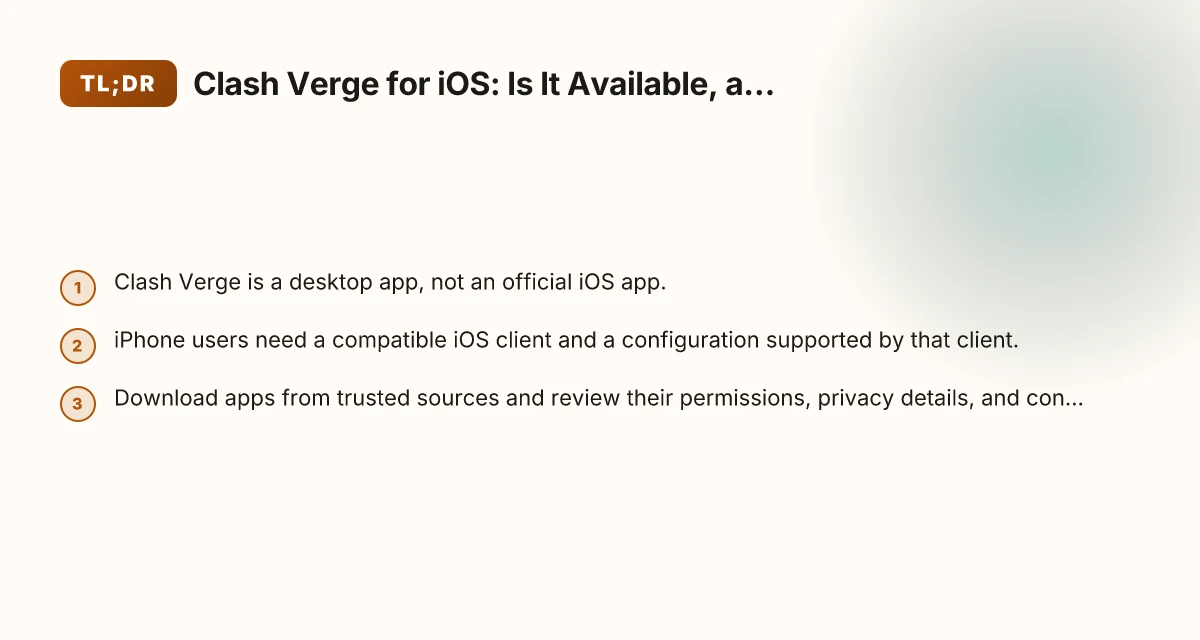
If you’re searching for Clash Verge for iOS, the key point is that Clash Verge is not an official iPhone or iPad app. It is a desktop client for managing proxy configurations, and its interface and installation packages are intended for desktop operating systems. To use a compatible proxy setup on iOS, choose an iPhone client that supports the configuration format and protocol you have, then import the settings through that client.

Platform and iOS compatibility
| Option | iPhone/iPad app | Uses Clash Verge itself | Typical role | Key consideration |
|---|---|---|---|---|
| Clash Verge | No official iOS version | Yes, on supported desktop systems | Desktop proxy client | Not an iPhone or iPad app |
| iOS proxy client | Depends on the app | No | Runs compatible proxy configurations | Check protocol and configuration support |
| Remote desktop access | No local iOS client setup | Uses Clash Verge on another device | Controls a desktop remotely | Desktop must remain available |
| VPN configuration | Uses iOS VPN features | No | Routes traffic through a compatible service | Setup depends on the provider |
| Manual proxy settings | Built into some network settings | No | Configures a supported proxy manually | Limited to supported proxy types |
Compiled November 2026; check the provider's site for current details.
Is Clash Verge available for iPhone or iPad?
Clash Verge is known as a graphical client for desktop systems. It provides a way to manage proxy profiles and related settings, but it does not offer an official iOS version that you can install on an iPhone or iPad.
Be cautious of websites, social media posts, or app listings that describe an unofficial download as “Clash Verge for iOS.” A similarly named app is not necessarily made by the Clash Verge developers, and installing configuration tools from unknown sources can expose your device or data to risk.
An iPhone also handles network apps differently from a desktop computer. iOS proxy clients generally rely on Apple’s network-extension features and require appropriate system permissions. A desktop installer or application package cannot simply be installed on iOS.
How to use a compatible setup on iOS
You do not necessarily need Clash Verge itself to use a proxy configuration on an iPhone. Instead, you need an iOS app that supports the protocols and configuration format used by your provider or server. Sites Blocked When Using VPN: Causes and Fixes
A typical setup looks like this:
- Choose a reputable iOS client from the App Store or the developer’s verified distribution channel.
- Check that the client supports your specific protocol and configuration format.
- Import a profile using the method the app supports, such as a configuration file, a subscription link, or manual entry.
- Review the profile details before enabling it.
- Follow the app’s instructions to approve any iOS network or VPN permission prompts.
The exact steps vary by app and configuration. A profile that works in Clash Verge on a computer may not work unchanged in every iPhone client. Some clients accept only certain formats, while others may require you to convert or recreate settings. Avoid converting sensitive configuration files through unknown websites, as those files can contain private server details or access credentials.
Comparing desktop and iOS options
The right choice depends on whether you need to manage configurations on a computer or connect through an iPhone.
| Option | Intended device | What it does | Best suited to |
|---|---|---|---|
| Clash Verge | Desktop computer | Manages compatible proxy profiles in a desktop interface | Users configuring supported setups on a computer |
| iOS proxy client | iPhone or iPad | Connects using profiles and protocols supported by that app | Users who need a compatible setup on iOS |
| Provider’s official app | Usually iPhone or iPad, depending on the provider | Offers a provider-specific connection and settings | Users who want the simplest supported setup |
These options are not interchangeable. A desktop client’s name, appearance, or feature set does not guarantee that an iOS app with a similar name is official or compatible. Confirm the app’s publisher and supported protocols instead of relying on branding alone. AxGate VPN Download: How to Find and Install the Official Client
Ways to use a compatible setup on iOS
| Approach | What you need | Where configuration runs | Best suited to | Main limitation |
|---|---|---|---|---|
| Compatible iOS client | An iOS app supporting your protocol | On the iPhone or iPad | Local, mobile use | App support varies |
| Provider’s iOS app | A provider account and its app | On the iPhone or iPad | Provider-managed setup | May not accept Clash-format files |
| Manual proxy setup | Proxy details and a supported network | In iOS settings | Simple supported proxies | Fewer configuration options |
| Remote desktop | A reachable computer running Clash Verge | On the computer | Accessing an existing desktop setup | Depends on computer availability |
| Separate desktop and iOS setups | Compatible clients for each platform | On each device | Using devices independently | Settings may need separate management |
Compiled November 2026; check the provider's site for current details.
What to check before choosing an iOS client
Before installing an app or importing a profile, make sure the client is suitable for your needs.
- Publisher: Verify the developer through the App Store listing or an official website. Be wary of copied names and unofficial download pages.
- Compatibility: Confirm that the client supports your protocol, profile format, and iOS version.
- Privacy: Read the app’s privacy information and understand what data it may collect or process.
- Permissions: A network-extension or VPN permission may be needed for the app to route traffic. Approve it only for an app you trust.
- Updates and support: Look for recent updates and clear documentation. An abandoned or poorly documented app may be difficult to troubleshoot.
- Configuration source: Use profiles or subscription links only from a provider or server administrator you trust. Treat them as sensitive credentials.
Remember that a proxy or VPN-style connection does not automatically make every online activity private. Your protection depends on the app, the configuration, the service operator, and the websites or services you use. Free VPNs That Change Location: What Works and What to Expect
Common questions
Can I install the desktop Clash Verge app on iOS?
No. Desktop application packages are not designed for iOS, and Clash Verge does not have an official iPhone or iPad version. Use a compatible iOS client instead.
Can I use the same profile on my computer and iPhone?
Possibly, but compatibility depends on the profile format and the client. Check whether your iOS app supports the profile as provided. If it does not, ask the profile provider for an iOS-compatible option rather than using an untrusted converter.
Is an app with “Clash Verge” in its name official?
Not necessarily. A similar name does not prove a relationship with the desktop project. Check the publisher and official project information before installing anything, and avoid profiles or apps offered through suspicious links.
What to check before choosing an iOS client How to Open an OVPN File on Windows, Mac, Linux, Android, and iPhone
| Check | What to confirm | Why it matters |
|---|---|---|
| Protocol support | The client supports your proxy protocol | Determines whether your setup can connect |
| Configuration format | Your configuration can be imported or recreated | Clash-format compatibility is not automatic |
| iOS compatibility | The app supports your iPhone or iPad and iOS version | Avoids installation or feature issues |
| VPN permissions | The app explains required iOS VPN access | iOS may require permission to route traffic |
| Privacy practices | Review the developer and privacy information | Helps assess how app and connection data are handled |
| Update status | Check recent maintenance and compatibility notes | Helps identify outdated or unsupported clients |
| Provider requirements | Confirm the service allows the chosen client | Some services require their own app or settings |
Compiled November 2026; check the provider's site for current details.
Recommendation
For iPhone or iPad, do not look for a desktop Clash Verge installer or assume that a similarly named app is official. Choose a reputable iOS client that explicitly supports your configuration, obtain the profile from a trusted source, and verify the app’s publisher and privacy details before connecting.