Thunder VPN PC: How to Use It on Windows and What to Know
Learn how to use Thunder VPN on a PC, explore safer setup options, and understand its limitations before connecting.
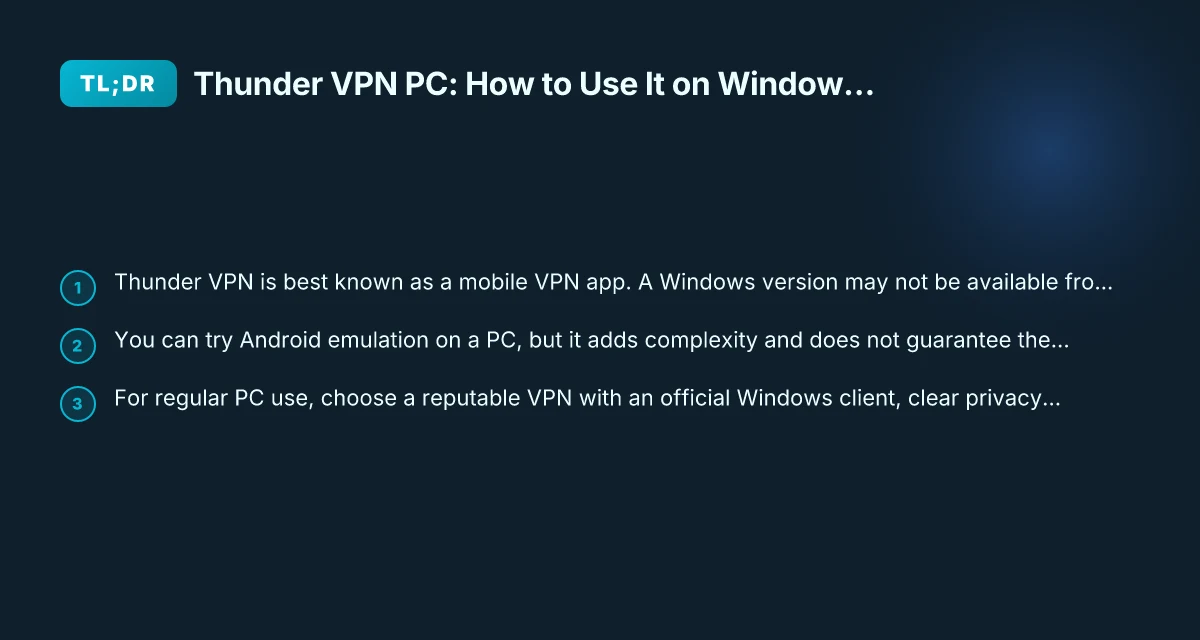
If you’re searching for Thunder VPN PC, you’re likely looking for a way to use Thunder VPN on a Windows computer. Thunder VPN is primarily associated with mobile devices, and availability of a dedicated Windows app can vary. Before downloading anything, check the developer’s official website or a trusted app store for a genuine PC version. If none is offered, an Android emulator is one possible workaround, but it comes with trade-offs.

Editor's pick: NordVPN — fast, secure VPN — Strong encryption, a no-logs policy and apps for every device. 30-day money-back guarantee. Get NordVPN →
Thunder VPN options for a Windows PC
| Option | Runs on Windows | How it works | Main advantage | Main limitation |
|---|---|---|---|---|
| Native Thunder VPN app | Not established | No verified Windows app identified | Direct setup if available | Check the official source |
| Android emulator | Supported through emulation | Runs the Android app in a virtual device | Uses the Android version | Adds software and setup steps |
| Different VPN with a Windows app | Depends on provider | Installs as a Windows application | Designed for PC use | Not Thunder VPN |
| Thunder VPN on Android phone | No PC connection by itself | Runs on an Android device | Uses the mobile app directly | Does not protect PC traffic |
| Thunder VPN on iPhone | No PC connection by itself | Runs on an iPhone | Uses the mobile app directly | Does not protect PC traffic |
| Browser proxy or extension | Separate option | Routes supported browser traffic | May be simple to configure | May not cover other PC apps |
Compiled November 2026; check the provider's site for current details.
| VPN | Obfuscation | From / month | Plan | Free plan | Refund | Alipay | UnionPay | Crypto | Website opens in China | Trustpilot | |
|---|---|---|---|---|---|---|---|---|---|---|---|
 ZoogVPN | Turn on manually Shadow | $2.49/mo | 27 months: $59.99 | Yes | 7 days | ✓ | ✓ | ✓ | ✓ | Official site blocked; our special link opens (4.4 s) | 4.2/5 (195 reviews) |
 NordVPN | Turn on manually Obfuscated Servers / NordWhisper | $3.49/mo | 27 months: $94.23 | No | 30 days | ? | ✗ | ✓ | ✓ | ✗ Blocked | 4.2/5 (51,628 reviews) |
 ExpressVPN | ✓ On by default all servers | $3.00/mo | 28 months: $84 | No | 30 days | ✗ | ✗ | ✓ | ✗ | ✗ Blocked | 4.4/5 (29,706 reviews) |
 Surfshark | ✓ On by default Camouflage, with OpenVPN | See site | See site | No | 30 days | ✗ | ✗ | ✗ | ✓ | ✗ Blocked | 4.3/5 (31,823 reviews) |
 Proton VPN | Turn on manually Stealth, free plan too | $2.99/mo | 12 months: $35.88 | Yes | 30 days | ✗ | ✗ | ✗ | ✓ | ✗ Blocked | 2.1/5 (1,040 reviews) |
 Astrill VPN | Turn on manually StealthVPN / OpenWeb | $12.50/mo | 24 months: $300 | No | See site | ✗ | ✗ | ✗ | ✓ | ✗ Blocked | 1.3/5 (110 reviews) |
 Private Internet Access | Turn on manually Shadowsocks, OpenVPN only | $2.03/mo | 40 months: $81.2 | No | 30 days | ✗ | ✗ | ✗ | ✗ | ✗ Blocked | 4.2/5 (11,033 reviews) |
 CyberGhost | Turn on manually selected servers | $2.19/mo | 28 months: $61.32 | No | 45 days | ✗ | ✗ | ✗ | ✓ | ✗ Blocked | 4.0/5 (24,178 reviews) |
 PureVPN | Turn on manually switch to OpenVPN | $1.69/mo | 60 months: $101.55 | No | 31 days | ? | ? | ✗ | ✓ | ✗ Blocked | 4.4/5 (17,994 reviews) |
 AdGuard VPN | ✓ On by default TrustTunnel | $2.99/mo | 24 months: $71.76 | Yes | 30 days | ✓ | ✗ | ✓ | ✓ | Official site blocked; our special link opens (3.7 s) | 4.3/5 (290 reviews) |
 Mullvad | Turn on manually QUIC / Shadowsocks / LWO | $5.61/mo | €5/mo | No | 14 days | ✗ | ✗ | ✗ | ✓ | ✗ Blocked | 3.2/5 (192 reviews) |
 Windscribe | Turn on manually Stealth / WStunnel | $5.75/mo | 12 months: $69 | Yes | See site | ✗ | ✗ | ✗ | ✓ | ✗ Blocked | 4.7/5 (13,355 reviews) |
 StrongVPN | Turn on manually Scramble, OpenVPN TCP | See site | See site | No | 30 days | ✓ | ✗ | ✗ | ✗ | ✗ Blocked | 4.4/5 (2,695 reviews) |
 LightXtreme 闪连 | Not listed | $7.08/mo | 12 months: $84.99 | Yes | 30 days | ✓ | ✓ | ✓ | ✓ | ✓ Yes (3.5 s) | No page |
Prices checked 2026-11-10 on each vendor's pricing page (cheapest long plan, USD). Check the vendor's checkout for the final price.
Obfuscation checked 2026-11-14 on each vendor's site and help center: "on by default" = nothing to set; "turn on manually" = switch protocol or mode in settings; "not listed" = the vendor describes no obfuscation.
Payment methods checked 2026-11-10 on each vendor's payment pages: all 14 take cards and PayPal; ✗ = not listed, ? = the vendor's own pages disagree.
China access: whether the official website opens from mainland China networks (tests the website only, not the VPN connection). Last checked 2026-11-18 01:02 Beijing time.
Trustpilot score and review count checked 2026-11-10.
Is Thunder VPN available for PC?
A VPN made for Android or iOS does not automatically have a Windows version. A website advertising “Thunder VPN for PC” may instead provide an Android installation file, an emulator-based guide, or a download from an unofficial source.
Check carefully before installing:
- Look for a Windows installer provided by the developer.
- Confirm the publisher and app name match the official listing.
- Review the app’s privacy policy, permissions, and update history.
- Avoid download pages that bundle extra software or require disabling security tools.
If there is no official Windows client, do not assume that a file labeled “Thunder VPN PC” is authentic or safe. An unofficial installer can expose your computer to malware or collect information without your knowledge.
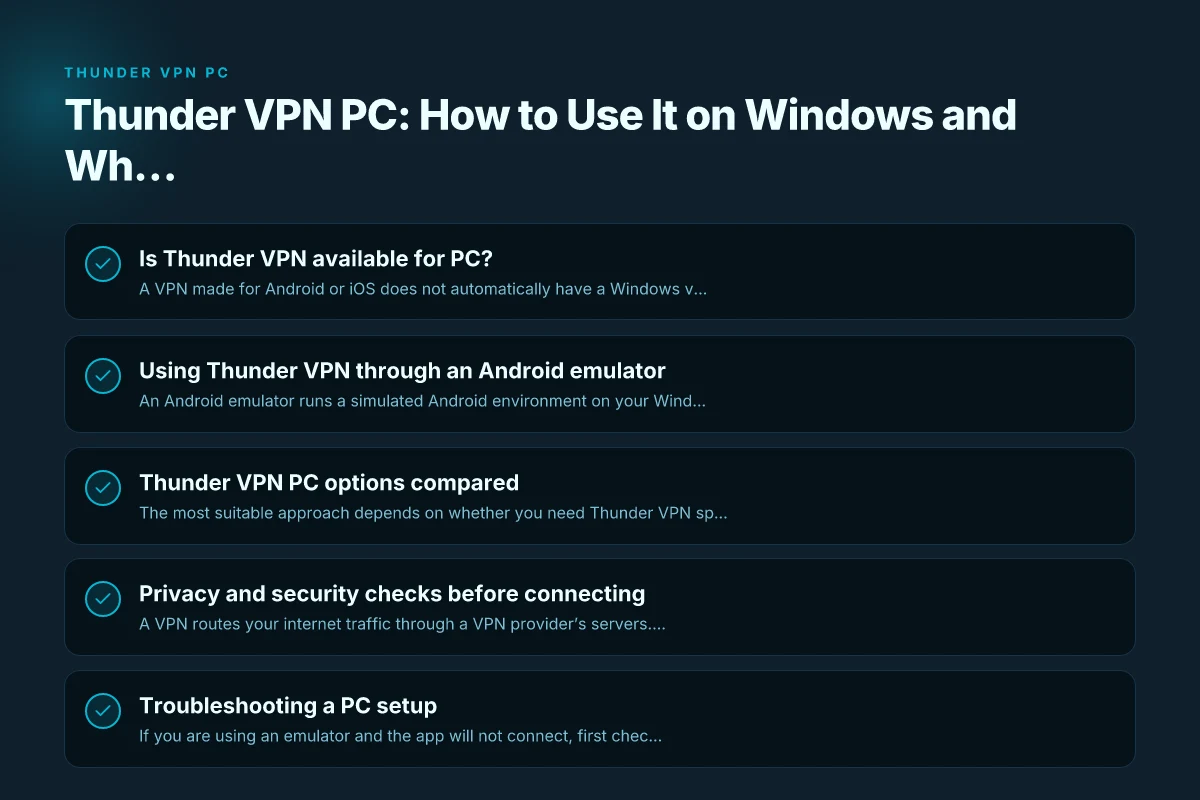
Using Thunder VPN through an Android emulator
An Android emulator runs a simulated Android environment on your Windows PC. If Thunder VPN is available in a legitimate Android app store, you may be able to install and run it inside the emulator. NordVPN Not Logging In? Practical Fixes to Restore Access
A general setup process is:
- Download an established emulator from its official website.
- Install it and complete its initial setup.
- Open the emulator’s app store and search for Thunder VPN.
- Check the publisher and listing details before installing.
- Connect to the VPN and test whether your traffic is routed as expected.
The exact steps depend on the emulator and the app’s current availability. Avoid downloading a standalone APK from an unfamiliar site just because it claims to be a PC version.
An emulator is not the same as a native Windows VPN. It can use more memory and processing power, and its network behavior may be less straightforward. Some apps may not work properly in emulators, and a VPN connection inside the simulated Android system may not protect every Windows application on the computer. Do not rely on this method for sensitive work without confirming how traffic is handled.
Thunder VPN PC options compared
The most suitable approach depends on whether you need Thunder VPN specifically or simply want a VPN on your computer. Ey remote connect VPN: How to Access EY Resources Securely
| Option | How it works | Main advantage | Main limitation |
|---|---|---|---|
| Official Windows app | Installs as a regular Windows program | Integrates directly with the computer | Available only if the provider offers one |
| Android emulator | Runs the mobile app in a simulated Android system | May let you use the mobile app on a PC | More complex; protection may not cover all Windows traffic |
| Different VPN with a Windows client | Uses a provider’s native PC software | Usually simpler to configure and manage | Requires choosing another service |
For most people, a native Windows client from a provider with transparent policies is the most practical option. It is generally easier to install, update, and configure than an emulator.
Compare ways to use Thunder VPN on or alongside a PC
| Choice | Setup effort | Covers Windows apps | Requires another device or software | Best suited to |
|---|---|---|---|---|
| Android emulator | Moderate | Only if traffic is routed through the emulator | Emulator software | Trying the Android app on PC |
| Android phone app | Low | No | Android phone | Protecting phone traffic |
| iPhone app | Low | No | iPhone | Protecting iPhone traffic |
| Native Windows VPN app | Low if available | Yes | Verified Windows app | Protecting PC traffic directly |
| Another Windows VPN provider | Low to moderate | Yes | Windows VPN software | A direct PC VPN connection |
| Browser-only proxy | Low | No | Browser support | Browser traffic only |
Compiled November 2026; check the provider's site for current details.
Privacy and security checks before connecting
A VPN routes your internet traffic through a VPN provider’s servers. This can help protect traffic on untrusted networks and change the apparent IP address websites see. It does not make you completely anonymous, prevent every kind of tracking, or replace antivirus software. What Is My VPN Location? How to Check and Understand It
Before choosing Thunder VPN, or any VPN, look for clear answers to these questions:
- Logging: What connection or activity data does the provider collect, and how long is it kept?
- Security: Which encryption and VPN protocols are supported?
- Leak protection: Does the app help prevent DNS or IP address leaks?
- Kill switch: Can it block internet access if the VPN connection drops?
- Ownership and support: Is the provider identifiable, and can you reach support?
- Updates: Is the app maintained and compatible with your version of Windows?
Free VPNs may be convenient, but “free” does not tell you how a service is funded or what data it collects. Read the privacy policy rather than relying only on marketing claims. Also remember that a VPN provider can see some information about connections passing through its network, so trust and transparency matter.
Troubleshooting a PC setup
If you are using an emulator and the app will not connect, first check whether the emulator itself has internet access. Restarting the emulator or switching to a different available server may help, but do not repeatedly install files from random sites to fix the issue.
For a native Windows VPN, common checks include: Show crypto IKEv2 sa: How to Check IKEv2 Security Associations on Cisco Devices
- Confirm that your Windows version is supported.
- Update the app from the provider’s official source.
- Check whether your firewall or security software is blocking the connection.
- Try another VPN protocol or server if the app provides those settings.
- Disconnect other VPNs or proxies that might conflict.
If problems continue, consult the provider’s official support materials. Avoid following instructions that ask you to disable essential Windows protections permanently.
Checks before connecting or troubleshooting a PC setup
| Check | What to look for | If it checks out | If it does not |
|---|---|---|---|
| App source | Official app listing or provider site | Install from that source | Avoid unofficial downloads |
| Windows support | Clear Windows compatibility details | Use the native app if offered | Consider an emulator or another provider |
| Emulator source | Reputable, official download | Install and update it | Do not use unknown installers |
| App permissions | Requests that match its purpose | Review before granting | Decline or investigate unexpected requests |
| Privacy information | Clear policy and data practices | Decide whether they meet your needs | Avoid sharing sensitive data |
| Connection status | App reports a connected state | Test the connection | Reconnect or check settings |
| Traffic coverage | Whether PC apps use the VPN tunnel | Use only for covered traffic | Do not assume all Windows traffic is protected |
Compiled November 2026; check the provider's site for current details.
Recommendation
Thunder VPN PC may be possible through an Android emulator if the app is available from a trustworthy source, but it is not a substitute for a verified Windows client. For reliable protection across your computer, choose a VPN provider that offers an official Windows app, publishes clear privacy information, and explains its security features. FortiGate Client VPN: Setup, Configuration, and Troubleshooting