Proton VPN Free: What You Get and Whether It’s Worth Using
Learn what Proton VPN Free includes, its limits, privacy features, and when upgrading may make sense.
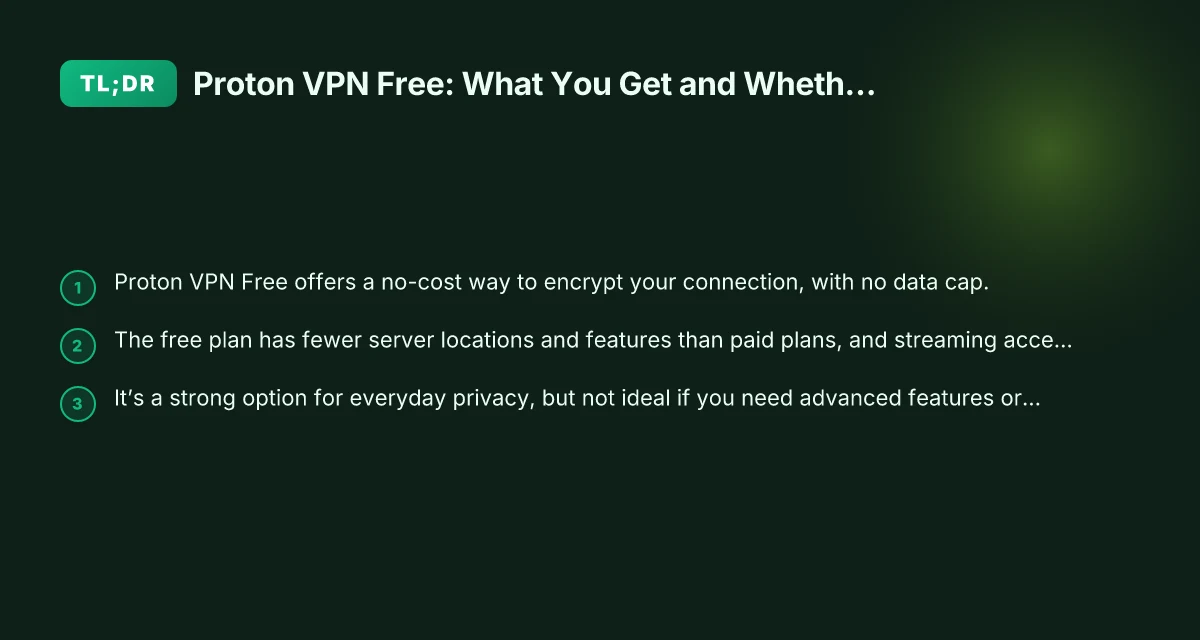
Proton VPN Free is a legitimate free VPN plan for people who want to encrypt their internet traffic without paying a subscription. Its standout advantage is unlimited data, so you can use it regularly without tracking a monthly allowance. The trade-off is a more limited selection of servers and features than Proton VPN’s paid plans. Whether it suits you depends on what you need a VPN to do.

Editor's pick: NordVPN — fast, secure VPN — Strong encryption, a no-logs policy and apps for every device. 30-day money-back guarantee. Get NordVPN →
Compare Proton VPN Free with paid plans
| Feature | Free plan | Paid plans |
|---|---|---|
| Price | Free | Paid subscription |
| Data allowance | Unlimited | Unlimited |
| Server access | Limited locations | More locations |
| Server selection | Limited | Broader choice |
| Connection options | Fewer simultaneous connections | More simultaneous connections |
| Streaming access | Not guaranteed | Better access, not guaranteed |
| P2P support | Not supported | Supported on selected servers |
| Ads in the app | No | No |
Compiled November 2026; check the provider's site for current details.
| VPN | Obfuscation | From / month | Plan | Free plan | Refund | Alipay | UnionPay | Crypto | Website opens in China | Trustpilot | |
|---|---|---|---|---|---|---|---|---|---|---|---|
 Proton VPN | Turn on manually Stealth, free plan too | $2.99/mo | 12 months: $35.88 | Yes | 30 days | ✗ | ✗ | ✗ | ✓ | ✗ Blocked | 2.1/5 (1,040 reviews) |
 ZoogVPN | Turn on manually Shadow | $2.49/mo | 27 months: $59.99 | Yes | 7 days | ✓ | ✓ | ✓ | ✓ | Official site blocked; our special link opens (4.4 s) | 4.2/5 (195 reviews) |
 NordVPN | Turn on manually Obfuscated Servers / NordWhisper | $3.49/mo | 27 months: $94.23 | No | 30 days | ? | ✗ | ✓ | ✓ | ✗ Blocked | 4.2/5 (51,628 reviews) |
 ExpressVPN | ✓ On by default all servers | $3.00/mo | 28 months: $84 | No | 30 days | ✗ | ✗ | ✓ | ✗ | ✗ Blocked | 4.4/5 (29,706 reviews) |
 Surfshark | ✓ On by default Camouflage, with OpenVPN | See site | See site | No | 30 days | ✗ | ✗ | ✗ | ✓ | ✗ Blocked | 4.3/5 (31,823 reviews) |
 Astrill VPN | Turn on manually StealthVPN / OpenWeb | $12.50/mo | 24 months: $300 | No | See site | ✗ | ✗ | ✗ | ✓ | ✗ Blocked | 1.3/5 (110 reviews) |
 Private Internet Access | Turn on manually Shadowsocks, OpenVPN only | $2.03/mo | 40 months: $81.2 | No | 30 days | ✗ | ✗ | ✗ | ✗ | ✗ Blocked | 4.2/5 (11,033 reviews) |
 CyberGhost | Turn on manually selected servers | $2.19/mo | 28 months: $61.32 | No | 45 days | ✗ | ✗ | ✗ | ✓ | ✗ Blocked | 4.0/5 (24,178 reviews) |
 PureVPN | Turn on manually switch to OpenVPN | $1.69/mo | 60 months: $101.55 | No | 31 days | ? | ? | ✗ | ✓ | ✗ Blocked | 4.4/5 (17,994 reviews) |
 AdGuard VPN | ✓ On by default TrustTunnel | $2.99/mo | 24 months: $71.76 | Yes | 30 days | ✓ | ✗ | ✓ | ✓ | Official site blocked; our special link opens (3.7 s) | 4.3/5 (290 reviews) |
 Mullvad | Turn on manually QUIC / Shadowsocks / LWO | $5.61/mo | €5/mo | No | 14 days | ✗ | ✗ | ✗ | ✓ | ✗ Blocked | 3.2/5 (192 reviews) |
 Windscribe | Turn on manually Stealth / WStunnel | $5.75/mo | 12 months: $69 | Yes | See site | ✗ | ✗ | ✗ | ✓ | ✗ Blocked | 4.7/5 (13,355 reviews) |
 StrongVPN | Turn on manually Scramble, OpenVPN TCP | See site | See site | No | 30 days | ✓ | ✗ | ✗ | ✗ | ✗ Blocked | 4.4/5 (2,695 reviews) |
 LightXtreme 闪连 | Not listed | $7.08/mo | 12 months: $84.99 | Yes | 30 days | ✓ | ✓ | ✓ | ✓ | ✓ Yes (3.5 s) | No page |
Prices checked 2026-11-10 on each vendor's pricing page (cheapest long plan, USD). Check the vendor's checkout for the final price.
Obfuscation checked 2026-11-14 on each vendor's site and help center: "on by default" = nothing to set; "turn on manually" = switch protocol or mode in settings; "not listed" = the vendor describes no obfuscation.
Payment methods checked 2026-11-10 on each vendor's payment pages: all 14 take cards and PayPal; ✗ = not listed, ? = the vendor's own pages disagree.
China access: whether the official website opens from mainland China networks (tests the website only, not the VPN connection). Last checked 2026-11-18 01:02 Beijing time.
Trustpilot score and review count checked 2026-11-10.
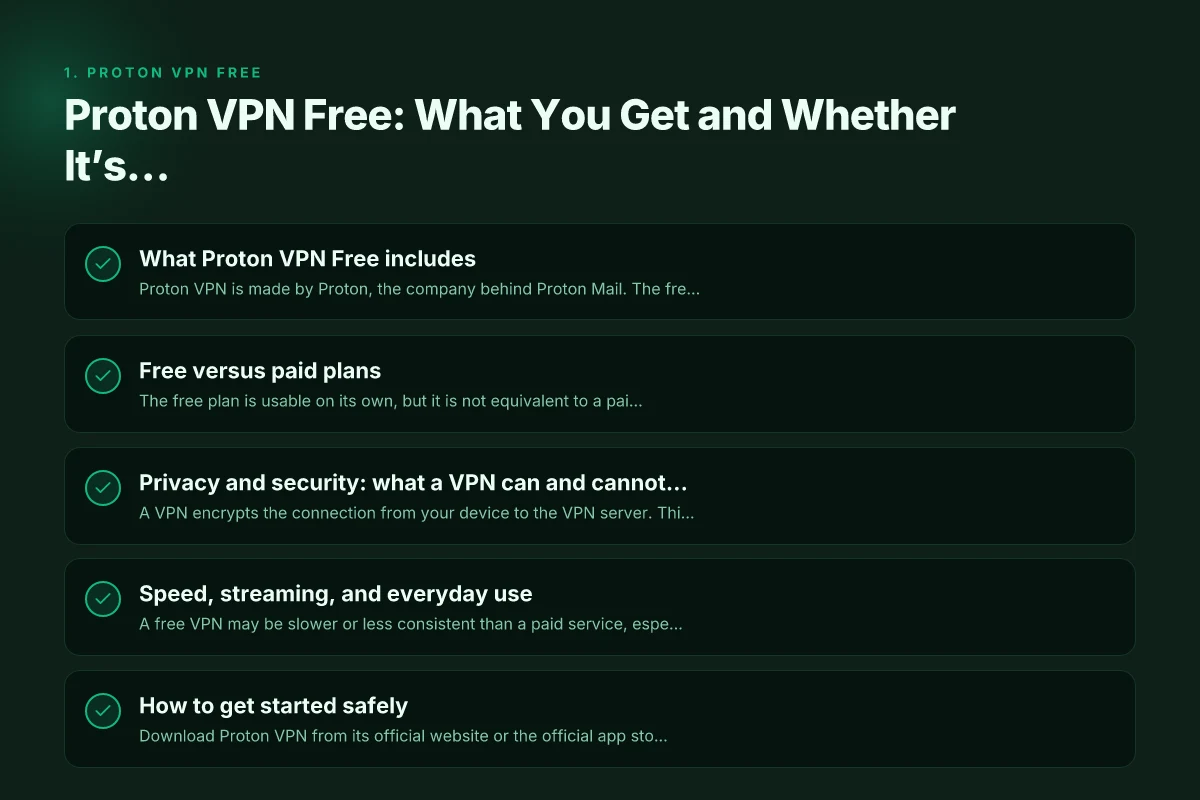
What Proton VPN Free includes
Proton VPN is made by Proton, the company behind Proton Mail. The free plan is designed for basic privacy and secure browsing, rather than providing every feature available to subscribers.
Its main benefit is that it encrypts your connection between your device and the VPN server. This can help protect traffic from people on the same public Wi-Fi network, such as at a café or airport. It also hides your usual IP address from the websites you visit, replacing it with the address of the VPN server.
Proton VPN Free does not impose a monthly data cap. That makes it more practical for regular browsing than free VPNs that stop working or require payment after a small allowance.
The precise number of available locations, connection options, and other plan details can change. Check Proton VPN’s current plan page and app for up-to-date information before signing up. Brawl Stars Bot Lobby VPN Free PC: What Players Should Know
Free versus paid plans
The free plan is usable on its own, but it is not equivalent to a paid subscription. Paid plans generally provide broader server access and more capabilities. The comparison below summarizes the main differences. Exact features can change over time.
| Feature | Proton VPN Free | Paid Proton VPN plans |
|---|---|---|
| Price | No subscription fee | Subscription required |
| Data allowance | Unlimited | Unlimited |
| Server access | Limited selection | More locations and servers |
| Streaming access | Not guaranteed | More options, depending on service and location |
| Advanced features | More limited | Broader set of features and connection choices |
| Best suited to | Everyday privacy and occasional secure browsing | Greater location choice and more demanding use |
A free plan’s limited server selection can matter if you need an IP address in a particular country. It can also mean fewer choices when a server is busy. Paid plans are worth considering if you frequently travel, rely on a specific region, or need more flexibility.
Privacy and security: what a VPN can and cannot do
A VPN encrypts the connection from your device to the VPN server. This is useful on public Wi-Fi and can make it harder for a local network operator to see the contents of your VPN-protected traffic. Websites you visit will generally see the VPN server’s IP address rather than your regular one.
That protection has limits. A VPN does not make you anonymous, prevent every form of tracking, or protect you from malware and phishing. Websites can still recognize you through account logins, browser settings, cookies, and other signals. You should continue to use strong, unique passwords, keep your devices updated, and be cautious with links and downloads. FortiClient VPN Connection Failed. Please Check Your Configuration: How to Fix It
Proton VPN promotes privacy-focused policies and security features. Review its current privacy policy and app settings to understand what applies to the plan and device you use. For greater confidence, look for clear documentation about logging, audits, and how the service handles legal requests. No VPN can promise that every online activity is invisible.
What a VPN can—and cannot—do
| Concern | Proton VPN can help | It cannot guarantee |
|---|---|---|
| Connection privacy | Encrypt traffic between your device and VPN server | Privacy beyond the VPN connection |
| IP address | Replace the IP address websites see with the server’s IP | Anonymity |
| Public Wi-Fi | Protect traffic from local network snooping | Safety if your device is compromised |
| Internet provider | Hide visited-site details from your provider | Hide that you are using a VPN |
| Tracking | Reduce exposure of your real IP address | Stop cookies or account-based tracking |
| Malware | No built-in VPN connection can remove malware | Protection from all malicious files or sites |
| Streaming | Change the apparent connection location | Access to every streaming service |
Compiled November 2026; check the provider's site for current details.
Speed, streaming, and everyday use
A free VPN may be slower or less consistent than a paid service, especially when many people are using the same available servers. Your results also depend on your internet connection, distance to the server, device, and time of day. Encryption can add some overhead, though the effect varies. Connect VPN Without Download: Browser and Built-In Options
For basic activities, checking email, browsing, and using public Wi-Fi, Proton VPN Free may be more than adequate. Test it on your own connection to see whether pages load and calls remain stable.
Streaming is less predictable. Streaming platforms often block VPN server addresses, and a free plan may not offer the location choices or server capacity you need. Do not assume that installing Proton VPN Free will unlock a particular show or subscription library. If streaming from specific countries is a priority, compare the current paid-plan features and check the service’s terms.
How to get started safely
Download Proton VPN from its official website or the official app store for your device. Avoid unofficial downloads, which can expose you to modified or malicious software.
Once you install the app: Norton VPN APK for Firestick: What to Know Before You Install
- Create an account and select the free plan.
- Sign in and connect to an available server.
- Turn on useful protection settings, such as the kill switch, if they are available on your device and plan.
- Check that the VPN shows as connected before using public Wi-Fi for sensitive tasks.
- Disconnect or change servers if you experience slow speeds or connection problems.
A kill switch can block internet access if the VPN connection unexpectedly drops, depending on how it is configured. It is not a substitute for checking that the VPN is active. Also, remember that a VPN cannot secure a device that is already compromised.
Is Proton VPN Free right for you?
Proton VPN Free is a good fit if you want a reputable no-cost VPN for general browsing and occasional use on public networks, and you value an unlimited data allowance. It is also a sensible way to try Proton VPN’s apps before deciding whether a subscription is worthwhile.
It may not suit you if you need many country choices, dependable streaming access, or the broader feature set of a paid service. In those cases, compare paid plans and read the current terms carefully. Avoid choosing an unknown free VPN solely because it promises more locations or faster speeds. Check its privacy practices and business model first.
Decide whether Proton VPN Free fits your needs My IP ExpressVPN: How to Check Your IP Address and Fix Connection Issues
| Your priority | Free plan fit | What to consider |
|---|---|---|
| No-cost VPN use | Good | Free plan has no subscription charge |
| Avoiding data caps | Good | Data allowance is unlimited |
| Basic browsing privacy | Good | A VPN does not provide complete anonymity |
| Choosing a specific country | Limited | Free locations are restricted |
| Connecting multiple devices | Limited | Paid plans allow more simultaneous connections |
| Streaming reliably | Uncertain | Service access can vary |
| P2P file sharing | Poor | Free plan does not support P2P |
| Easy setup | Good | Download only from Proton’s official site or app stores |
Compiled November 2026; check the provider's site for current details.
Recommendation
Try Proton VPN Free if your priority is basic, ongoing VPN protection without a data cap. Treat it as a practical privacy tool, not a guarantee of anonymity or a reliable way to bypass every regional restriction. If you regularly need specific locations, streaming support, or more advanced options, review Proton VPN’s current paid plans before upgrading.