Clash Verge on iPhone: What Works and What to Use Instead
Clash Verge is not available for iPhone, but compatible Clash clients can provide similar proxy features.
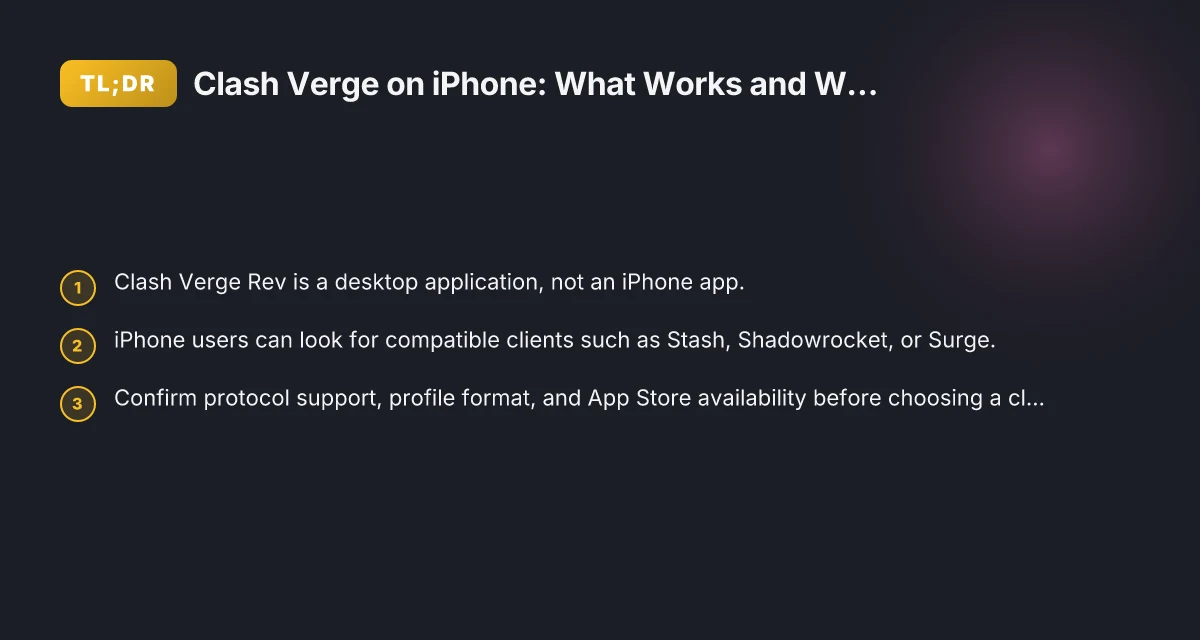
If you’re searching for Clash Verge on iPhone, the key point is that Clash Verge Rev does not have an official iOS version. It is designed for desktop operating systems, so you can’t install the desktop app directly on an iPhone. To use a compatible proxy or rule-based network configuration on iOS, you’ll need a separate iPhone app that supports your configuration and connection protocols.

iPhone compatibility and setup at a glance
| Option | Runs on iPhone | Uses Clash Verge directly | What you need | Best for |
|---|---|---|---|---|
| Clash Verge | No | — | A different client | Desktop use |
| Compatible iPhone client | Yes | No | App and compatible configuration | iPhone use |
| Configuration subscription | Not by itself | No | A compatible client | Updating server details |
| Configuration file | Not by itself | No | A compatible client | Manual import |
| App Store client | Yes, if compatible | No | App and configuration | Guided installation |
| Manually installed client | Depends on availability | No | Supported installation method | Advanced users |
Compiled November 2026; check the provider's site for current details.
Is Clash Verge available for iPhone?
Clash Verge Rev is a graphical client built around Clash-compatible proxy software. Its desktop features and interface are not packaged as a native iOS app. An iPhone also cannot run the usual Windows, macOS, or Linux version of the program.
Be cautious of websites or app listings that claim to offer an official “Clash Verge for iOS” download. Check the developer and project’s official channels before installing anything. Avoid configuration apps or installation files from unfamiliar sources, especially if they request unnecessary access or ask you to install a profile you do not understand.
The absence of a Clash Verge iPhone app does not necessarily mean you cannot use a compatible proxy service on iOS. It means you need an iOS client that supports the relevant protocol and configuration format.
iPhone alternatives to Clash Verge
Several iOS network tools can handle proxy configurations, but their features, pricing, and protocol support differ. Availability can also vary by country and change over time. Clash Verge for iOS: Is It Available, and What Can You Use Instead?
| iOS app | What to check | Best suited for |
|---|---|---|
| Stash | Supported protocols, rule formats, and subscription compatibility | Users who want a feature-rich client |
| Shadowrocket | Protocol support and whether your provider’s profile imports correctly | Users looking for a dedicated proxy client |
| Surge | Supported protocols, configuration options, and price | Advanced users who want detailed network controls |
| Other compatible clients | Current App Store listing and profile support | Users whose provider recommends a particular app |
These apps are alternatives, not iOS versions of Clash Verge. Their interfaces and features may differ, and no single client works with every proxy provider or configuration.
Before paying for an app, check its current App Store listing and documentation. Confirm that it supports the protocol your service uses and can import the type of profile you have, such as a subscription link or configuration file.
Choosing an iPhone client
| Criterion | What to check | Why it matters | Good sign |
|---|---|---|---|
| iOS availability | Works on your iPhone and iOS version | Avoids installation issues | Listed as compatible |
| Configuration support | Accepts your file or subscription | Determines whether your setup can be imported | Format is explicitly supported |
| Protocol support | Supports your service’s connection type | A client may not support every setup | Your protocol is listed |
| Update method | Refreshes subscriptions or imports files | Keeps connection details current | Clear update controls |
| Privacy | Review permissions and provider details | A network app handles sensitive traffic | Trustworthy source |
| Troubleshooting | Check help and error details | Makes setup problems easier to diagnose | Clear documentation |
Compiled November 2026; check the provider's site for current details. Sites Blocked When Using VPN: Causes and Fixes
How to choose an iPhone client
Start with your provider’s instructions. Many services identify the iOS apps they support and explain which profile format to use. Following those recommendations is usually easier than trying to adapt a desktop configuration yourself.
Check these points before installing:
- Protocol support: Make sure the client supports the connection protocol used by your service.
- Profile format: Confirm it can import your subscription link or configuration file.
- Rules and features: Check whether you need routing rules, DNS options, or other advanced controls.
- Price and availability: Review the current price, in-app purchases, and regional App Store availability.
- Privacy and trust: Read the developer information and use official sources for the app and its documentation.
A configuration that works in Clash Verge Rev may not work unchanged in an iPhone client. Desktop and mobile apps can support different features, and some settings may need to be converted or removed. If the import fails, ask your provider for an iOS-specific profile rather than changing unfamiliar settings at random.
How to set up a compatible app
Once you have chosen a client, use the provider’s setup guide and the app’s official instructions. The general process is usually straightforward, although the exact steps and labels vary. AxGate VPN Download: How to Find and Install the Official Client
- Install the app from the official Apple App Store listing.
- Obtain the profile, subscription link, or configuration file from your provider.
- Import it using the app’s documented method.
- Review the profile and confirm it is from a source you trust.
- Connect and approve the iOS VPN configuration request if prompted.
- Test the connection and check that the services you need work as expected.
An iOS proxy client may use Apple’s VPN configuration framework to route network traffic. That permission is part of how the app connects. It does not mean the app is made by Apple or by the Clash Verge developers. Approve the request only when you understand which app is creating the configuration and why.
If a profile requests credentials, use only the login details supplied by your provider. Do not paste a private subscription link into a public forum or an unfamiliar website: anyone with access to that link may be able to use or inspect the configuration.
Common problems and fixes
The profile will not import
The profile may use a format or feature that the iPhone app does not support. Check the app’s documentation and ask your provider for a compatible iOS profile. Avoid downloading converters from untrusted sites, since configuration files can contain sensitive server details.
The app connects, but traffic does not work
Check that the selected server is available and that the app is using the intended profile. If your setup depends on particular DNS or routing rules, verify that the iOS client supports them. Switching between Wi-Fi and cellular data can also help identify whether the issue is network-specific. Free VPNs That Change Location: What Works and What to Expect
The app is missing from your App Store
App availability can differ by region and may change. Check the developer’s official site or support pages for current guidance. Do not assume that unofficial installation instructions are safe or equivalent to installing a verified App Store app.
Common setup problems and fixes
| Problem | Likely cause | What to try | When to seek help |
|---|---|---|---|
| App is unavailable | Not offered for your device or region | Check the developer’s official guidance | No supported installation route |
| Configuration will not import | Unsupported format or invalid file | Confirm format and obtain a fresh configuration | Import still fails |
| Subscription does not update | Link or network issue | Check the link and reconnect | Link appears valid but fails |
| Connection does not start | Missing details or unsupported settings | Recheck the selected profile and configuration | Errors continue |
| Connection is slow | Network or server conditions | Try another network or available server | Slowness persists |
| App behaves unexpectedly | Outdated app or iOS version | Check for official updates and restart | Problem remains after updating |
Compiled November 2026; check the provider's site for current details.
Recommendation
You cannot install Clash Verge Rev directly on an iPhone. Choose a reputable iOS client, such as Stash, Shadowrocket, or Surge, only after confirming that it supports your provider’s protocol and profile format. For the simplest setup, use the iPhone app and configuration recommended by your provider, and avoid unofficial downloads claiming to be Clash Verge for iOS. How to Open an OVPN File on Windows, Mac, Linux, Android, and iPhone